
In the rapidly evolving landscape of generative AI, the Grok Imagine series has emerged as a powerful solution for creators, offering seamless workflows for both generating visuals from scratch and editing existing assets. Whether utilizing the standard Grok Imagine Image or the advanced Grok Imagine Image Pro, users have access to a versatile suite of tools designed for high-fidelity artistic output.
1. High-Fidelity Text-to-Image Generation
The Grok Imagine series excels at interpreting complex, descriptive prompts to create detailed original artwork.
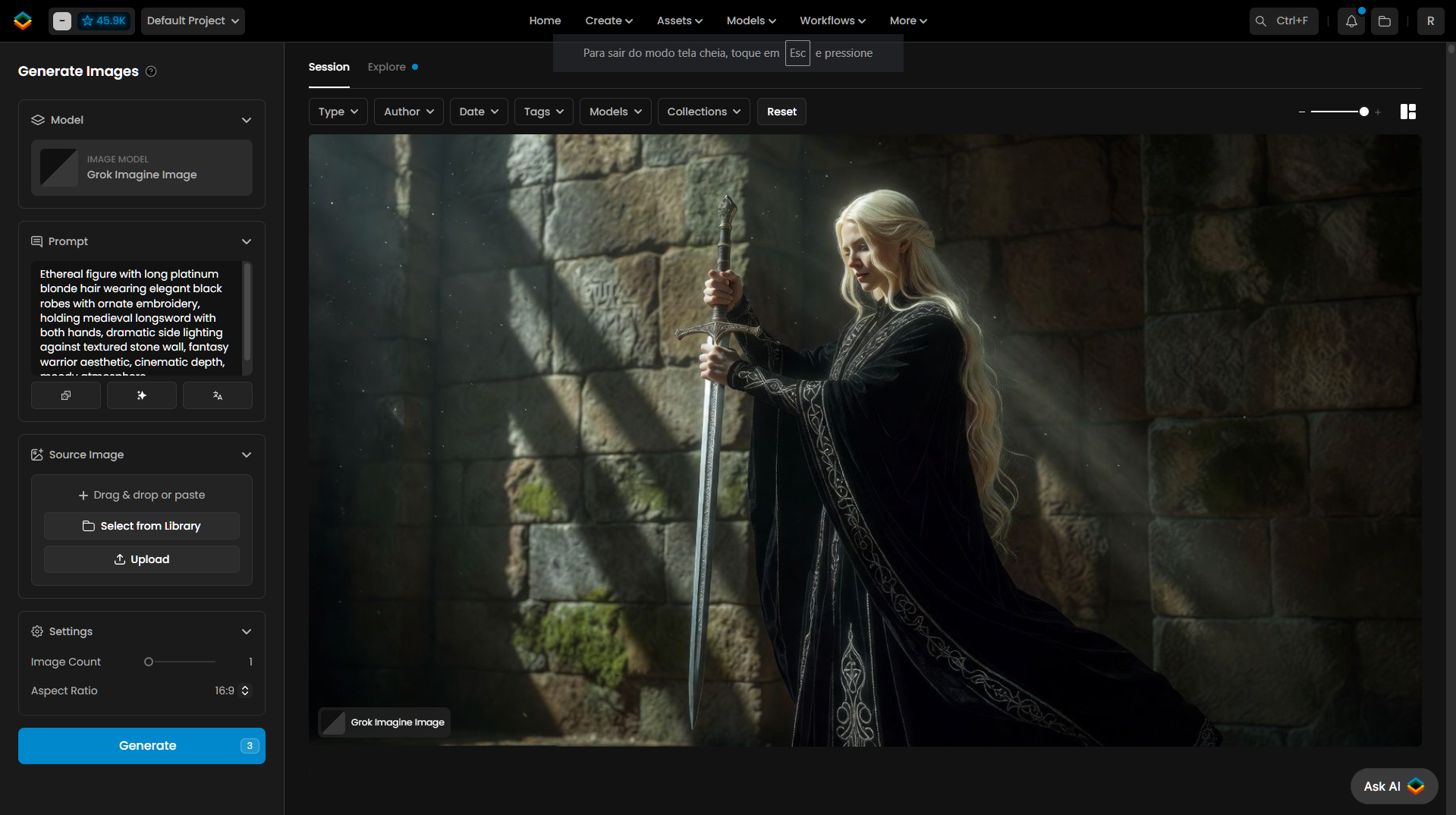
Cinematic Detail: The model can handle highly specific descriptions to build rich scenes. For example, a prompt requesting an "ethereal figure with long platinum blonde hair" wearing "elegant black robes with ornate embroidery" and holding a "medieval longsword" in "dramatic side lighting" will result in a detailed, atmospheric composition.
Aesthetic Control: Users can further refine the visual outcome by embedding stylistic keywords directly into the prompt, such as specifying a "fantasy warrior aesthetic" to achieve a distinct moody atmosphere.
2. Comprehensive Aspect Ratio Control
A critical feature for modern creators is the ability to format content for diverse platforms right from the generation stage. The Grok Imagine series offers an extensive range of aspect ratios to suit almost any medium.
Versatile Options: Beyond the standard 1:1 square, the menu provides a wide array of choices. These include wide cinematic formats like 2:1 and 16:9, standard photography ratios like 4:3 and 3:2, and portrait orientations suited for mobile and social feeds, such as 3:4, 2:3, and 9:16.
3. Transforming Assets via Image-to-Image Editing
Beyond initial creation, these models offer robust Image-to-Image capabilities, allowing users to modify existing visuals with remarkable consistency using instructional prompts.
Element Transformation: By uploading a source image, users can direct the AI to alter specific components without losing the original context. For instance, an instruction to "change fire in ice" on an image of a character holding a flaming sword will transform the weapon's elemental effect into ice while leaving the character's pose and appearance untouched.
Source Management: The interface simplifies the iterative process by allowing users to drag and drop assets, upload new files, or select images directly from their existing library to act as the foundation for a new edit.
4. Comparing Standard vs. Pro Capabilities
While both models provide high-quality results, the Grok Imagine Image Pro version offers distinct advantages tailored for professional-grade output.
Resolution Enhancements: The Pro model features an exclusive dedicated setting for Resolution, supporting high-fidelity 2K outputs for projects requiring maximum detail.
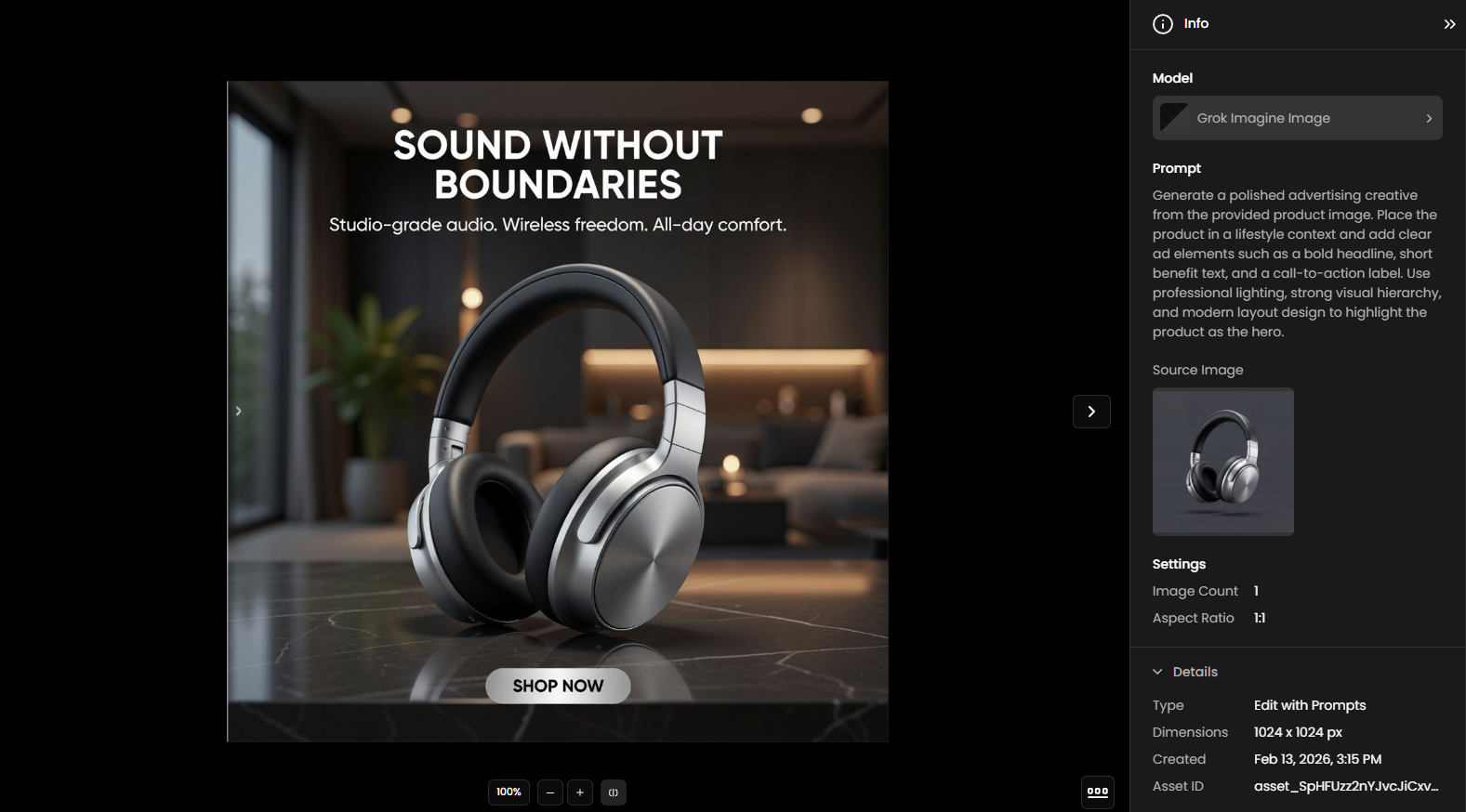
Workflow Continuity: Both versions ensure accountability and traceability for professional teams by providing full metadata for every generated asset. This includes the specific model used, the prompt, image dimensions, creation date, and a unique Asset ID.
Was this helpful?