

What is Image Slicer?
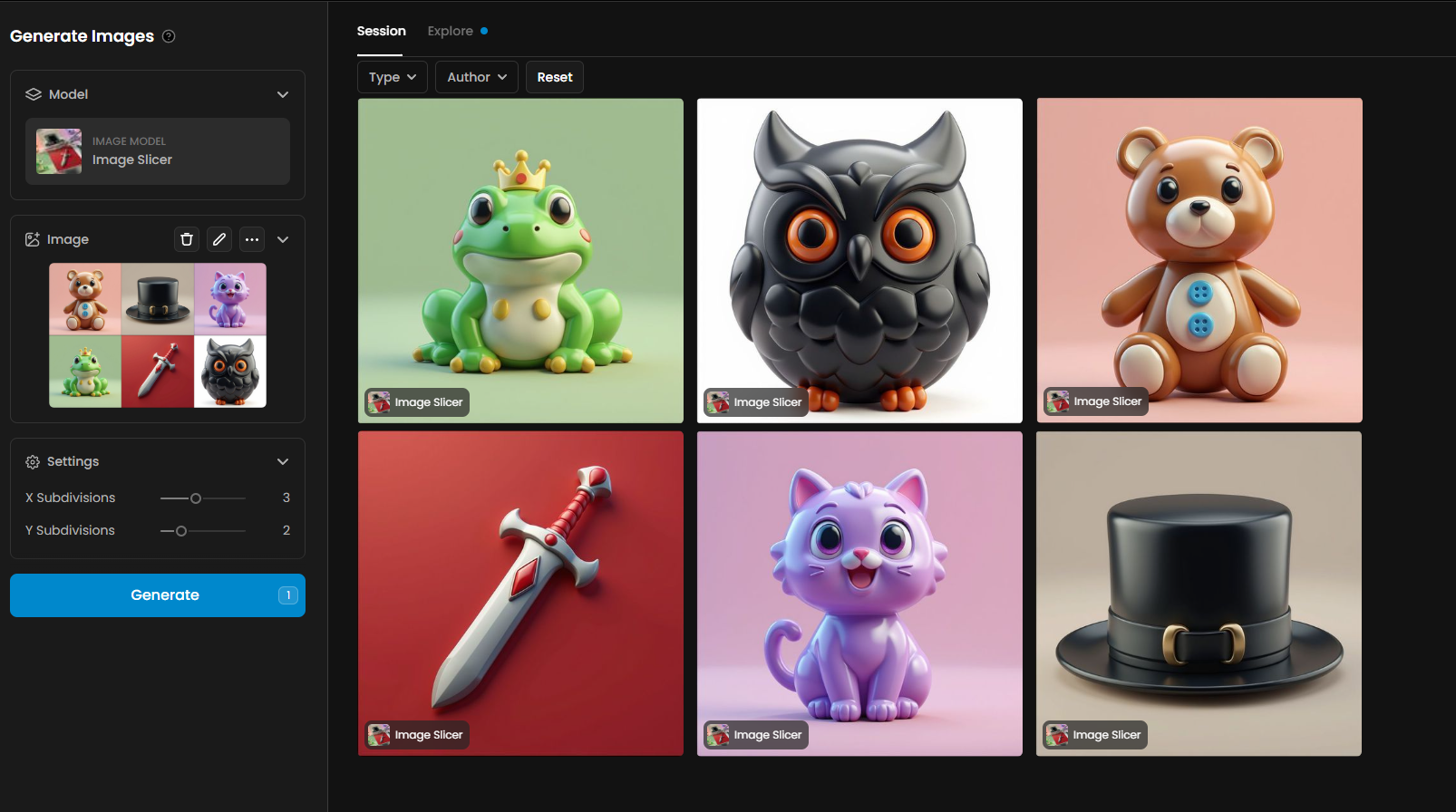
Image Slicer breaks a single image into a grid of equal parts, saving each tile as a separate file. This is useful for preparing spritesheets, splitting large backgrounds into tiles, or extracting individual elements for design layouts. Images are always divided into exactly equal parts, even if that means generating more tiles than requested.
How to Use Image Slicer
Upload your image – open the Image Slicer tool and choose the picture you want to divide. High‑resolution images produce cleaner tiles.
Set subdivisions – specify how many divisions you want along the horizontal (X) and vertical (Y) axes. For example, 3×3 yields nine equal tiles. Many grid tools allow you to enter numbers directly or use arrows to adjust.
Generate slices – click the generate button. The tool cuts the image into equally sized parts and saves each slice as an individual file.
Download your tiles – you can download each tile separately or as a zipped archive.
Tips & Best Practices
Match your game or design grid. When preparing spritesheets or tile‑based backgrounds, choose subdivisions that align with your game engine’s grid. This avoids rescaling later.
Check aspect ratio. Ensure the original image’s aspect ratio divides cleanly into your chosen grid to avoid slight size mismatches.
Plan for extra tiles. Some slicers may generate additional tiles to maintain equal sizes. Be prepared to discard unused slices.
Organise your files. If filenames include their grid positions, use these indices to automate loading tiles in your projects.
Practical Examples
1. Separating Spritesheet Frames
Description
This example demonstrates the extraction of individual animation frames from a compiled spritesheet. The model slices the source image into equal segments, producing clean, isolated frames ready for use in animation systems, editors or game engines. The resulting set preserves the original sequence, ensuring smooth reconstruction of the run cycle.

Details and Settings Used
X Subdivisions: 4
Y Subdivisions: 2
Total Frames: 8
2. Extracting Scene Panels
Description
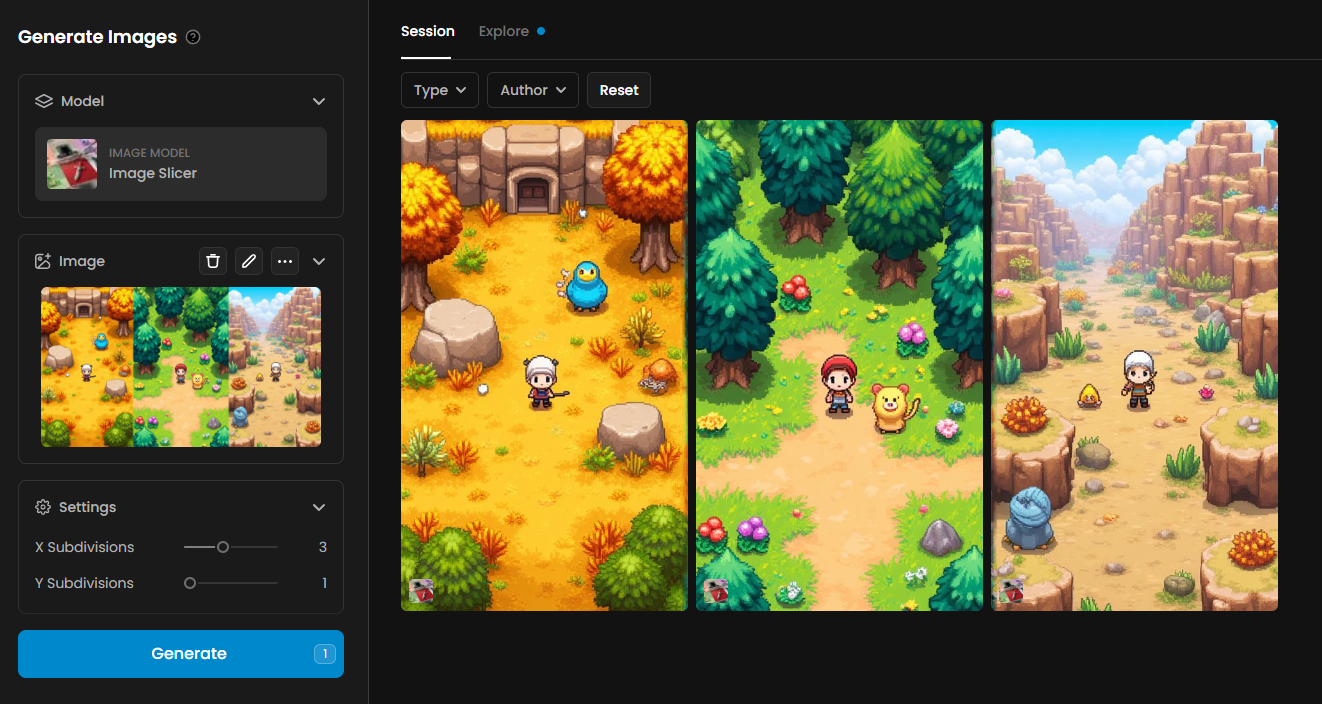
This example shows how the model isolates multiple scene panels from a wide composite image. By slicing the source into equal vertical sections, each environment is extracted as an independent artwork. This workflow is useful for separating level concepts, background variations or storyboard-style scene layouts.
Details and Settings Used
X Subdivisions: 3
Y Subdivisions: 1
Total Panels: 3
Was this helpful?