
The release of Kling V3 by Kuaishou on Scenario marks a pivotal shift from generating single clips to directing full cinematic sequences. With its advanced physics and high-fidelity motion, Kling V3 allows creators to maintain unprecedented consistency across multiple scenes, making it a cornerstone for professional AI video production.
The Kling V3 Model Family
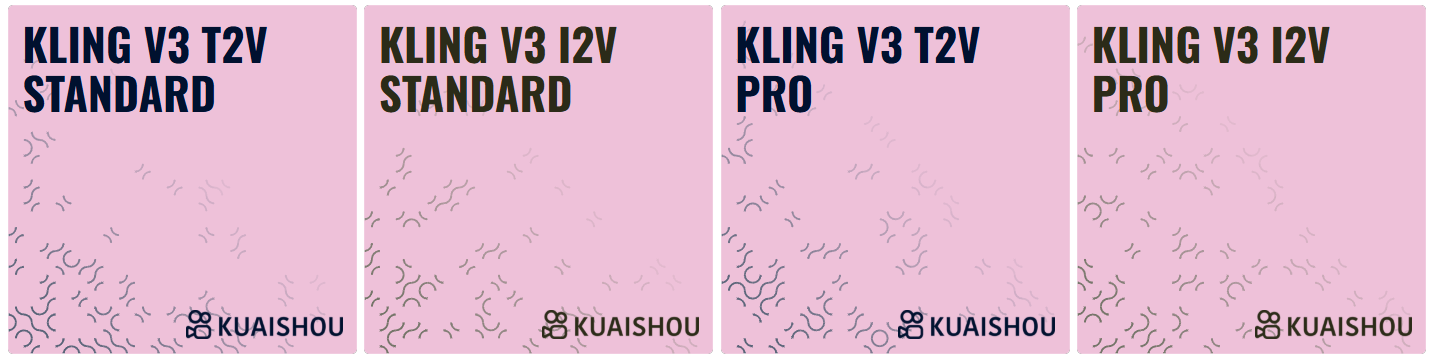
The ecosystem is composed of four specialized models designed to handle different entry points and quality requirements:
Kling V3 T2V Standard: Optimized for high-speed text-to-video generation and rapid prototyping.
Kling V3 I2V Standard: Standard image-to-video animation with reliable structural adherence to the source.
Kling V3 T2V Pro: The professional tier for text-to-video, featuring superior physics, lighting, and cinematic textures.
Kling V3 I2V Pro: The highest-quality image-to-video model, designed for "hero" assets that require flawless detail preservation and complex motion.
The Multi-Prompt Revolution: Directing Sequences
The most transformative feature of Kling V3 is the Multi-Prompt system, which allows you to generate a sequence of up to five shots in a single generation.
How Sequential Prompting Works
Instead of using the standard "Prompt" box, you utilize the Multi Prompt section to build your narrative arc:
Sequential Logic: You can add multiple "Shot Prompts," each describing a specific scene in the sequence.
Duration Control: You define a Shot Duration for each individual prompt. The total Duration of the video is the mathematical sum of all your defined shots.
The Empty Box Rule: To use the Multi-Prompt feature effectively, the main Prompt box must remain empty.
Image-to-Video & Advanced Framing
Kling V3 provides granular control over how a video starts and ends:
Start Image: In I2V models, the "Start Image" acts as the first frame of your video.
End Image Support: You can also specify an "End Image" to create a controlled transition between two visuals. Note: End Image support is currently limited to the Standard Prompt (single scene) workflow and is not compatible with Multi-Prompting.
Automatic Aspect Ratio: The system automatically adjusts the video's aspect ratio to match the proportions of your Start Image.
Fine-Tuning Your Vision: Elements & Guidance
To ensure every detail matches your creative intent, Kling V3 includes specialized utility controls:
Elements (Reference Injection): You can add images or videos as Elements to serve as direct visual anchors for specific items, characters, or styles you want the AI to incorporate into the scene.
When utilizing the Elements feature, it is required to add an additional reference image within the element settings in addition to your primary Start Image. Using only the Primary Image will trigger a model error; this secondary reference is essential for the system to correctly map structural details into the generated motion.
Guidance Scale: This slider determines how strictly the AI follows your text.
Higher values force the model to adhere closely to the prompt.
Lower values allow the model more creative freedom in motion and interpretation.
Negative Prompts: Use this field to exclude specific visual artifacts, styles, or objects you want to keep out of your final render.
Consistency and Style Performance
Kling V3 excels at maintaining character and style consistency across multiple shots, a feat previously difficult in AI video.
Realistic & 3D Mastery: The model is exceptionally strong at rendering realistic humans, cinematic environments, and 3D-style animations with accurate physics.
The 2D Challenge: While highly versatile, Kling V3 is more specialized for depth and realism; generating flat 2D traditional animation styles remains more challenging for this specific architecture.
Direct Your Story
Kling V3 transforms you from a prompt-engineer into a director. Start by defining three shots in the Multi Prompt tool—a wide establishment, a medium character action, and a close-up reaction—to see how Kling preserves your style across the entire timeline.
Was this helpful?