
Overview
Scenario includes two lightweight image models powered by Pruna technology:
P-Image: a text-to-image model available in Image Generation (https://app.scenario.com/images/new)
P-Image Edit: an Image Editing model available in Edit with Prompts (https://app.scenario.com/edit-with-prompts)
Both models are designed for fast, low-cost image generation and simple text-driven edits. They provide an efficient alternative to larger multimodal models while maintaining practical quality for everyday creative tasks.
About Pruna AI
Pruna is a model-optimization framework focused on producing small, fast, and inexpensive AI models. It uses techniques such as pruning, compression, and quantization to reduce model size and inference cost while preserving useful visual quality. Within Scenario, Pruna’s models allow:
Lower computational cost
Reduced latency (a few seconds per generation)
Consistent outputs for straightforward prompts
Pruna models do not aim to replace larger reasoning-oriented systems (e.g. Gemini, Seedream). Instead, they offer an efficient path for fast iteration and high-volume creative workflows.
P-Image (Image Gen)
P-Image is the Pruna text-to-image model integrated directly into Image Gen.
Capabilities
Generates an image from a natural-language prompt
Responds well to short, direct descriptions
Produces results typically in a few seconds
Suitable for simple and moderately detailed scenes
P-Image is great for quick concept sketches, producing images rapidly from short prompts. It is a very flexible model, capable of generating a wide variety of different styles. It is also suited to creating variations and supporting fast exploration during early ideation. Because of its low cost, it fits high-volume workflows where many iterations are needed. Overall, it is best used for tasks where detailed reasoning is not required and clear, simple instructions are sufficient.
P-Image Edit (Edit with Prompts)
P-Image Edit is the editing counterpart of P-Image and appears under Edit with Prompts. It is a powerful tool for making specific changes to your images using simple text instructions.
Capabilities
The P-Image Edit model excels at a variety of editing tasks, allowing for precise control over image elements. Here are some examples of what it does very well:
Add or remove elements: Seamlessly insert new objects into an image or erase unwanted ones.
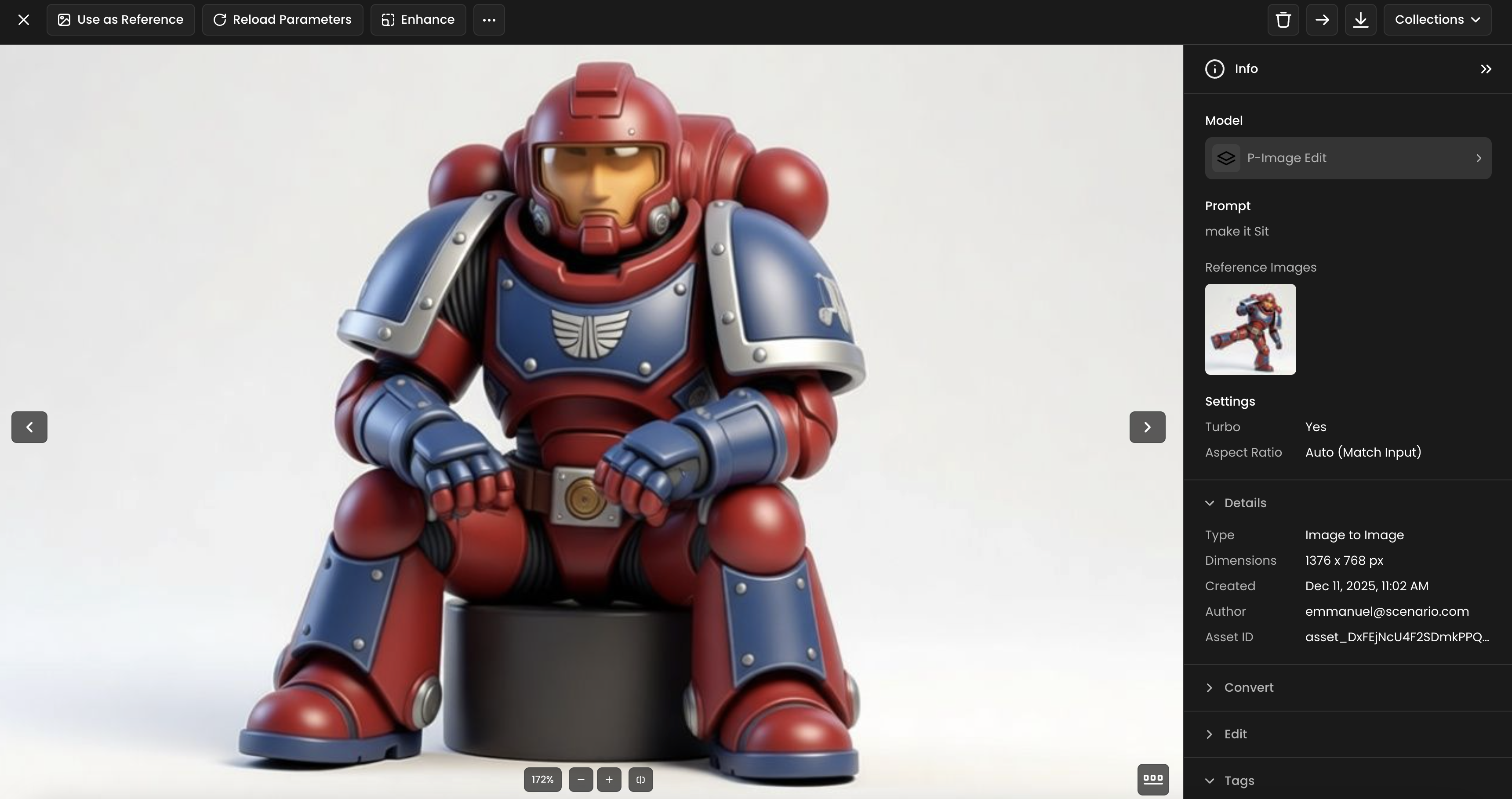
Change character poses and expressions: Adjust the posture or facial expression of a character to better fit the scene.
Alter backgrounds: Replace or modify the background of an image with a completely new setting.
Transform art styles: Convert sketches into finished-looking artwork and vice-versa.
Maintain character consistency: Create multiple scenes featuring the same character while preserving their appearance.
Place logos and images: Add logos or other images onto objects and surfaces within your picture.
These are just a few examples of the types of modifications the editing model can handle effectively. Its flexibility makes it especially suited for iterative workflows, rapid refinements, and consistent world building.
Cost Efficiency
Pruna AI models are among the most cost-effective options available in Scenario.
2 credits per generation
≈ 1.6 cents for the “Max” Plan
≈ 1.4 cents for the “Enterprise” Plan
Roughly 10× cheaper than models such as Gemini 3.0 for comparable simple tasks
Performance
P-Image and P-Image Edit are optimized for speed:
For even faster generation, a Turbo option is available. However, for more complex tasks, it is recommended to disable Turbo to ensure the best results.
Typical output: a few seconds
Around 10× faster than heavier models such as Nano Pro (≈20 seconds)
The speed difference is especially useful when iterating prompts, refining compositions, or reviewing multiple directions rapidly.
Capabilities and Limitations
Strengths
Very fast generation and editing
Low credit cost
Good output quality for simple to moderately detailed prompts
Reliable for clear, unambiguous instructions
P-Image models may not match the visual fidelity achieved by large-scale multimodal systems, and they tend to handle highly complex or reasoning-heavy instructions less effectively. Their ability to render text within images is more limited, and they can be less robust when dealing with abstract narratives or multi-step conceptual instructions. For best results, use concise prompts and avoid tasks that require intricate semantic understanding.
Recommendation for Final Quality
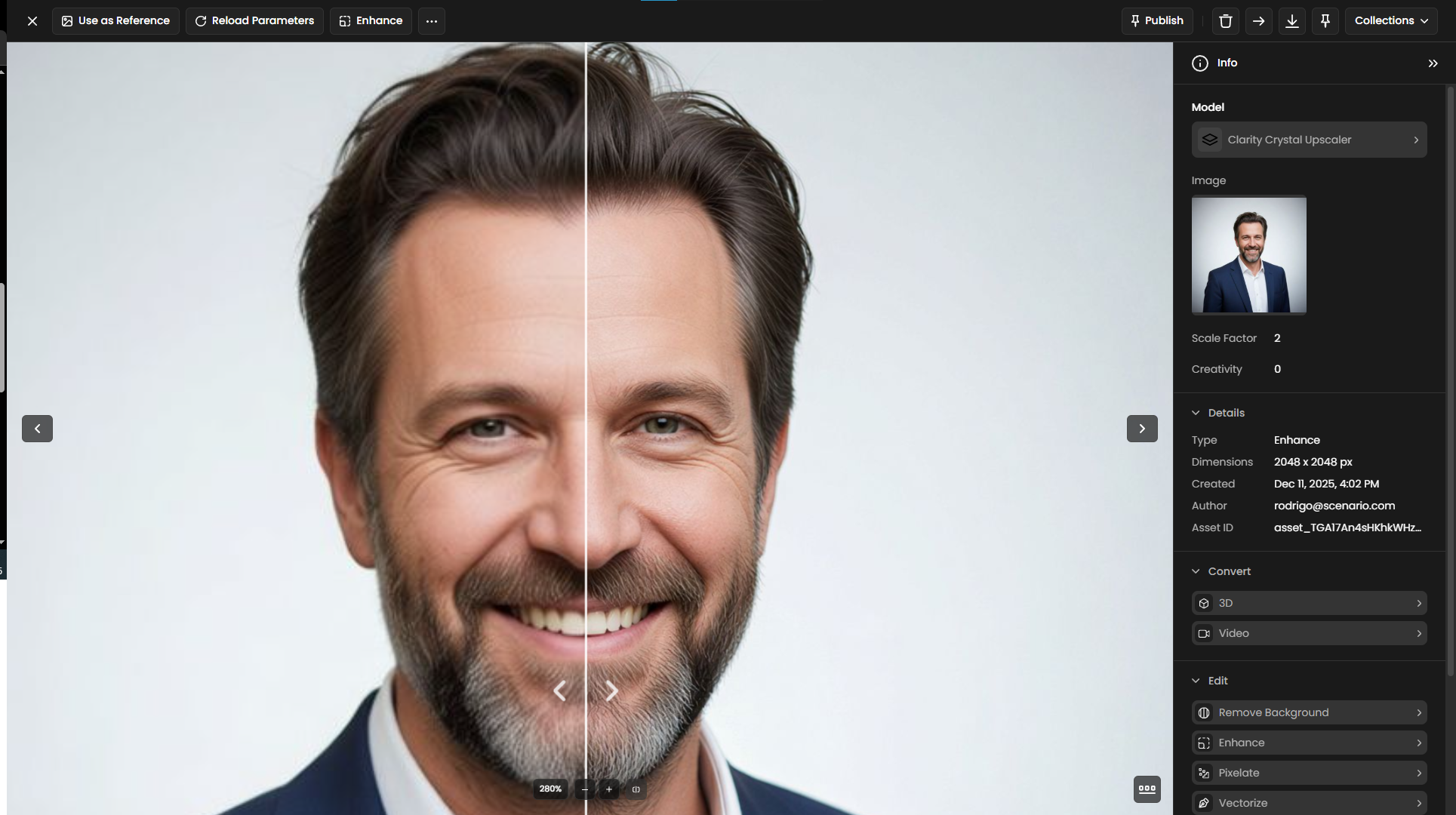
For the best possible results, it is recommended to apply the Enhance feature to your final image. This will improve the overall quality and detail.
Choosing the Right Model
Scenario supports multiple image and multimodal models, each suited to different tasks. Choosing the right one helps balance quality, speed, and cost.
Use P-Image and P-Image Edit when:
Speed and low cost are your main priorities.
You are iterating quickly on concepts.
Your prompts or edits are simple and well-defined.
Consider using larger models when your task requires:
High Visual Fidelity: P-Image models may not match the visual detail of larger systems.
Complex Reasoning: They are less effective with prompts that need intricate logic, abstract narratives, or multi-step instructions.
Accurate Text Rendering: P-Image models are not proficient at generating clear or accurate text within images.
Practical Examples
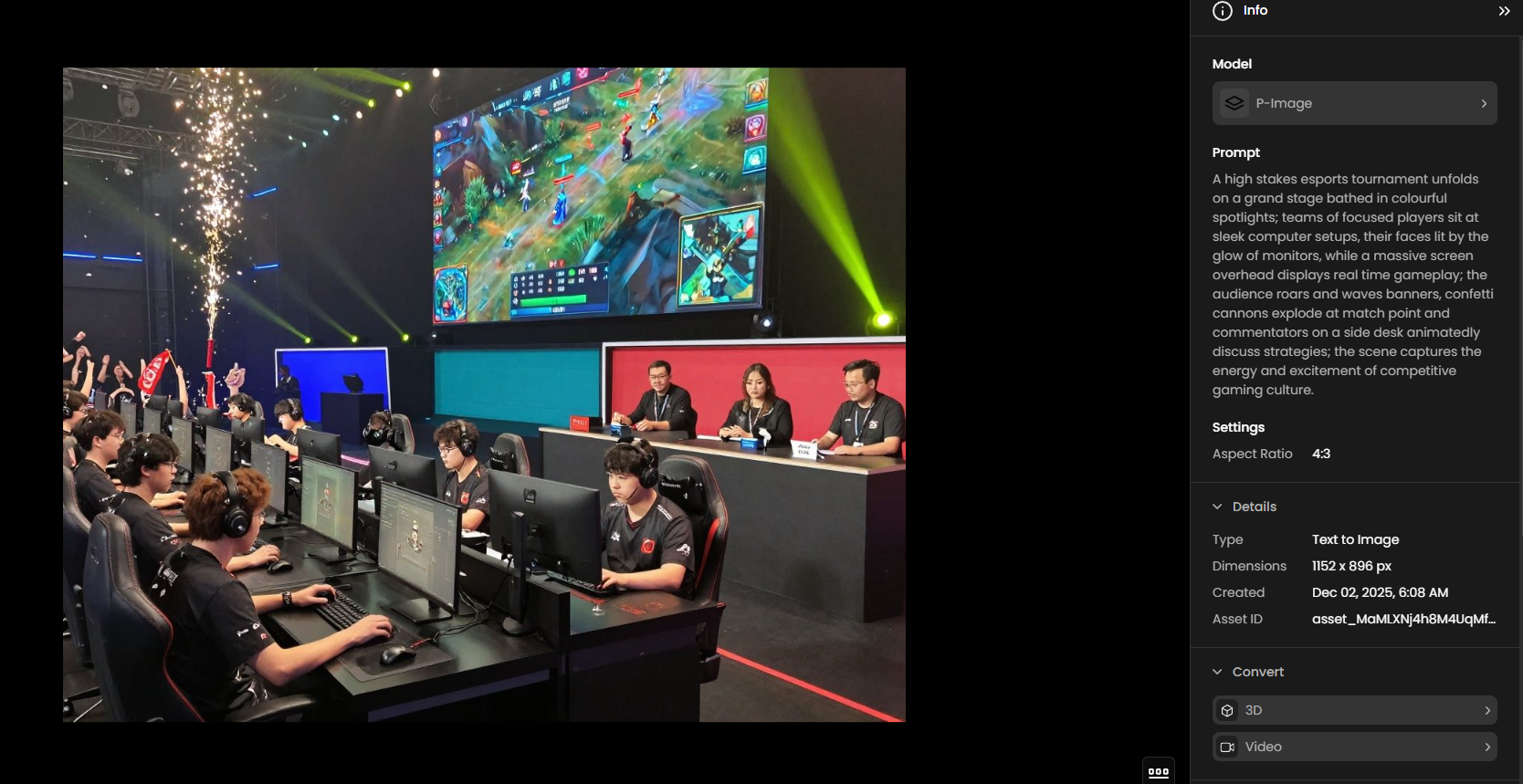
1. Esports Tournament Arena
Model: P-Image
Prompt: A high stakes esports tournament unfolds on a grand stage bathed in colourful spotlights; teams of focused players sit at sleek computer setups, their faces lit by the glow of monitors, while a massive screen overhead displays real time gameplay; the audience roars and waves banners, confetti cannons explode at match point and commentators on a side desk animatedly discuss strategies; the scene captures the energy and excitement of competitive gaming culture.
2. Removing Elements from a Scene
Model: P-Image Edit
Prompt: Remove specifically UI items and car from the picture. Maintain the overall style and integrity of the original composition.
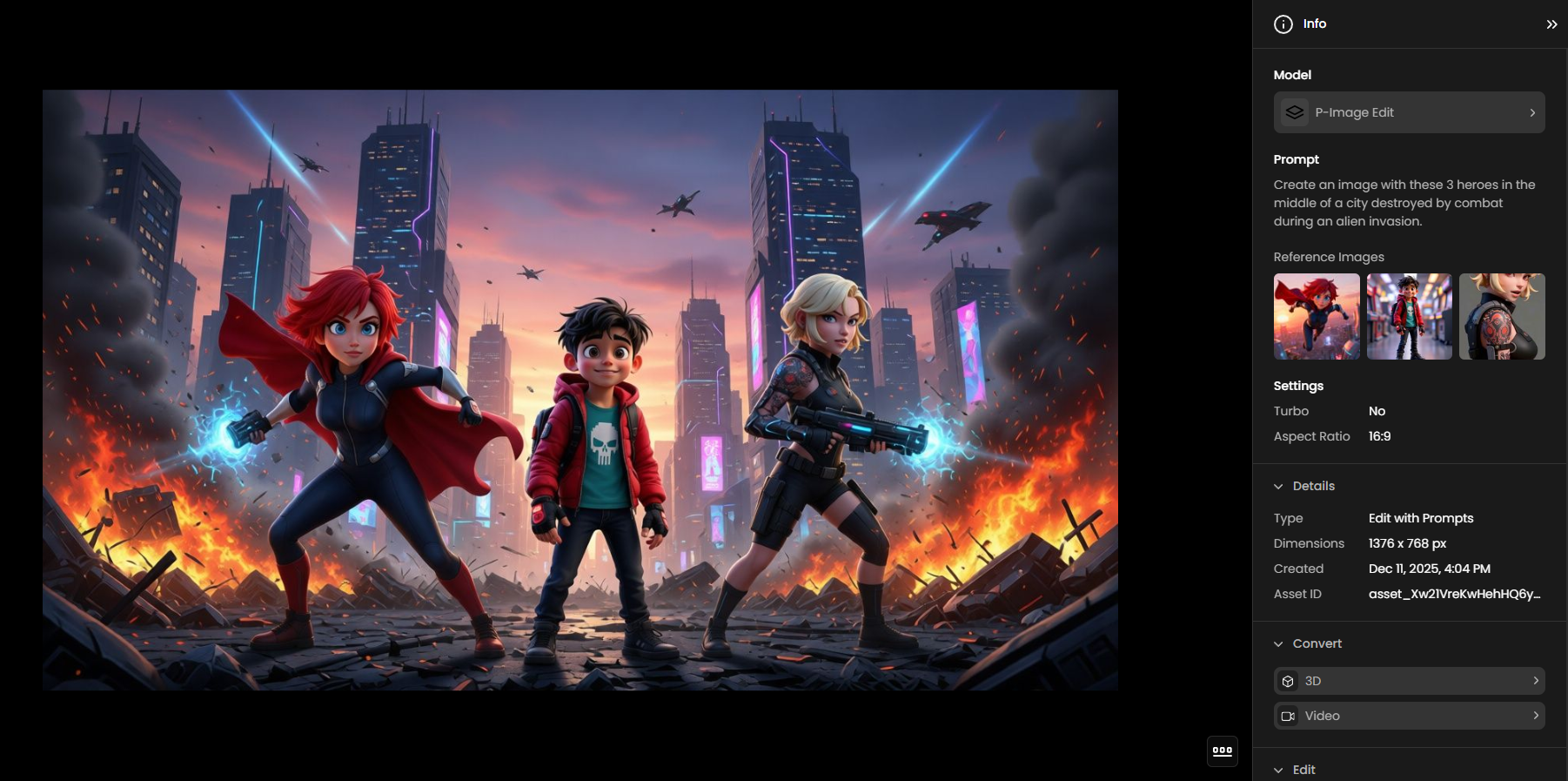
3. Character Consistency Across Scenes
Model: P-Image Edit
Prompt: Create an image with these 3 heroes in the middle of a city destroyed by combat during an alien invasion.
4. Sketch to Finished Artwork
Model: P-Image Edit
Prompt: Transform the provided black-and-white or lineart sketch into a fully rendered colored version, to match the following instruction: A cute blue cartoon car in 3D style, glossy paint, soft studio lighting. Adapt the color palette or artistic style, apply shading, highlights, and texture accordingly.
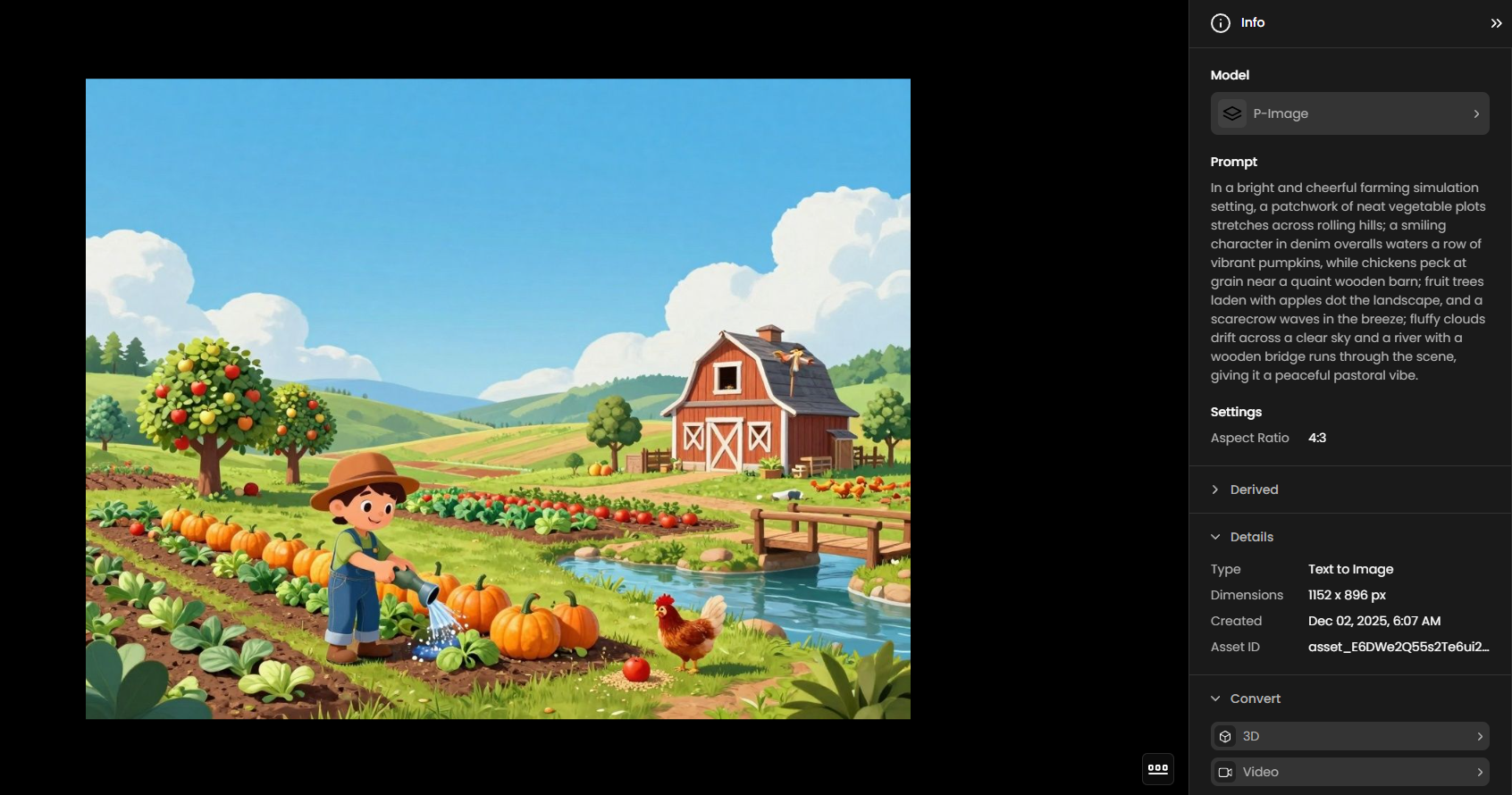
5. Cheerful Farming Simulation Scene
Prompt: In a bright and cheerful farming simulation setting, a patchwork of neat vegetable plots stretches across rolling hills; a smiling character in denim overalls waters a row of vibrant pumpkins, while chickens peck at grain near a quaint wooden barn; fruit trees laden with apples dot the landscape, and a scarecrow waves in the breeze; fluffy clouds drift across a clear sky and a river with a wooden bridge runs through the scene, giving it a peaceful pastoral vibe.
Summary
P-Image (Image Gen) and P-Image Edit (Edit with Prompts) are Scenario’s fast, low-cost models built with Pruna optimization.
They provide strong performance for simple prompts and direct edits.
They are significantly more affordable and much faster than heavier multimodal systems.
For highly complex creative or reasoning-intensive tasks, larger models may be more suitable.
Selecting the right model per use case helps balance quality, speed, and cost—central to efficient AI-assisted creation.
Was this helpful?