
The Recraft V4 family represents a paradigm shift in AI generation, moving away from generic imagery toward intentional, high-end graphic design. Integrated directly into Scenario.com, this suite allows creators to produce everything from quick digital concepts to production-ready, infinitely scalable vector illustrations.
1. The Model Family: Raster vs. Vector
The suite is divided into two specialized paths based on your output needs—pixel-based artistry or geometric precision.
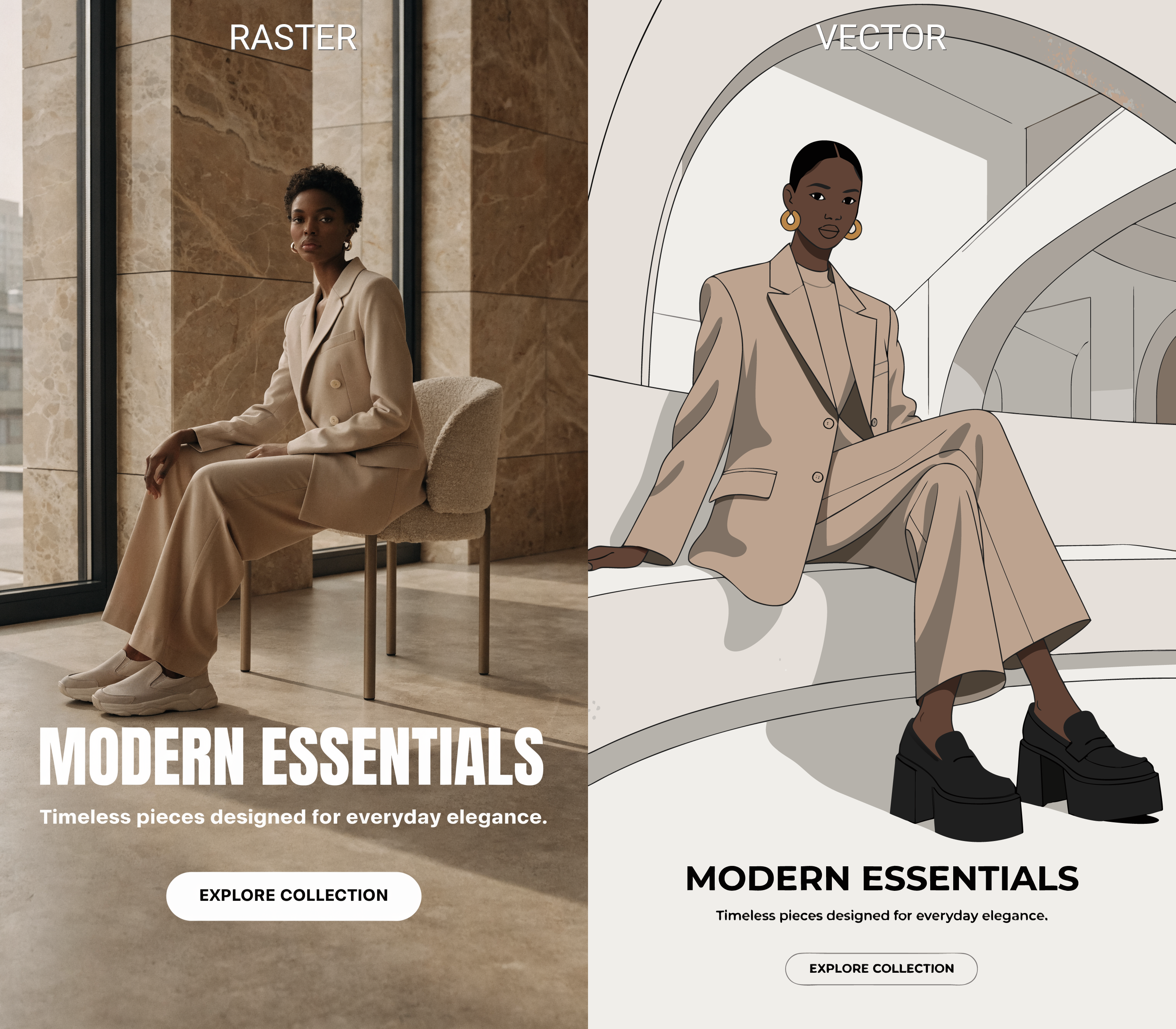
Recraft V4 & V4 Pro (Raster): These models are built for rich textures, complex lighting, and photographic realism. While the standard V4 is optimized for speed, the Pro version is engineered for maximum detail and anatomical accuracy.
Recraft V4 SVG & Pro SVG (Vector): These models generate native code-based graphics. Unlike standard AI that "fakes" a vector look, these produce real paths and layers compatible with software like Figma or Adobe Illustrator.
2. The Creative Edge: Unique Design Logic
The Recraft V4 suite is celebrated for its "design sense," delivering results that feel crafted by a human professional rather than an algorithm.
Compositional Intelligence: The models excel at placing subjects and text elements with a strong hierarchy, avoiding the cluttered "busy" look of other generators.
Sophisticated Color Palettes: V4 utilizes professional color theory to ensure harmonious designs that are ready for immediate use in branding.
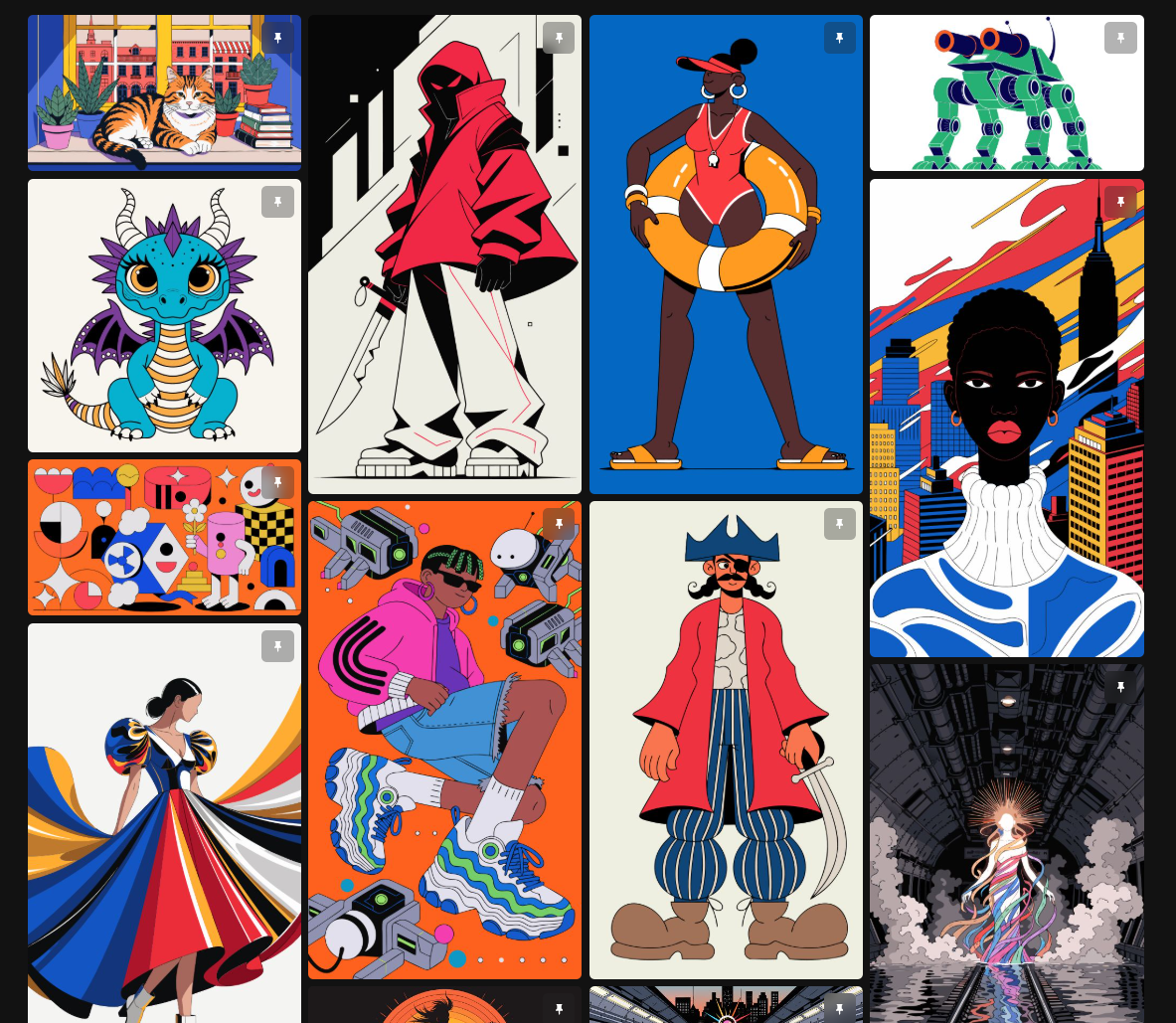
Unique Aesthetic Styles: From "Glow" and "Plasticine" to "Vector Art," the models allow for highly specific artistic directions that produce truly unique assets.
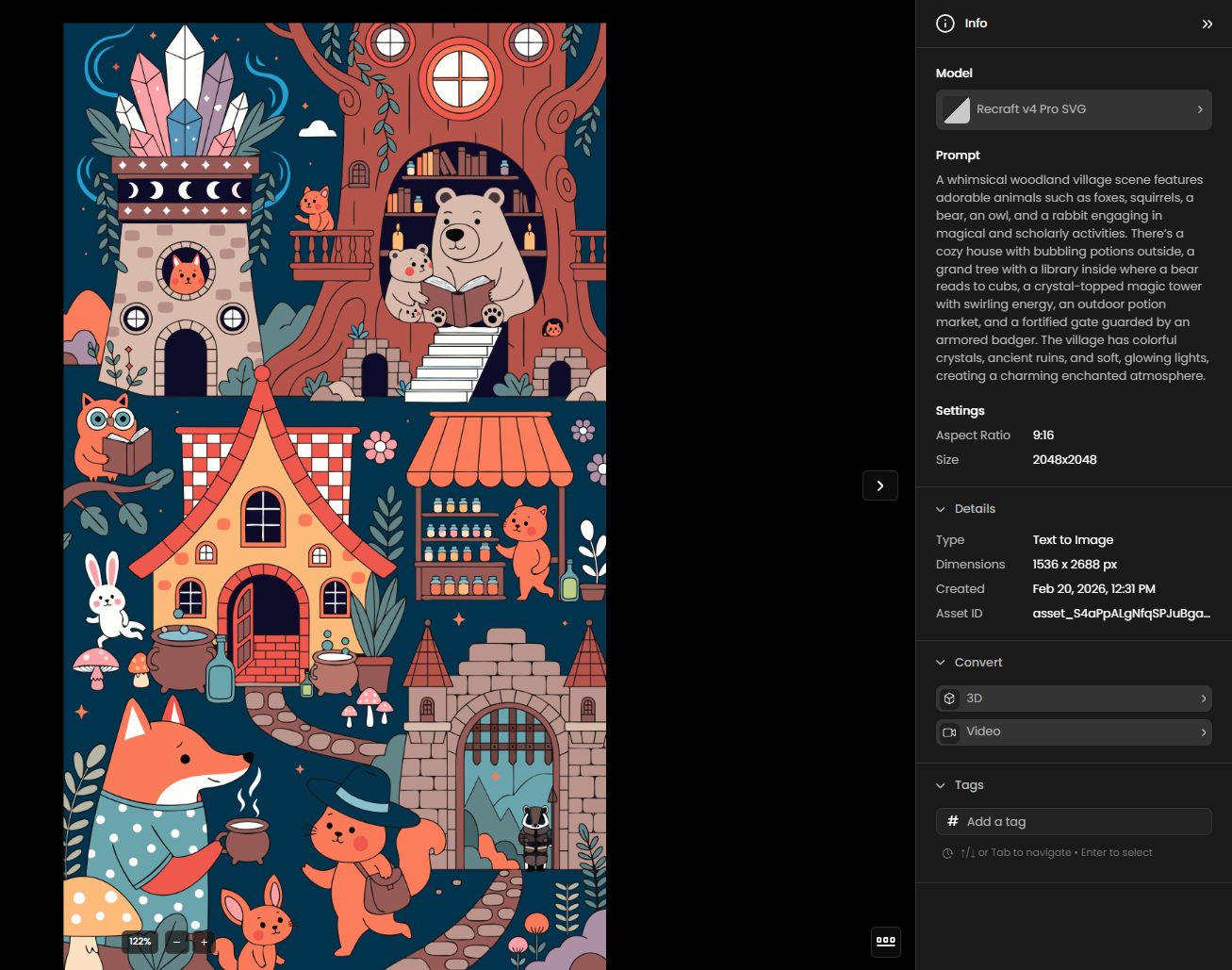
Anatomical Perfection (Pro Only): The Pro models utilize advanced training to solve common AI issues like hand and limb distortion, ensuring your characters look perfect even at 2K resolution.
3. Prompting Strategy: The Designer’s Command
The true strength of the Recraft V4 suite lies in its ability to understand design intent rather than just keyword strings. Unlike older models that require complex "prompt syntax," V4 is engineered to interpret natural language, making the prompting process feel more like directing a human designer than coding an algorithm.
Natural Language vs. Syntax: V4 interprets plain-language descriptions directly, meaning you don't need technical flags, aspect ratio tags, or tuning parameters within the prompt itself. It makes sophisticated aesthetic decisions regarding color relationships and detail hierarchy automatically.
Mastering Typography: To ensure the highest accuracy for text elements, place your desired copy in quotation marks. V4 treats typography as a structural part of the composition, often leaving intentional negative space for headlines and overlays to ensure the final image is "poster-ready".
Guiding the Medium: While the family supports a wide range of formats, your prompt should clearly define the medium to steer the model’s internal logic.
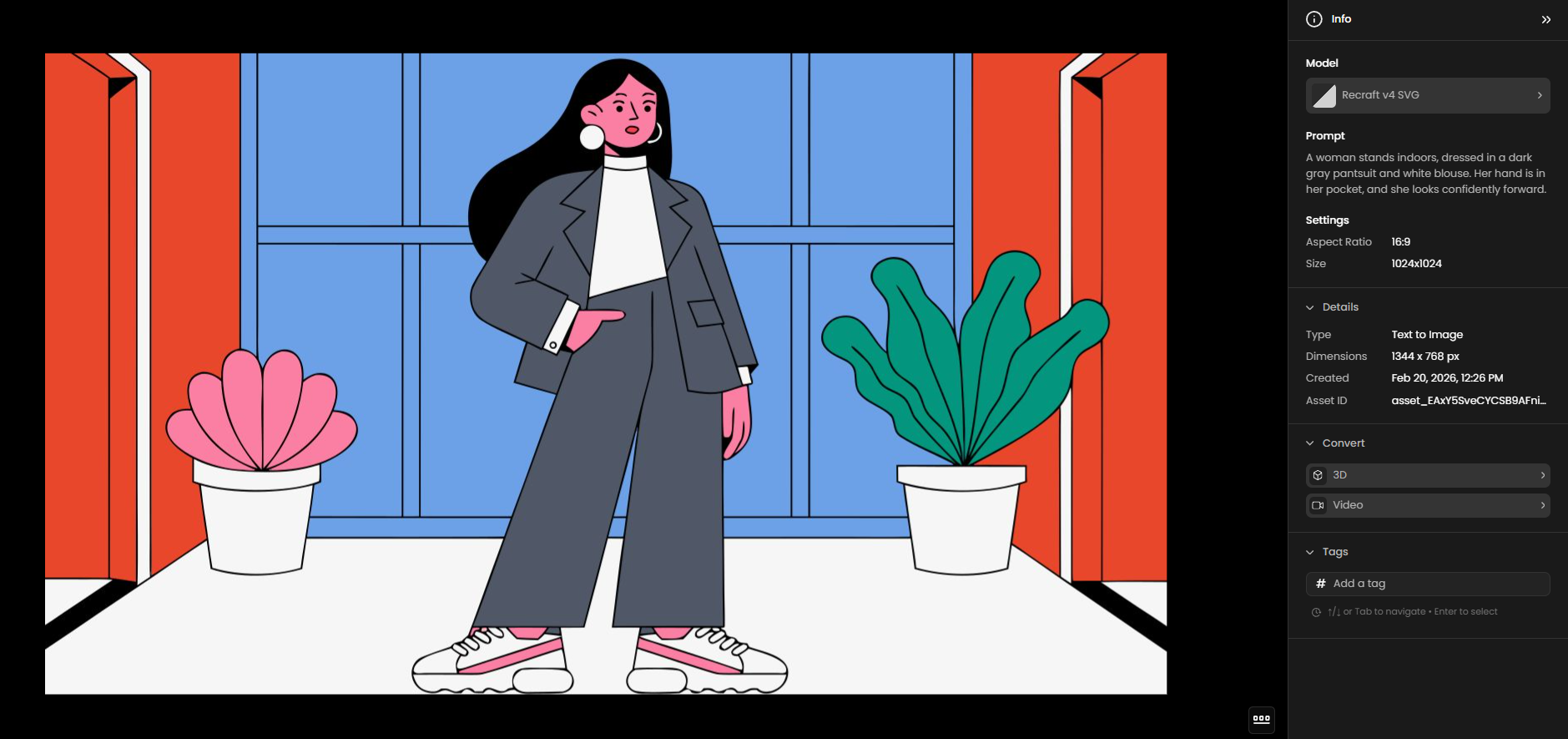
For SVG: Use terms like "clean vector paths," "flat design," or "minimalist icon" to leverage the native vector engine.
For Raster: Use descriptive terms for lighting and materials, such as "cinematic atmosphere," "diffused studio lighting," or "natural fabric textures".
Spatial Awareness: The V4 family has an exceptional understanding of visual relationships. You can prompt for complex interactions, such as "subtle reflections on a glass surface" or "background patterns that interact with the subject's shadow," and expect the model to resolve these with high fidelity.
The "Less is More" Approach: Because V4 has built-in "design taste," simple and short prompts often yield highly polished, editorial-style results. You can start with a basic concept and only add details if you need to narrow the model's creative interpretation.
4. Technical Specifications: Resolution & Ratio
A core strength of the Recraft V4 family is the shared flexibility in layout, allowing you to design for any screen or print size without compromise.
Shared Aspect Ratios
Both Standard and Pro models support a vast range of ratios, including:
Vertical: 1:2, 9:16, 2:3, 10:14, 3:4, 4:5
Square: 1:1
Horizontal: 5:4, 4:3, 14:10, 3:2, 16:9, 2:1
Resolution and Limits
Model | Type | Max Resolution | Best Use Case |
Recraft V4 | Raster | 1024 x 1024 (1K) | Web assets, social media, and rapid ideation. |
Recraft V4 Pro | Raster | 2048 x 2048 (2K) | High-end print, packaging, and professional displays. |
Recraft V4 SVG | Vector | Scalable (Vector) | Minimalist icons, logos, and UI elements. |
V4 Pro SVG | Vector | Scalable (Vector) | Intricate illustrations and high-fidelity branding. |
Was this helpful?