
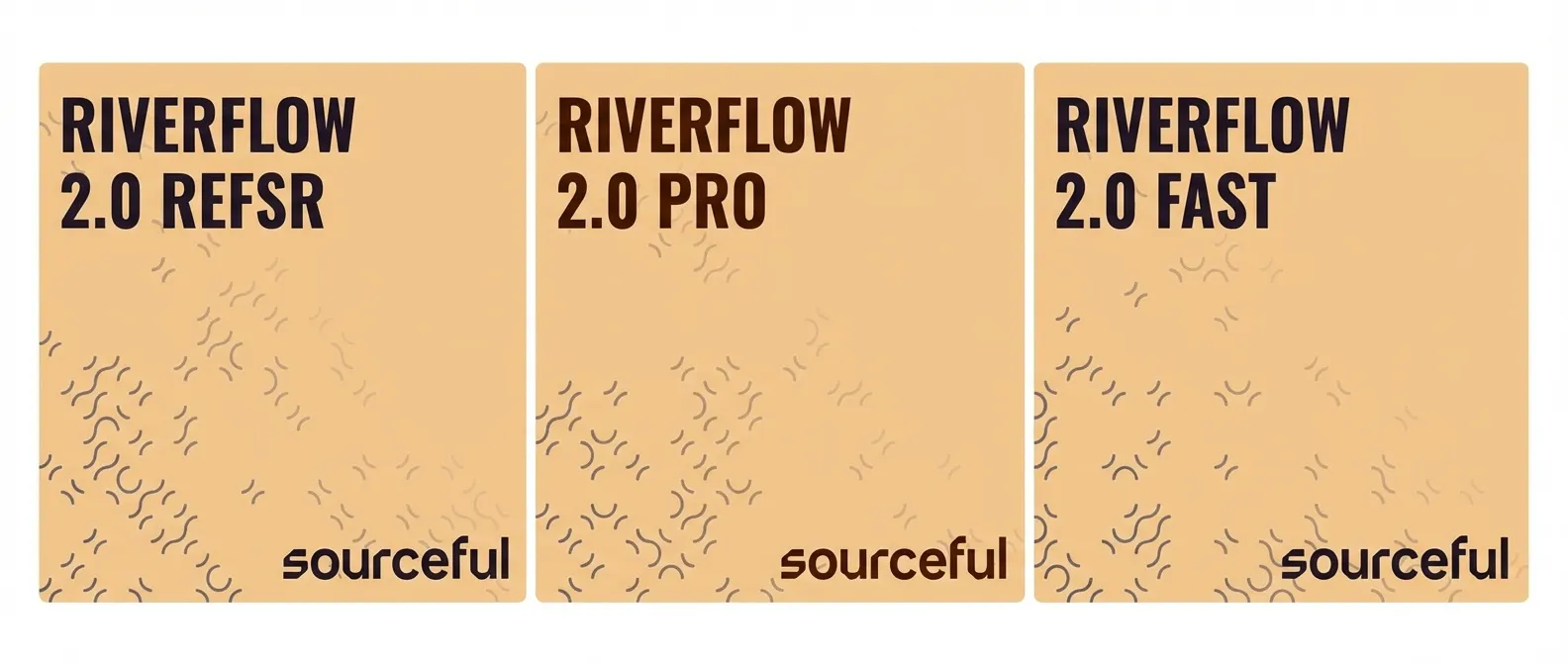
The Riverflow 2.0 family by Sourceful introduces a new era of technical precision to Scenario.com, focusing on high-end graphic design and specialized asset refinement. Built with an integrated reasoning engine, this suite handles complex logical challenges and design hierarchies better than standard generative models.
1. The Model Family: From Concept to Production
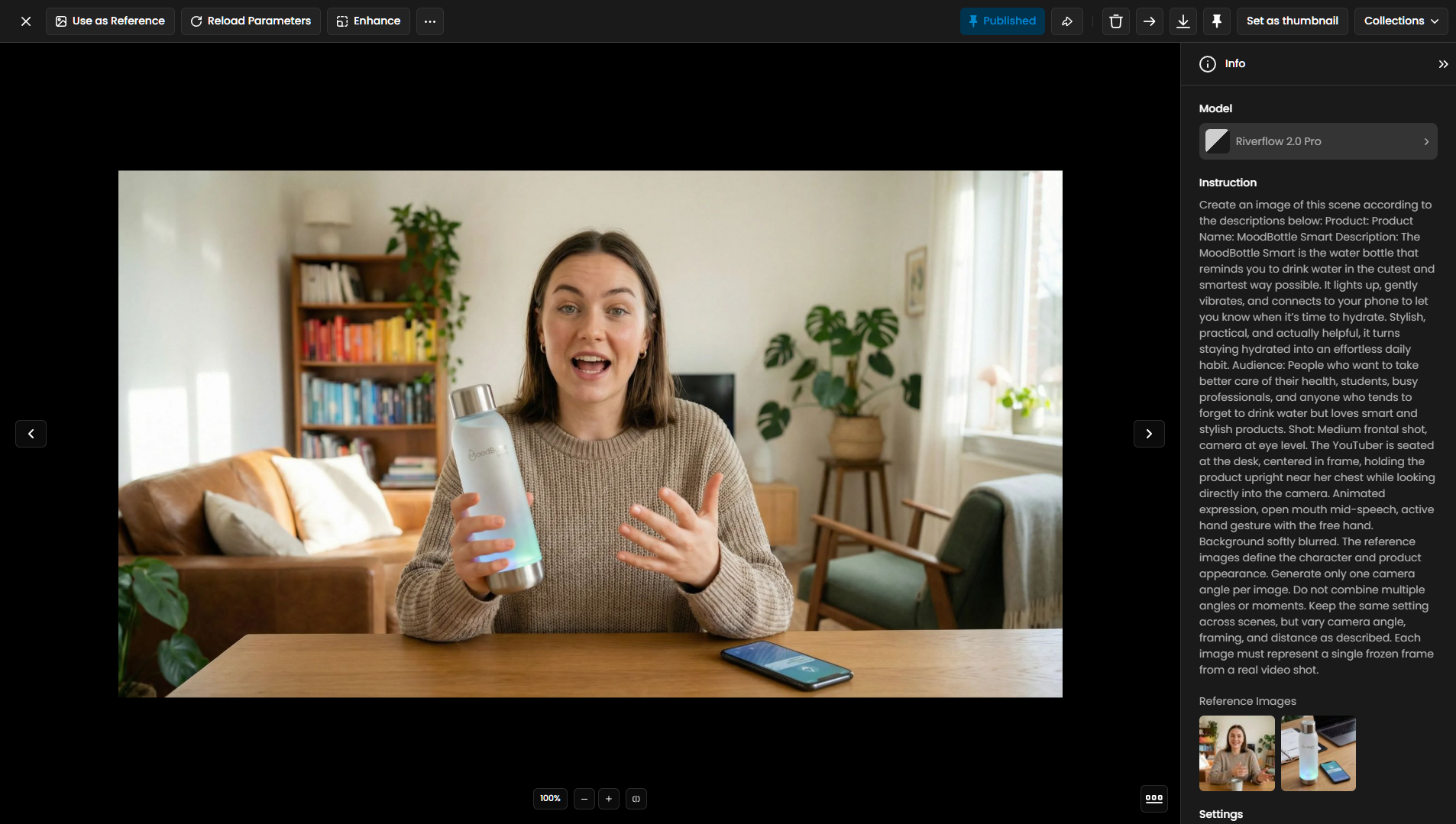
The suite is divided into three distinct models, each optimized for a specific stage of the professional design workflow.
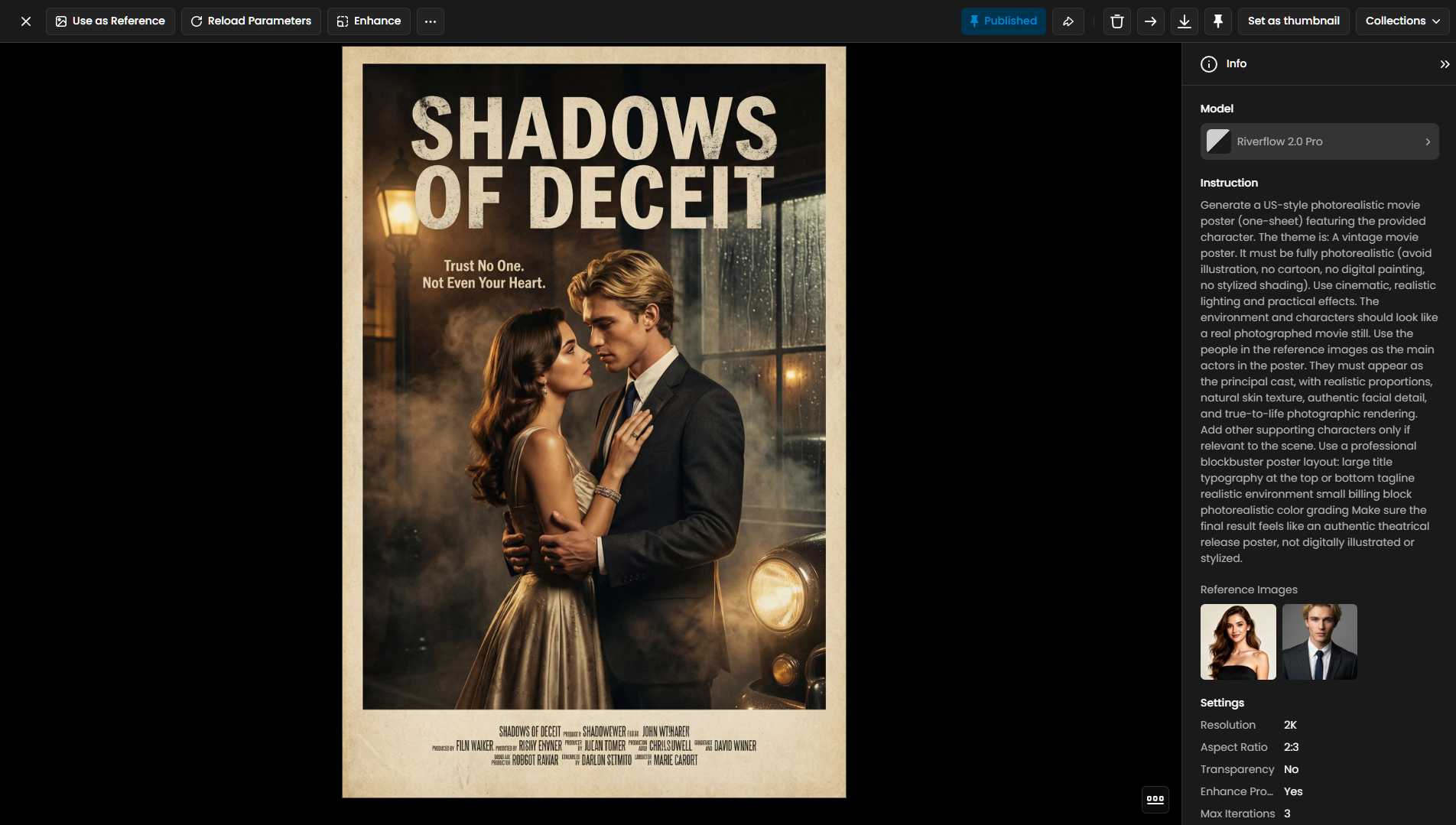
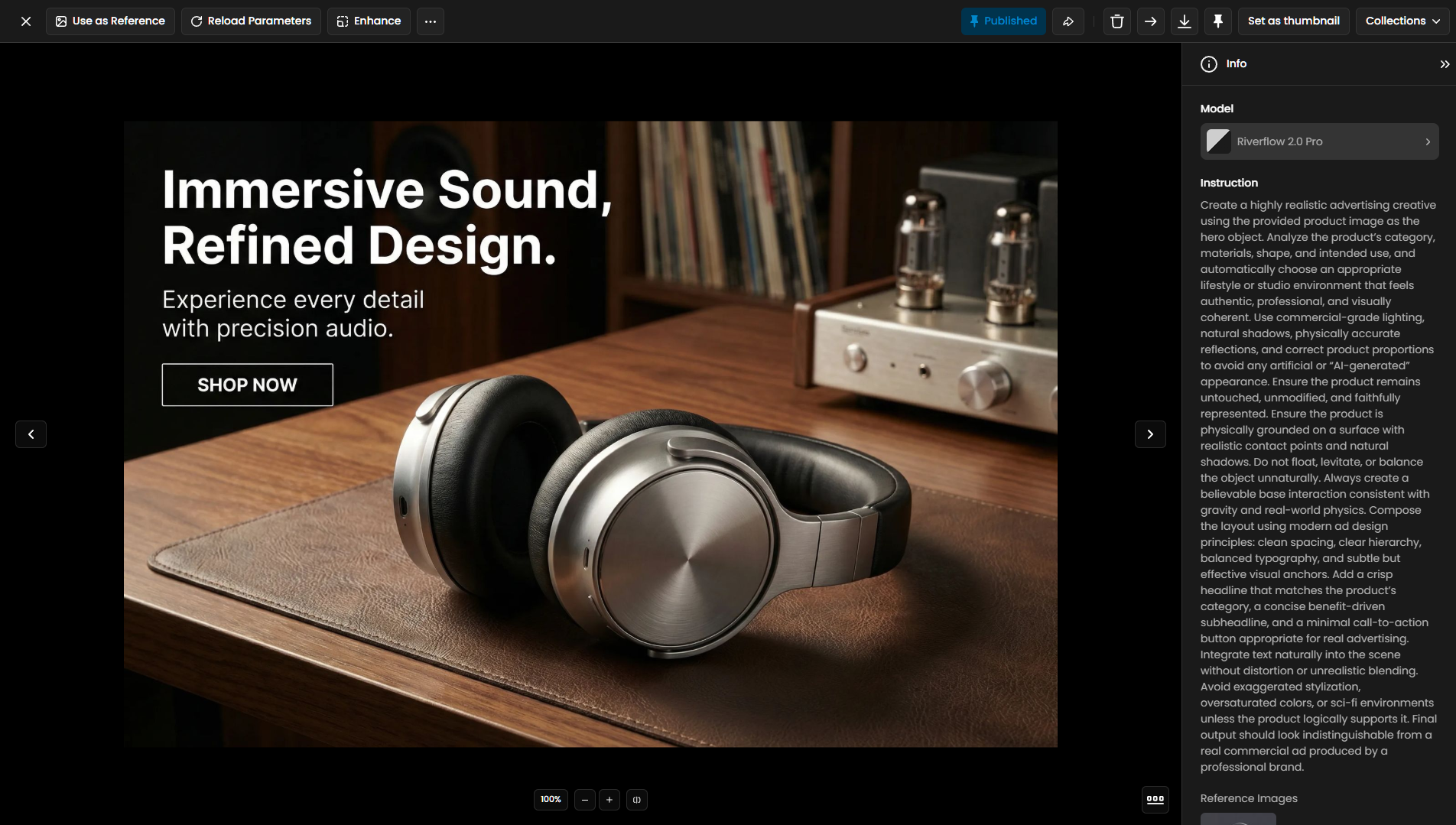
Riverflow 2.0 Pro: This flagship model is the powerhouse of the suite, engineered to rival top-tier industry standards like Nano Banana Pro. It utilizes a multi-stage self-correction process to ensure high fidelity to the prompt and perfect visual consistency.
Riverflow 2.0 Fast: Also referred to as the Flash version, this model is designed for rapid concepting and high-volume output. It is roughly 7 times more cost-effective than the Pro version, making it the strategic choice for early-stage ideation and large marketing libraries.
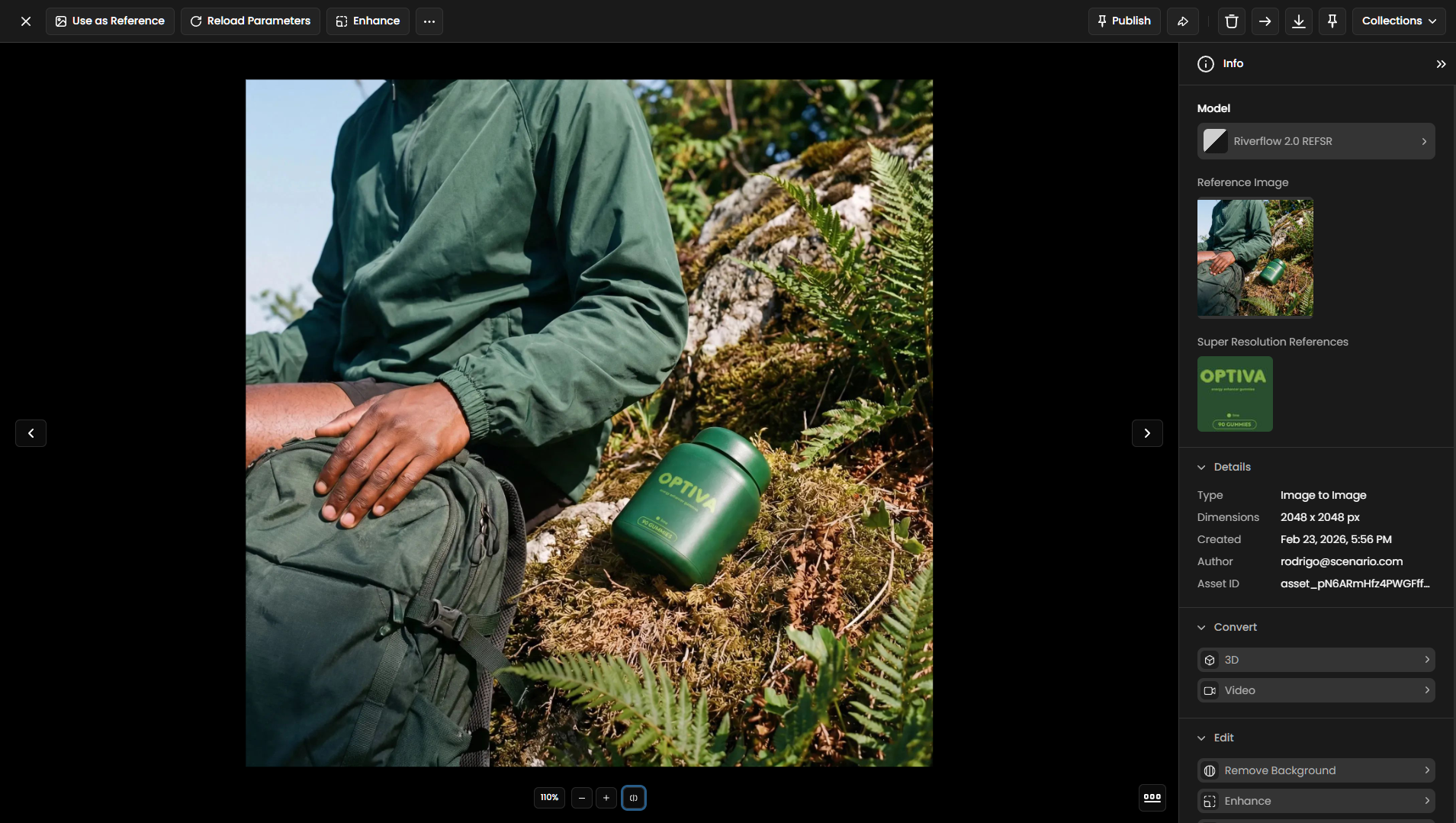
Riverflow 2.0 REFSR: A specialized "Reference Super-Resolution" tool dedicated to technical editing. It is specifically designed to restore and correct distorted text, logos, and branding on product packaging.
2. Technical Mastery: Typography and Reasoning
Riverflow 2.0 sets itself apart by providing surgical control over design elements that traditionally challenge AI.
Advanced Typography Controls: The interface includes dedicated fields for Font Urls and Font Texts. By inputting direct download links for
.ttf, .otf, .wolfor.wolf2files, creators can force the model to render text using an exact brand typeface.Integrated Reasoning Logic: The models are capable of "thinking" through complex instructions, which significantly reduces visual hallucinations in layouts. This reasoning capability ensures that relationships between subjects, shadows, and text remain physically and logically accurate.
Production-Ready Output: Because of the built-in self-correction, the Pro model generates images with professional color theory and balanced compositions that are ready for immediate commercial use.
3. Specialized Refinement: Riverflow 2.0 REFSR
For brands requiring "label-perfect" visualizations, the REFSR model is an essential utility for fixing AI-generated artifacts or low-resolution source files.
Branding Restoration: REFSR can pinpoint and rebuild package text and logos on complex surfaces like bottles, cans, or boxes.
Multi-Reference Support: Users can provide up to 4 reference images of the correct branding. The model uses these to reconstruct the target area with high fidelity while keeping the lighting and environment of the original scene intact.
UI and Micro-Text Improvement: Beyond labels, it is ideal for refining small interface elements (UI) and fine print that often appear blurred in standard generations.
4. Technical Pro-Tips & Optimization
To ensure the best results within the Riverflow 2.0 architecture, creators should follow these optimized practices:
Prompting for Reasoning: You can influence the model's logic by including directives like "think hard about this layout" or providing a step-by-step narrative of the scene.
Direct Font Links: When using the Font Urls field, ensure the link points directly to the font resource (e.g., ending in
.ttfor.woff2) rather than a web preview page.Iterative Design: Use Riverflow 2.0 Fast to generate 50+ variations of a concept, then use Riverflow 2.0 Pro to upscale and refine the winning design for final delivery.
Was this helpful?