
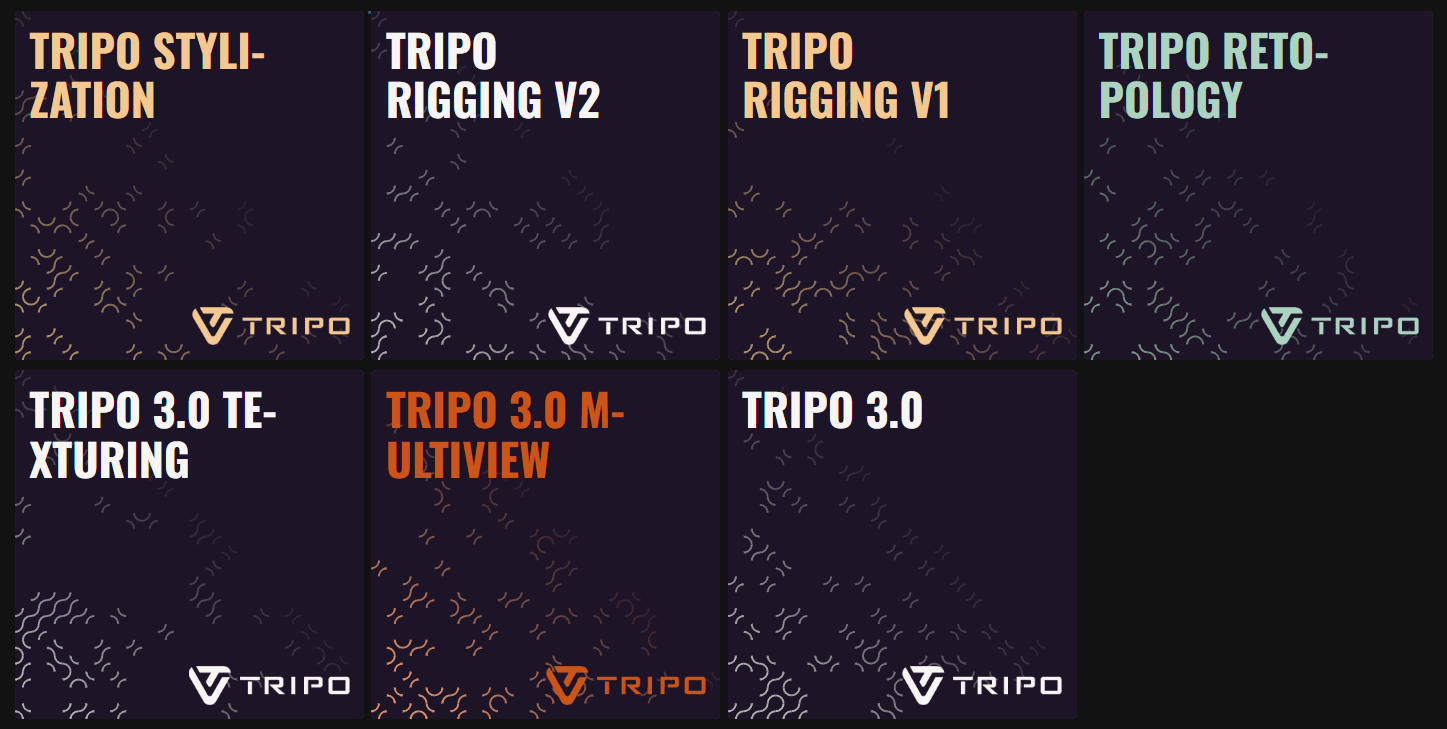
The integration of the Tripo 3.0 models into the Scenario platform marks a significant advancement in how creators approach 3D asset production. By offering a streamlined, end-to-end pipeline, Scenario allows users to move from initial concept to animation-ready characters within a single interface.
Here is the definitive guide to the models powering this 3D revolution, organized by their role in the production workflow.
1. The Foundation: Tripo 3.0 & Multiview
Every project begins with defining the core geometry. Tripo offers two distinct ways to bring your ideas into the third dimension.
Tripo 3.0: This is the flagship generator for turning text or image prompts into high-fidelity meshes. It provides granular technical settings, including PBR map generation, Quad mesh optimization, and adjustable Face Limits for poly-count management. Users can toggle between Standard and HD quality to balance processing speed with professional production needs.
Tripo 3.0 Multiview: For projects requiring total structural accuracy, the Multiview model is essential. By inputting four specific angles—Front, Left, Back, and Right—the AI eliminates visual "blind spots," ensuring character proportions remain stable and accurate from every perspective.
2. Adding Life to the Surface: Tripo 3.0 Texturing
Once the core geometry is established, the Tripo 3.0 Texturing model takes over to provide professional-grade surface realism.
Specialized Materials: This family member is a dedicated engine for generating high-resolution PBR (Physically Based Rendering) materials.
Input Logic: It utilizes a precise "single input" system, where you guide the aesthetic using either a Text Prompt, Image Prompt, or Style Reference.
Integrated Baking: The Bake Textures feature ensures these visuals are correctly mapped to the geometry, making them ready for immediate export to external rendering software.
3. Performance and Mesh Control: Tripo Retopology
Before moving to animation, the asset must be optimized to ensure it performs efficiently in real-time environments.
Intelligent Optimization: This tool converts complex, dense meshes into clean Quad-based geometries, which is the industry standard for clean animation.
Technical Management: By setting a specific Face Limit, creators can produce game-ready assets that look stunning but drastically reduce the computational load.
Preservation: It includes its own Bake Textures option to ensure that all visual detail is preserved even as the underlying mesh is simplified.
4. Bringing It to Life: Rigging V1 & V2
The animation phase transforms static sculptures into dynamic actors by automating skeletal detection.
Automated Skeletal Detection: Both V1 and V2 models identify joint placements to create functional internal armatures.
Advanced Weighting: The V2 version offers refined skin-weighting algorithms for more natural and fluid movements.
Diverse Anatomies: Supports a wide variety of character types, from standard Bipeds to complex Octopods, Serpentines, and Hexapods.
Motion Library: Users can immediately verify the rig's quality using Retarget animations like Walk, Jump, Slash, and Shoot.
5. The Creative Extra: Stylization
As a final creative touch, Scenario includes a tool for global aesthetic transformations.
Artistic Filters: Tripo Stylization allows you to instantly re-theme your models into LEGO, Voxel, or Voronoi styles.
Fast Iteration: This provides an efficient way to generate unique stylized variants while maintaining the original asset's core scale and identity.
The Verdict
The Tripo AI suite on Scenario transforms the creator into a Technical Director. By separating the workflow into core generation, texturing, and optimization, it provides the precise control needed for professional 3D content creation.
Was this helpful?