
Introduction
The Z-Image Turbo family represents the cutting edge of real-time image generation within Scenario. Released in December 2025, these models are designed to bridge the gap between extreme speed and high-fidelity output, allowing for a near-instant creative workflow without the resolution trade-offs of previous generations.
In this guide, we will cover the capabilities of the standard Z-Image Turbo and how the ControlNet variant provides precision at accelerated speeds.
What is Z-Image Turbo?
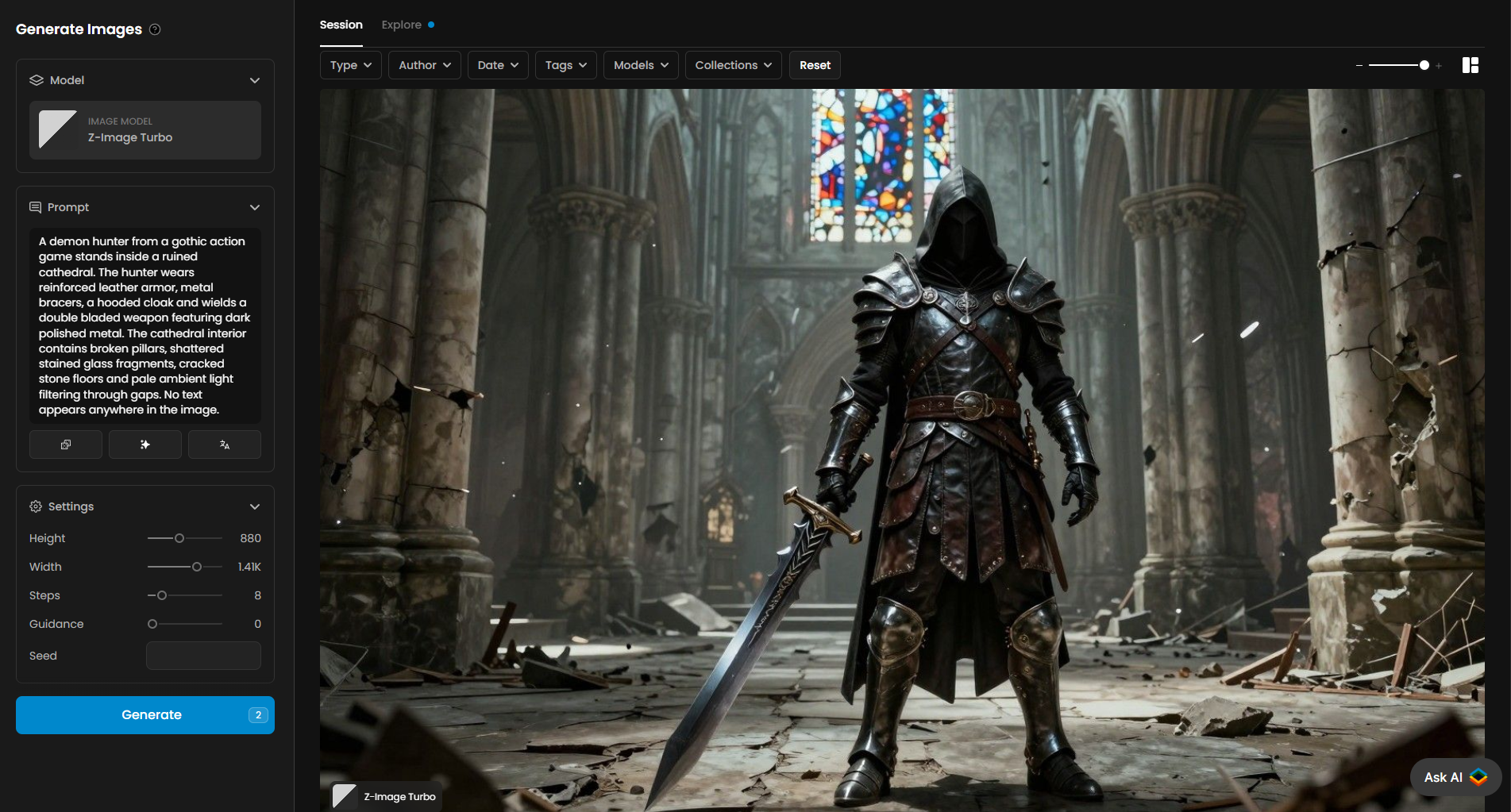
Z-Image Turbo (Dec 2025) is a distilled 1-step model built for nearly instant, real-time image generation. Unlike traditional diffusion models that require multiple sampling steps to resolve an image, Z-Image Turbo produces high-quality results in a single pass.
Key Features:
Instant Feedback: Ideal for rapid "prompt engineering" and live iteration.
Higher Resolution: Designed to surpass the clarity of older LCMs (Latent Consistency Models), providing sharper details and better texture handling.
Efficiency: Dramatically reduces wait times, making it the go-to choice for high-volume brainstorming.
Z-Image Turbo ControlNet
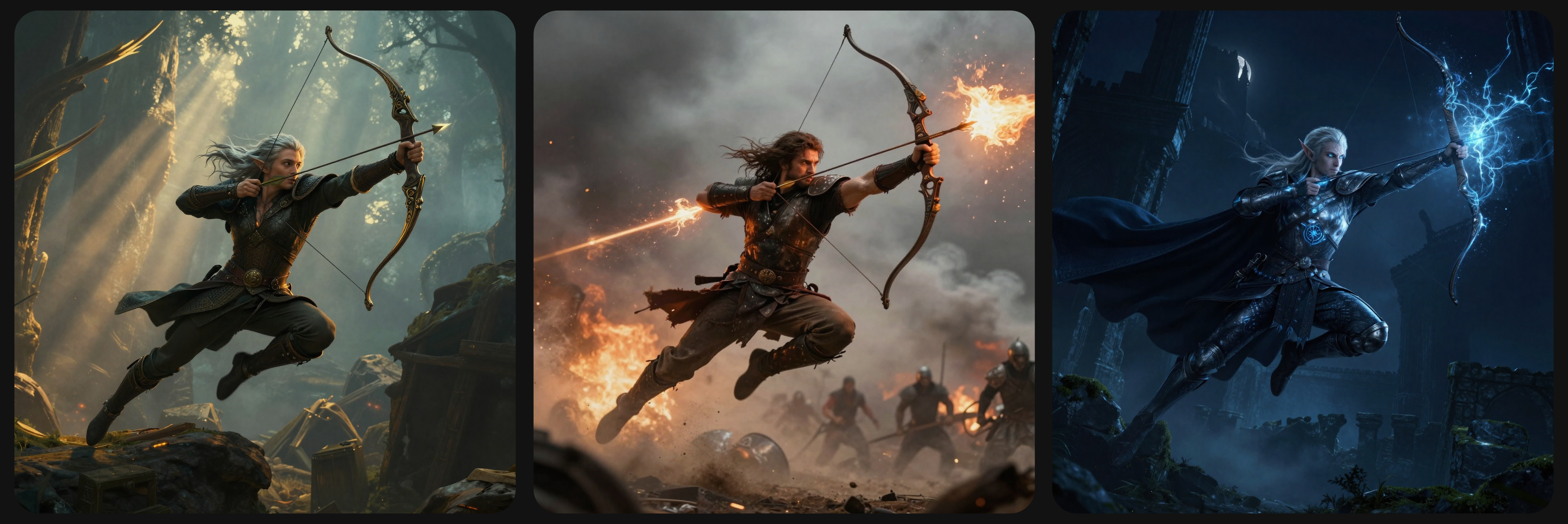
The Z-Image Turbo ControlNet variant combines the raw speed of the Turbo engine with advanced structural conditioning. This allows creators to guide the generation using a reference image while maintaining complete control over the text prompt.
Supported Preprocessing Modes:
This model is "structure-aware," meaning it can extract specific data from a reference image to guide the render:
Canny: Follows the edges and outlines of your reference.
Depth: Uses the 3D geometry and spatial layout.
Pose: Detects and replicates human body positions and skeletons.
Fine-Tuning Your Output
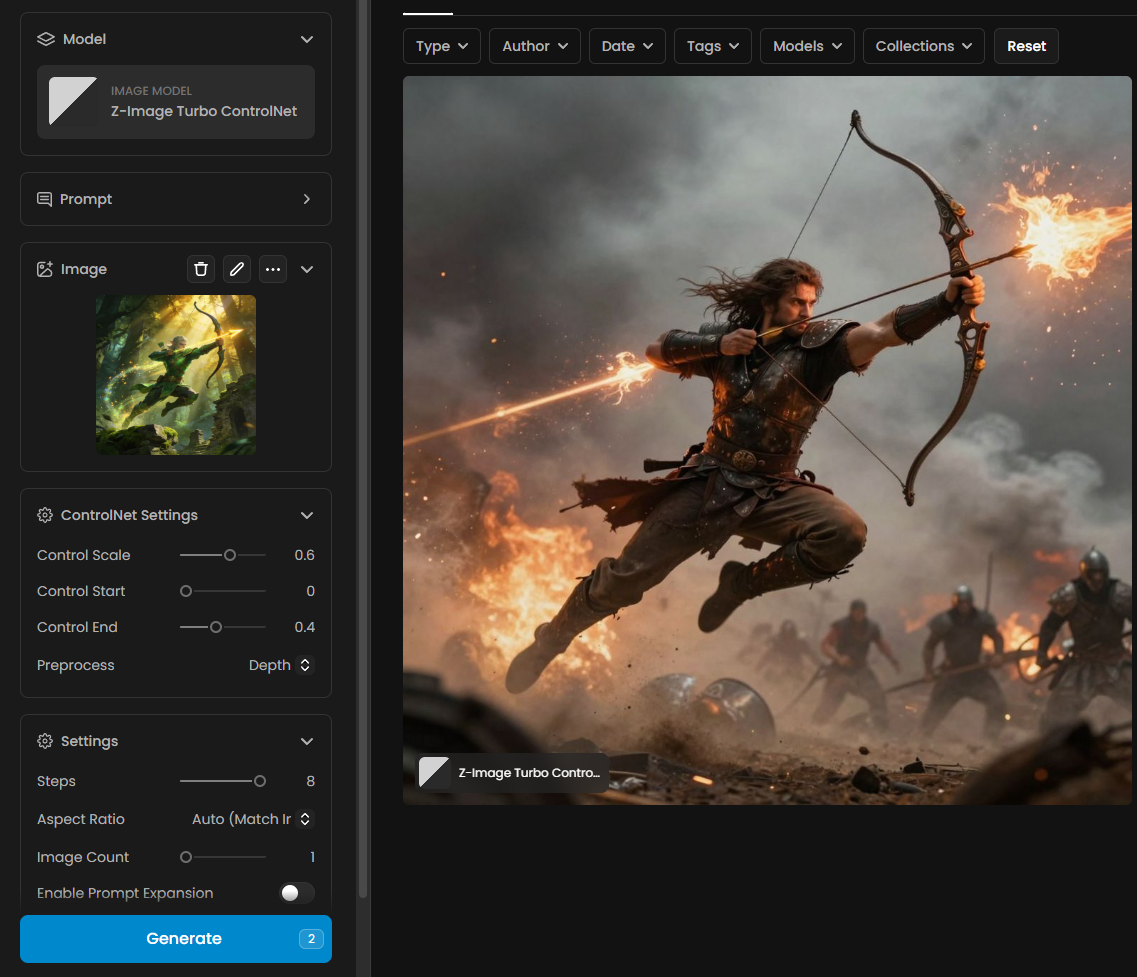
Inside the Scenario interface, you can find specific sliders to balance speed with structural accuracy. These controls allow you to move from "loose inspiration" to "strict structural alignment":
Control Scale: Determines how heavily the reference image influences the result.
Control Start: Sets the point in the generation process where the ControlNet begins its influence.
Steps: While optimized for 1-step, adjusting the step count can further refine details when using complex ControlNet layers.
Preprocess Mode: Select the specific analyzer (Canny, Depth, or Pose) to match your reference image type.
Ideal Use Cases
Consistent Composition: Keeping characters or objects in the exact same position across multiple generations.
Layout Transformations: Using real-world photos or sketches to define the composition of a stylized environment.
Rapid Prototyping: Moving from a rough pose or layout to a finished render in seconds rather than minutes.
Best Practices for Z-Image Turbo
Direct Prompting: Since the model is highly efficient, use clear and concise descriptive language.
Resolution Management: Take advantage of the higher resolution capabilities by setting your canvas to standard HD sizes; the model is optimized to handle more detail than previous "fast" models.
Balance the Scale: If the output looks too distorted by the reference, lower the Control Scale. If it isn't following your sketch closely enough, increase it to ensure the geometry is respected.
Was this helpful?