Marble by World Labs: The Essentials
Last updated: July 28, 2026
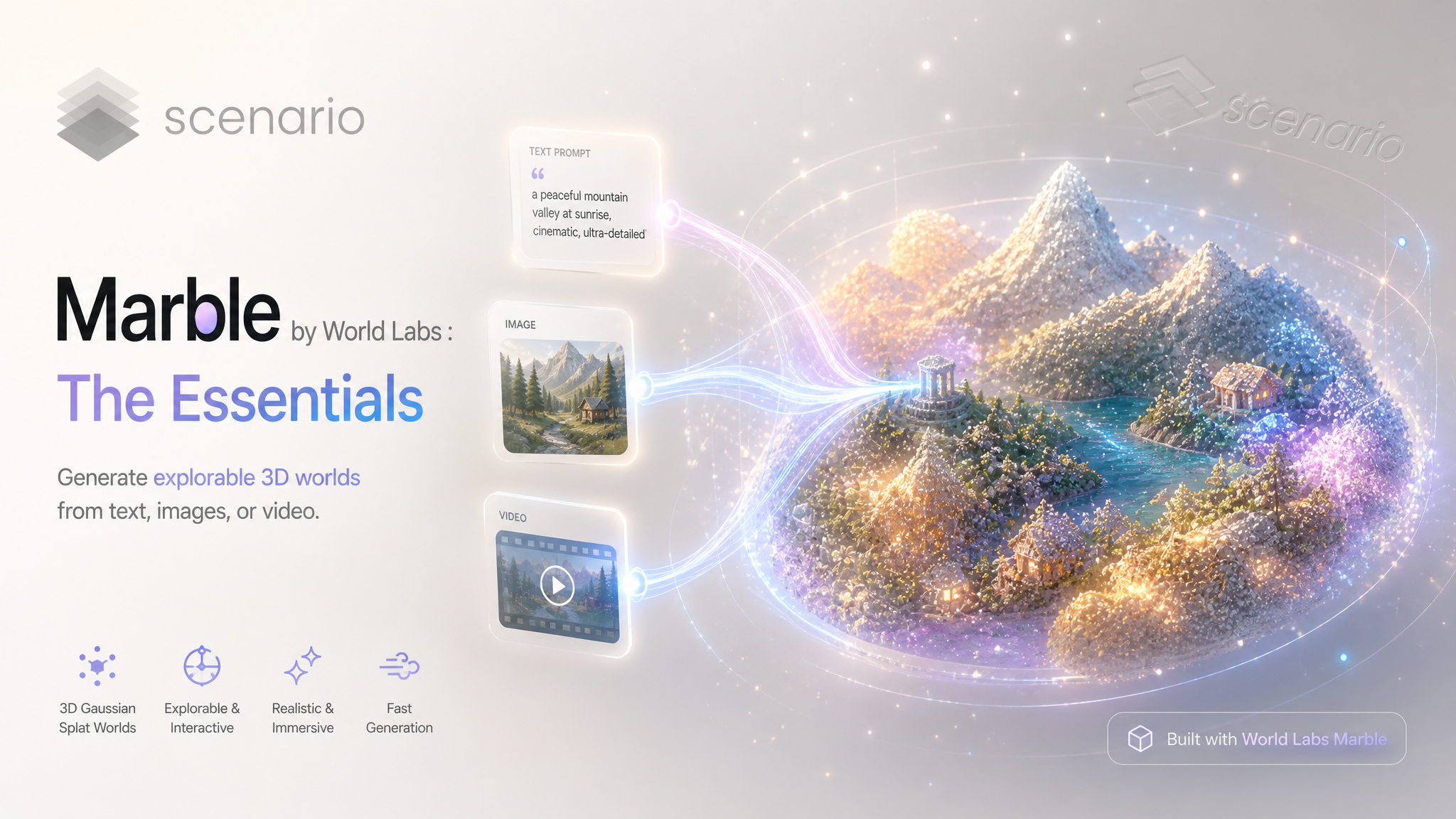
Covers Marble 1.0 Draft, Marble 1.1, and Marble 1.1 Plus.
Marble is a world model: give it one input (a text prompt, a single image, a 360 panorama, 2 to 8 photos of a scene, or a short walkthrough video) and it generates a navigable 3D Gaussian-splat world you can orbit, walk through, and export. Instead of a single object, you get a whole explorable space, returned as a compact .spz splat.
Marble worlds are interactive 3D, not a flat image. A Gaussian splat cannot preview inline in an article, so every example below links to the world in Scenario. Open the link and orbit or walk the scene to judge it. You can export any world as a Gaussian splat, a triangle mesh, or a collider mesh from the asset view.

Image-to-world: this single still became an explorable neon alley. Open the world (asset_CDJXxopAWEWkEsx1ZJECeB8d).
Which Model Should I Use?
All three share the exact same inputs and settings. They differ only in fidelity, world size, and how long they take.
Model | ID | Role | Best for |
|---|---|---|---|
| Fastest, lowest fidelity (about a minute) | Rapid iteration, blockouts, testing a prompt or a source image | |
| Balanced standard quality | Finished interiors and contained scenes: rooms, sets, level greybox, arch-viz | |
| Highest fidelity plus dynamic world sizing | Expansive hero scenes: open landscapes, towns, large environments |
Rule of thumb: Marble is seed-based, so the same prompt (or the same reference image) with the same seed reproduces the same world on all three models, only at higher fidelity. That is what makes the draft-first workflow reliable: lock a composition you like on 1.0 Draft in about a minute, then reproduce that exact world at full quality on 1.1 or 1.1 Plus. We fed the same sci-fi hangar reference image to all three at seed 90004:

Reference image (asset_P3gLBQyKCSKqDoEKy3JMPomb) fed to all three models at seed 90004.
The resulting world on Marble 1.1 Plus, turntable preview. Open it to explore.
Same reference image, same seed, three tiers: the same hangar world, with fidelity increasing from Draft to 1.1 to 1.1 Plus.
How to Use the Model
How Marble Builds a World
You give Marble one input describing a scene. Marble first expands and cleans up your input (recaptioning), then reconstructs a full 3D Gaussian-splat environment from it: geometry, color, and lighting baked into millions of tiny splats. The result is a space you move a camera through, not a fixed render. Marble reads the scene type automatically; a room prompt, for example, comes back tagged as an interior so the viewer starts you inside it.
Text to World
The simplest path: describe a place and let Marble build it. Describe the place, not the camera. Keep it concrete about materials, time of day, and key objects.
Prompt: "Overgrown ancient jungle temple courtyard, moss-covered stone ruins, shafts of sunlight through the canopy, scattered carved statues, dense tropical foliage"
Resulting world: jungle temple courtyard on Marble 1.1. More text-to-world examples: sci-fi ship bridge, Roman forum, and a Scandinavian living room.
Image to World
Have a look you like already? Drop a single image into images and Marble lifts it into 3D, inventing consistent geometry and off-camera surroundings. Wide shots with clear depth give the model the most to work with.
Input still (asset_qkLdtXRFMsW8B2cKKYzXN51L) becomes the resulting world: explorable neon alley on Marble 1.0 Draft. Generate source stills with a text-to-image model first, then feed the best one in.
Panorama, Multi-Image, and Video
360 panorama. Provide a single equirectangular (2:1) image and turn on
isPano. Example: library world (asset_hE6fQQet5go4MFVZ9XTrCfEt).Multi-image. Pass 2 to 8 photos of the same scene from different angles for a more accurate reconstruction. Unrelated images will not combine into one coherent space.
Video. Use the
videofield with a clip that pans across a scene when you have a walkthrough rather than stills.

The equirectangular panorama input (asset_W4LEm6i6HGop8LZm56CEmNNg) used with isPano to produce the library world above.
Dynamic World Sizing (1.1 Plus)
Beyond higher fidelity, Marble 1.1 Plus can expand its coverage to build out more of a scene when it calls for it, which makes it the strongest choice for large, open environments like landscapes and towns.
Prompt: "Vast desert canyon at sunset, towering red rock formations, a dry riverbed winding through the floor, sparse hardy shrubs, dramatic long shadows and warm golden light"
Resulting world: desert canyon. Also see the medieval market town and the alpine valley.
Parameters
All three models take the same parameters. Provide exactly one primary input (a prompt, images, or a video); the rest are optional settings.
prompt
Up to 2000 characters. Required for text-to-world, and useful as extra guidance when you also pass an image or video. Describe the place, its materials, and its lighting, not the camera move. This is the field behind every text-to-world example above, such as the jungle temple.
images
One to eight images. Pass one image for image-to-world (see the cyberpunk alley), or 2 to 8 photos of the same scene from different angles for a more precise multi-image reconstruction. For file inputs, pass Scenario asset IDs.
video
A single video that pans across a scene, for video-to-world. Use this instead of images when you have a walkthrough clip rather than stills.
isPano
true / false, default false. Set true when your single input image is a 360 equirectangular (2:1) panorama, so Marble wraps it into a surrounding world. It only applies when exactly one image is provided. This produced the library world.
disableRecaption
true / false, default false. Marble rewrites your prompt before building the world, which usually helps. Set true to use your exact wording when you have a carefully tuned prompt and want no reinterpretation.
splatResolution
One of 100k, 500k, or full (default full). Sets how many Gaussians are stored. Use full for hero worlds and final fidelity; step down to 500k or 100k for lighter files that load faster. Examples: the coffee shop at 100k and the furniture showroom at 500k.
seed
0 to 4294967295, blank for random. Lock a seed to reproduce a world exactly. The same prompt or reference image with the same seed produces the same world across all three tiers (at higher fidelity on 1.1 and 1.1 Plus), which is what makes the draft-first workflow reliable, as in the sci-fi hangar comparison above (all three used seed 90004).
Use Cases
Game environments: block out levels, hub areas, and biomes as explorable 3D from a prompt, then export a collider mesh for physics and greyboxing.
Film and virtual production: stand up sets and backdrops for previz, LED-wall plates, and camera blocking without building geometry by hand.
Architecture and interiors: turn a room description or a single reference photo into a walkthrough of the space for client review.
VR and immersive: generate places people can actually stand inside, from panoramas or text, for headset and web experiences.
Concept and worldbuilding: explore the mood of a location in 3D instead of a flat concept frame, iterating fast on 1.0 Draft.
Education and heritage: reconstruct historical or natural settings that learners can explore.
Tips for Better Results
Draft first, then commit. 1.0 Draft returns a world in about a minute. Because the same prompt or reference image with the same seed reproduces the same world on every tier, iterate on Draft, then reproduce the approved composition at full quality on 1.1 or 1.1 Plus.
Match the model to the scene size. Use 1.1 for contained interiors and single locations; use 1.1 Plus for open, expansive scenes where its dynamic sizing pays off.
Describe the place, not the shot. Marble builds a space you move a camera through, so camera directions in the prompt add nothing. Spend the words on materials, lighting, and landmarks.
Lock the seed to compare. Keep the prompt and seed fixed when testing tiers or settings so you are comparing the model, not the randomness.
Give image-to-world depth to work with. Prefer wide inputs with clear foreground-to-background depth over flat, head-on close-ups.
Use
isPanoonly with a real equirectangular image. A 2:1 spherical panorama wraps correctly; a normal photo withisPanoon will not.Pick
splatResolutionfor the destination.fullfor hero and final delivery;100kor500kwhen load speed or file size matters.
Known Limitations
One primary input per run. Choose text, images, or video for a given generation; you cannot fuse a full text scene and a video walkthrough in a single call (a prompt can still guide an image or video input).
Output is a Gaussian splat, viewed in 3D. A
.spzworld does not render as an inline image or in a normal image viewer. Open it in Scenario to explore, and export to Gaussian splat, triangle mesh, or collider mesh there. Mesh and collider export is an in-app action, not a model parameter.Render time scales with tier and world size. 1.0 Draft is about a minute; 1.1 takes several minutes; 1.1 Plus takes the longest because it builds larger worlds.
Multi-image needs the same scene. The 2 to 8 images must be different views of one place. Unrelated images will not merge into a coherent world.
Recaption reinterprets terse prompts. Marble rewrites your prompt by default, which can shift a very short prompt away from your intent. Set
disableRecaptionto true to hold your exact wording.Fine text and signage are approximate. As with most generative 3D, small lettering in a world tends to come out as suggestive shapes rather than legible characters.