
The FLUX.2 [KLEIN] family models are designed to bridge the gap between high-end professional output and lightning-fast iteration. Whether you are a game developer, a designer, or a digital artist, the [KLEIN] series offers the tools to turn your imagination into reality in seconds.
The [KLEIN] Trio on Scenario
Scenario has implemented three distinct versions of the [KLEIN] architecture to suit different creative needs.
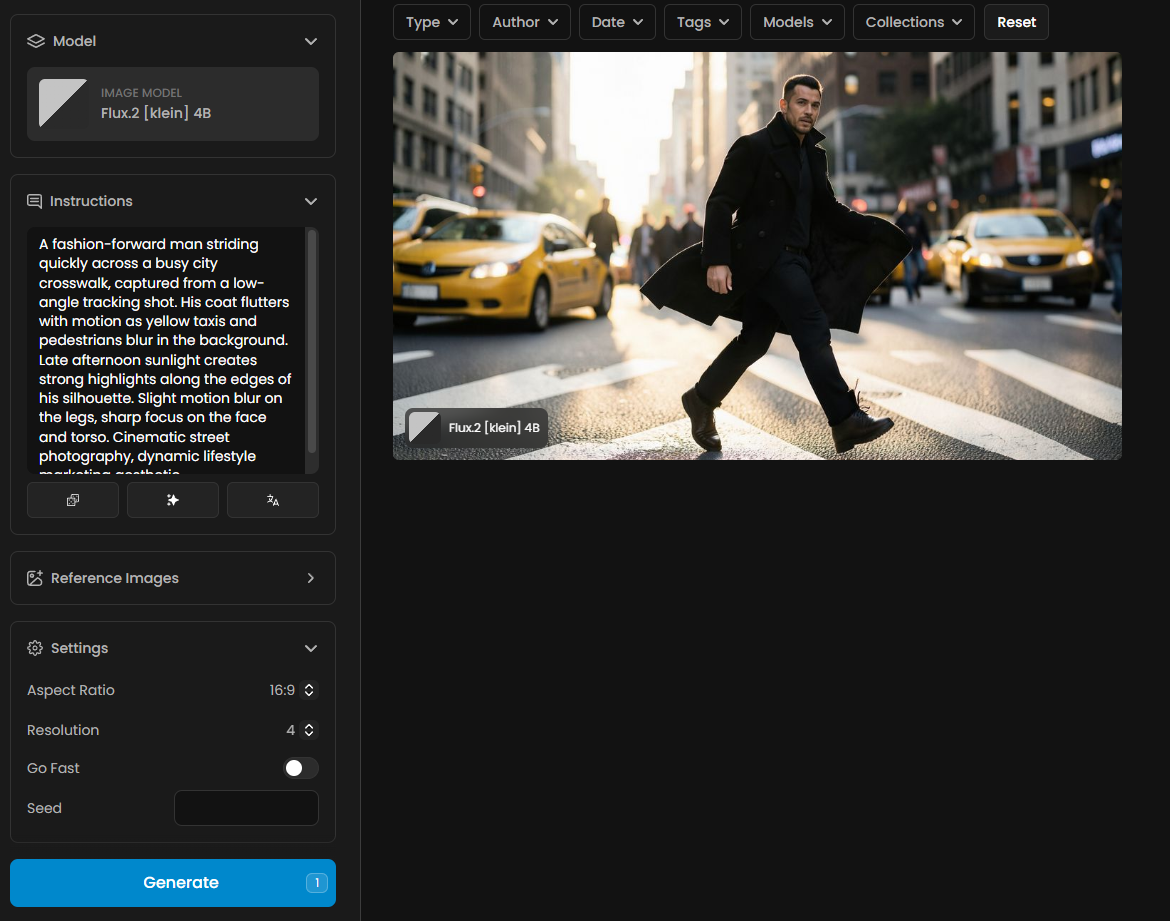
1. FLUX.2 [KLEIN] 4B
This is the ultimate performance model for those who need results now.
Speed-First Architecture: Designed for rapid prototyping and real-time experimentation.
Efficiency: Includes a "Go Fast" toggle for even quicker inference without sacrificing core structure.
Streamlined UI: A clean interface focused on getting you from prompt to image with minimal friction.
2. FLUX.2 [KLEIN] 4B BASE
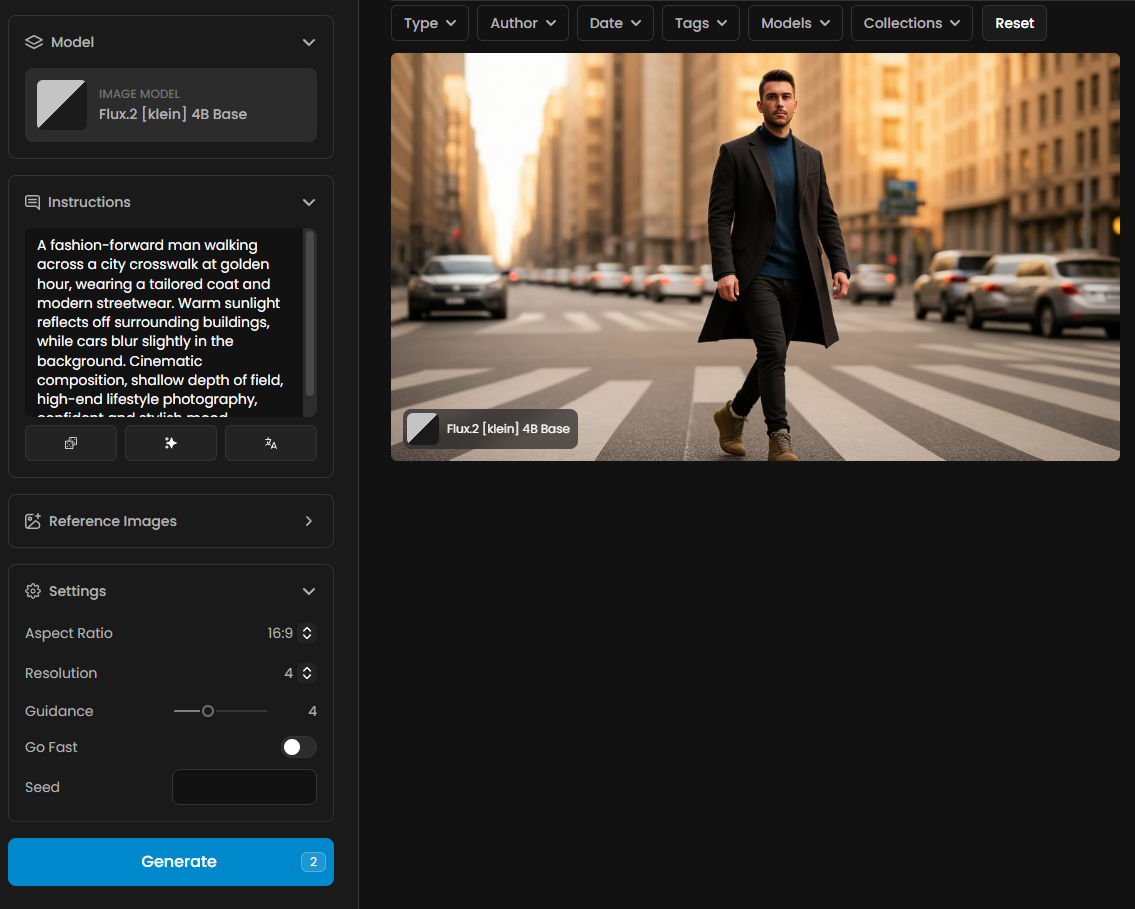
The 4B Base model is built for creators who demand a higher degree of influence over the AI's creative process.
Guidance Control: Features a dedicated Guidance slider (defaulted at 4), allowing you to fine-tune how strictly the model follows your prompt.
Versatility: Perfectly balanced for both text-to-image and reference-based generation.
Creative Freedom: Offers a more diverse output range compared to the distilled 4B version.
3. FLUX.2 [KLEIN] 9B BASE
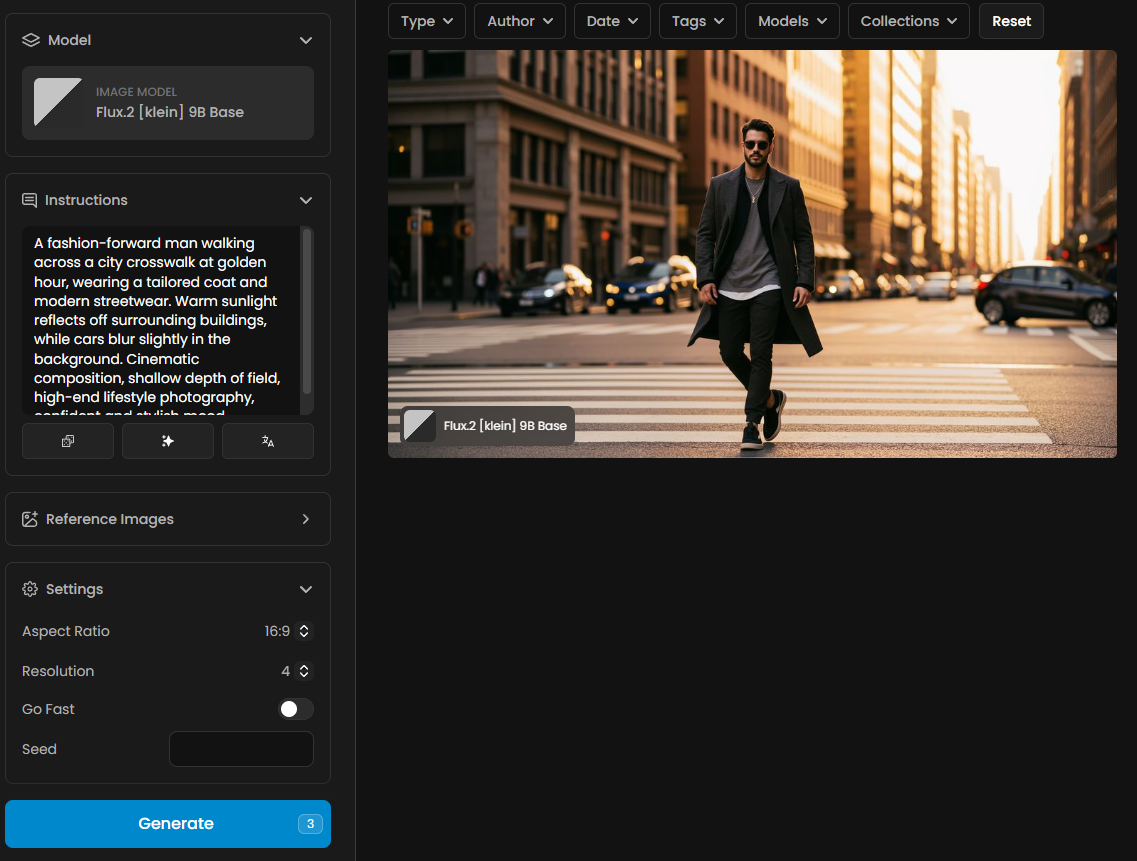
The powerhouse of the compact family, the 9B Base is intended for high-fidelity assets and complex visual storytelling.
Enhanced Reference Capabilities: Optimized for Reference Images, allowing you to upload, sketch, or select from your library to guide the generation.
Superior Quality: With 9 billion parameters, it handles intricate details and complex compositions with ease.
Professional Specs: The go-to choice for final production assets where quality cannot be compromised.
The Art of Prompting for [KLEIN]
To get the most out of these models, you must speak their language. The [KLEIN] series thrives on descriptive, natural language rather than just a list of tags.
Structure is Key: Start with the core subject, followed by lighting, then style and composition.
Be Specific: Instead of "a car," try "a sleek futuristic cybernetic vehicle with neon accents driving through a rain-slicked Tokyo street at night".
Leverage Reference Images: On Scenario, you can combine your prompt with a Sketch or an Upload to provide a structural "skeleton" for the AI to follow.
Guidance Tuning: Use the Guidance slider on the 4B Base model to find the "sweet spot" between AI creativity and prompt adherence.
Use Prompt Spark for Faster Results
Writing the perfect prompt can be challenging. Prompt Spark is a unique Scenario tool designed to help you generate high-quality prompts seamlessly. It feeds on your model's training dataset captions and pinned images to ensure relevance.
You will find four main features in Prompt Spark (accessible via the icons near the prompt box):
Generate a New Prompt: Creates a completely new prompt from scratch, influenced by captions and any pinned images on the model.
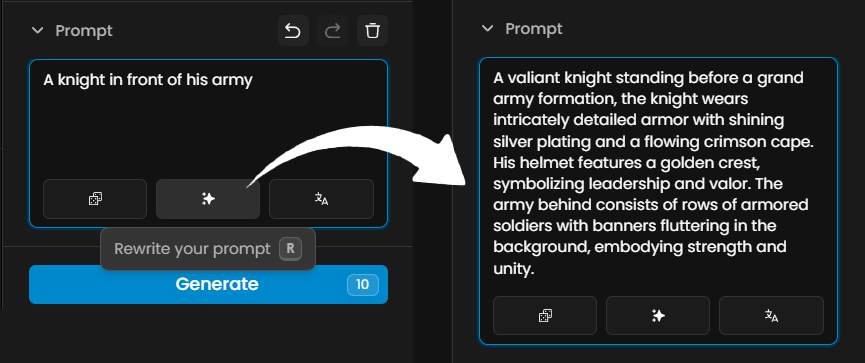
Rewrite Your Prompt: Simply type a few words, and the Rewrite function will expand them into a comprehensive, structured prompt.
Translate: If you prefer writing in a language other than English, use the "Translate" feature to instantly convert your ideas to English. You can then refine the result using "Rewrite."
Image-to-Prompt: You can import or drag and drop an image into the prompt box. Prompt Spark will analyze the visual and automatically generate a descriptive, ready-to-use prompt.
Technical Features on Scenario
Feature | Details & Options |
Aspect Ratios | From 21:9 (Ultra-wide) to 1:1 (Square), and even mobile-friendly 9:21. |
Resolution Scale | Flexible output from 0.25 for fast drafts to 4 for high-res final assets. |
Go Fast Mode | Toggleable switch available across all models for optimized inference speed. |
Seed Control | Precise seed input for reproducible results and iterative refinement. |
Conclusion
The power once reserved for massive server farms is now at your fingertips through Scenario. The FLUX.2 [KLEIN] models aren't just tools; they are an extension of your creative will.
Take Action: Choose the 4B for speed, the 4B Base for control, or the 9B Base for quality. Upload your first reference image, dial in your aspect ratio, and see your vision come to life. The only limit is how fast you can type.
Was this helpful?