Seed TTS 3.0: The Essentials
Last updated: November 25, 2026
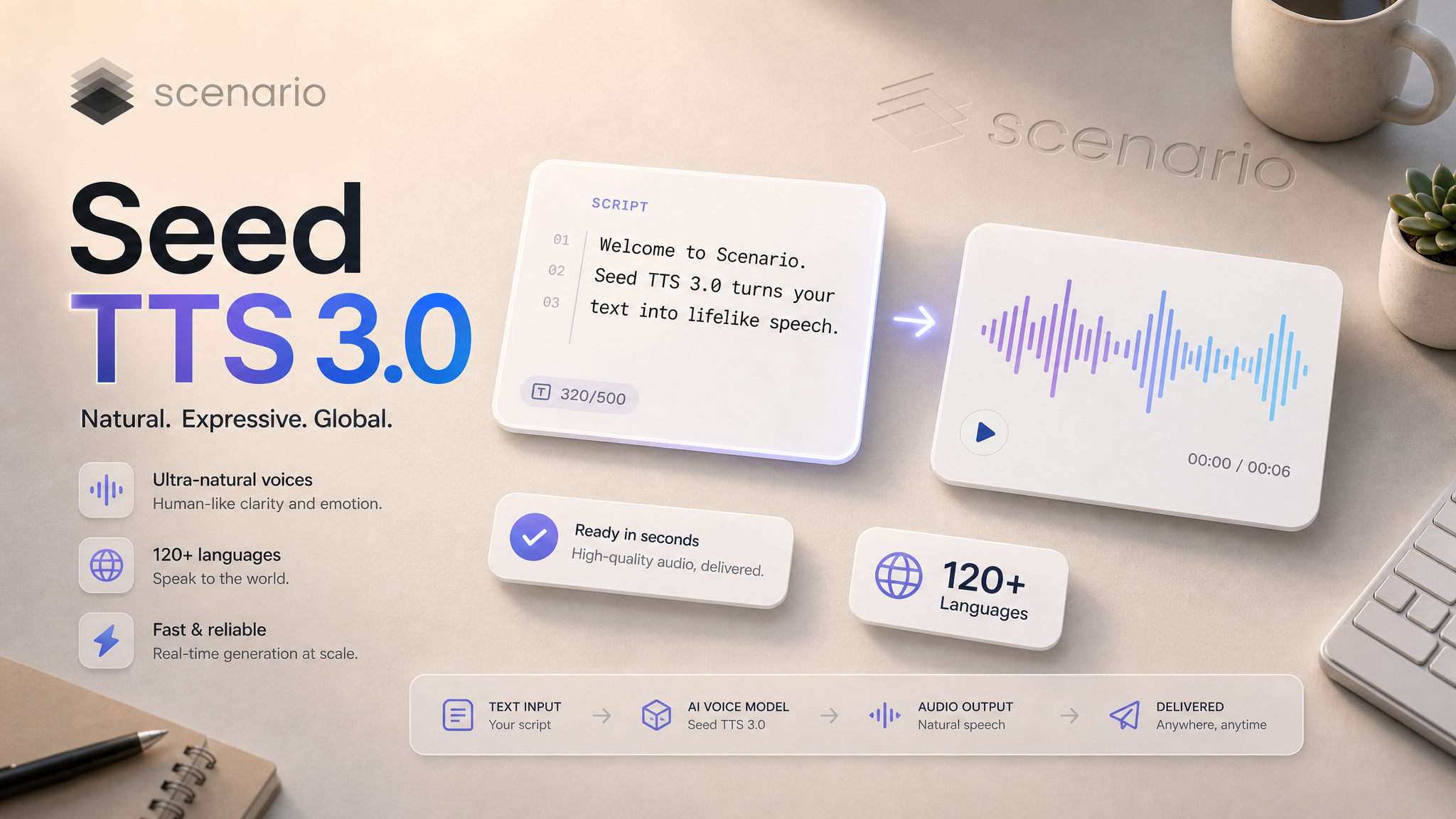
Seed TTS 3.0 by ByteDance turns text into natural speech. You write up to 10,000 characters, pick one of 520 preset voices, and get the read in any of 120 languages and dialects, from English and Brazilian Portuguese to Korean, Cantonese and Sichuanese. Every voice can speak every supported language, whatever its original language, so one voice can carry the same script across all your markets.
You direct the read in three ways: short delivery instructions such as "Whispering softly", numeric speed, volume and pitch, and SSML for exact pauses, slower passages and the way numbers are read. It can also return the start and end time of every word, so the audio lines up with subtitles, on-screen text or an animation. The result is an MP3, WAV or OGG Opus file.
It is a text to speech model with preset voices only: it does not clone a voice, cast one from a description, speak with two voices in one file, or make music and sound effects. For those, see Seed Audio 1.0: The Essentials.
Which Model Should I Use?
Scenario hosts several text to speech models. Pick by the voices you need and how you want to direct them.
Model | Voices and languages | How you direct the read | Best for |
|---|---|---|---|
Seed TTS 3.0 | 520 preset voices, 120 languages and dialects | Delivery instructions, speed, volume and pitch, SSML | Localized voiceover, regional dialects, speech timed to on-screen text |
45 preset voices, 10 languages plus auto-detect | The voice you pick and your punctuation | Fast, high-volume voiceover | |
17 preset voices | 10 emotion modes, pause syntax | Studio-grade narration with an explicit emotion | |
21 preset voices or your cloned voice | Inline tags such as [whispering] | Final voiceover and character takes, your own cloned voice | |
30 preset voices, 24 locales | Inline tags such as <laugh> or <long pause> | Scripted performances, dialogue between two speakers in one file | |
A voice described in the prompt or taken from reference clips | The prompt | Full scenes with dialogue, music and sound effects in one pass |
Reach for Seed TTS 3.0 when the same script has to sound native in many languages or regional dialects, when you want to steer the delivery in plain words, or when the audio has to line up word by word with text on screen.
How to Use the Model
Open Seed TTS 3.0 in the web app, or call it through the API with the model ID model_byteplus-seed-tts-3-0. Write the text to speak, pick a voice, set the language or leave it on auto, and run it. Each run returns one audio file in one voice. Every example below is a real run from Scenario's Public Data, and the API names of the settings each used are in its caption.
Direct the delivery with instructions
Instructions are short phrases that tell the voice how to perform the text, such as "Whispering softly" or "Warm and natural". You can give up to five. They change how the line is read, not what is read: they are never spoken. Here the default voice reads a night shift welcome in English with one instruction, "Whispering softly":
Good evening, and welcome to the night shift at the lighthouse. Tonight the wind is gentle, the tide is low, and the lamp is already burning.Seed TTS 3.0, default voice, language en, instructions "Whispering softly", enableSubtitle on · Open on Scenario
Not every voice follows instructions. If one seems to ignore them, try another voice before you rewrite the instruction.
Speak any language, or a regional dialect
The language list has 120 codes: languages such as en, es, pt, fr, de, ja, ko, zh, ar and hi, regional variants such as en-GB, es-MX and pt-BR, Cantonese (yue), and 16 Chinese regional dialects such as zh-CN-x-sichuan and zh-CN-x-shanghai. A dialect also sets the accent. Left on auto, the model detects the language from the text.
Brazilian Portuguese, radio host. A Portuguese announcement of a street food festival on Rua Augusta in São Paulo, read a little faster than normal by an excited host.
Seed TTS 3.0, voice multi_female_maria_v3_uranus_bigtts, language pt-BR, speed 1.05, instructions "Warm and excited, like a radio host announcing a surprise", enableSubtitle on · Open on Scenario
Sichuanese, hotpot ad. A playful ad for a hotpot restaurant, written in Chinese and read in the Sichuan dialect and accent.
Seed TTS 3.0, voice multi_female_wenrouxiaoya_v3_uranus_bigtts, language zh-CN-x-sichuan, instructions "Playful and teasing", enableSubtitle on · Open on Scenario
Korean, a quiet confession. A confession at a bus stop on a rainy night, whispered with emotion.
Seed TTS 3.0, voice multi_female_soojeong_v3_uranus_bigtts, language ko, instructions "Whispering softly, trembling with emotion", enableSubtitle on · Open on Scenario
Control pauses, pacing and numbers with SSML
For exact control, send a complete SSML document in ssml instead of plain text in text. A <break time="600ms"/> tag inserts a pause of that length, <prosody rate="slow"> slows a passage (add pitch="-2st" to lower it by two semitones), and <say-as> sets how a number is read.
Mexican Spanish, museum audio guide. An audio guide for the Aztec Sun Stone, with pauses of 500 to 800 milliseconds between its sentences and two passages slowed down, one of them also lowered by two semitones.
Seed TTS 3.0, voice multi_female_monica_v3_uranus_bigtts, language es-MX, ssml with <break> pauses and two <prosody rate="slow"> passages · Open on Scenario
English, order announcement. The order number is marked to be read digit by digit, and the counter number as a whole number:
<speak>Order number <say-as interpret-as="digits">40731</say-as> is ready at counter <say-as interpret-as="cardinal">12</say-as>. Please bring a photo ID.</speak>Seed TTS 3.0, default voice, language en, ssml with <say-as> digits and cardinal · Open on Scenario
Sync the audio to text with word timestamps
Turn on enableSubtitle and the run also returns a JSON file with the start and end time of each word. Use it to time subtitles, karaoke-style captions, on-screen text or a character's animation to the speech. The lighthouse, São Paulo, Sichuan and Korean examples above had it on. Not every language supports it.
Parameters
The headings are the API names of the settings.
text
The text to speak, up to 10,000 characters. Give either text or ssml, not both. The cost depends on its length. The lighthouse example above used plain text.
ssml
A complete SSML document instead of plain text, up to 10,000 characters, for pauses, pacing and pronunciation, wrapped in <speak>. The Sun Stone example used <break> and <prosody>, the order announcement <say-as interpret-as="digits"> and interpret-as="cardinal".
voice
One of 520 preset voices, with IDs such as multi_female_maria_v3_uranus_bigtts. The default is multi_male_ryan_v3_uranus_bigtts, used by the lighthouse and order examples. Every voice can speak every supported language, whatever its original language.
language
auto (the default) detects the language from the text; otherwise one of 120 language and dialect codes, such as pt-BR in the São Paulo example or zh-CN-x-sichuan in the Sichuan one. A dialect also sets the accent.
instructions
Up to five short phrases on how the voice should deliver the text, such as "Whispering softly" in the lighthouse example or "Playful and teasing" in the Sichuan one. Not every voice follows them.
speed
From 0.5 to 2, default 1. The São Paulo example used 1.05 for a slightly brisker read.
volume
From 0.5 to 2, default 1.
pitch
From -12 to 12 semitones, in steps of 1, default 0. It shifts the whole read; to lower one passage only, use <prosody pitch="-2st"> in SSML, as the Sun Stone example did.
format
mp3 (the default), wav (uncompressed) or ogg_opus.
sampleRate
8000, 16000, 22050, 24000, 32000, 44100 or 48000 Hz, default 24000. OGG Opus supports only 48000.
bitrate
MP3 and OGG Opus only: 64000 (the default) or 160000 bits per second. MP3 at 8000 Hz supports only 64000.
enableSubtitle
Off by default. On, the run also returns a JSON file with the start and end time of each word, as in the four examples that had it on. Not every language supports it.
textNormalization
On by default: numbers, dates and symbols are read as words, so "$5.50" becomes "five dollars fifty". Off, the text is read as written.
enableMarkdownFilter
Off by default. On, Markdown syntax (headings, list markers, emphasis) is removed before the text is spoken, so a Markdown document can be read without its symbols.
Cost
The cost depends on the length of the text: about 4 CU per 1,000 characters, with a minimum of 1 CU. A short line costs 1 CU, 1,000 characters cost 4 CU, and runs of about 140, 420 and 600 characters cost 1, 2 and 3 CU. To get the exact price of a run without running it, call the API with the dryRun=true query parameter, or the Scenario MCP's model_run with dry_run.
Use Cases
Use case: localized voiceover. Voice one script for every market with the same voice, in the language or regional variant of each, such as es-MX next to es or pt-BR next to pt.
Use case: regional ads and announcements. Reach a local audience in its own dialect, such as Sichuanese or Shanghainese, with a delivery instruction that sets the mood.
Use case: subtitles, captions and animation. Use the word timestamps to time subtitles, on-screen text or a talking character to the speech.
Use case: audio guides, e-learning and narration. Read up to 10,000 characters per run, with SSML pauses and slower passages where the listener needs time.
Use case: in-app, kiosk and game prompts. Read order numbers, prices, dates and codes exactly as intended, with <say-as> or text normalization.
Tips for Better Results
Set the language for short lines and dialects.
autoguesses from the text; a code removes the guess, and a dialect code is the only way to get its accent.Keep instructions short and concrete. One to three phrases such as "Warm and natural" or "Whispering softly" work better than a paragraph.
Change the voice when instructions do nothing. Not every voice follows them, so audition two or three voices on a short line first.
Use SSML when timing matters. A
<break>gives an exact pause where punctuation only suggests one.Check how numbers are read. Text normalization reads "$5.50" as "five dollars fifty"; for codes and order numbers, use
<say-as interpret-as="digits">, or turn normalization off to read the text as written.Pick the format for the next step. MP3 for the web, WAV for editing, OGG Opus (at 48000 Hz) when your app or engine expects it.
Split long scripts at sentence boundaries. Each run takes up to 10,000 characters; keep the same voice, language and instructions across runs so the parts match.
Known Limitations
Preset voices only. No voice cloning and no voice described in a prompt. To use your own voice, see ElevenLabs v4 or Lux TTS; to cast a voice from a description, see Seed Audio.
One voice per run. A file has a single speaker. For dialogue, generate each line separately and edit them together, or use Gemini 3.8 Flash TTS for two speakers in one file.
Speech only. No music or sound effects. For a full scene in one pass, see Seed Audio.
Instructions are not followed by every voice. Some voices read the text the same way whatever the instructions.
Word timestamps are not available in every language.
10,000 characters per run, as text or as SSML, not both.