NVIDIA Kimodo: The Essentials
Last updated: November 17, 2026
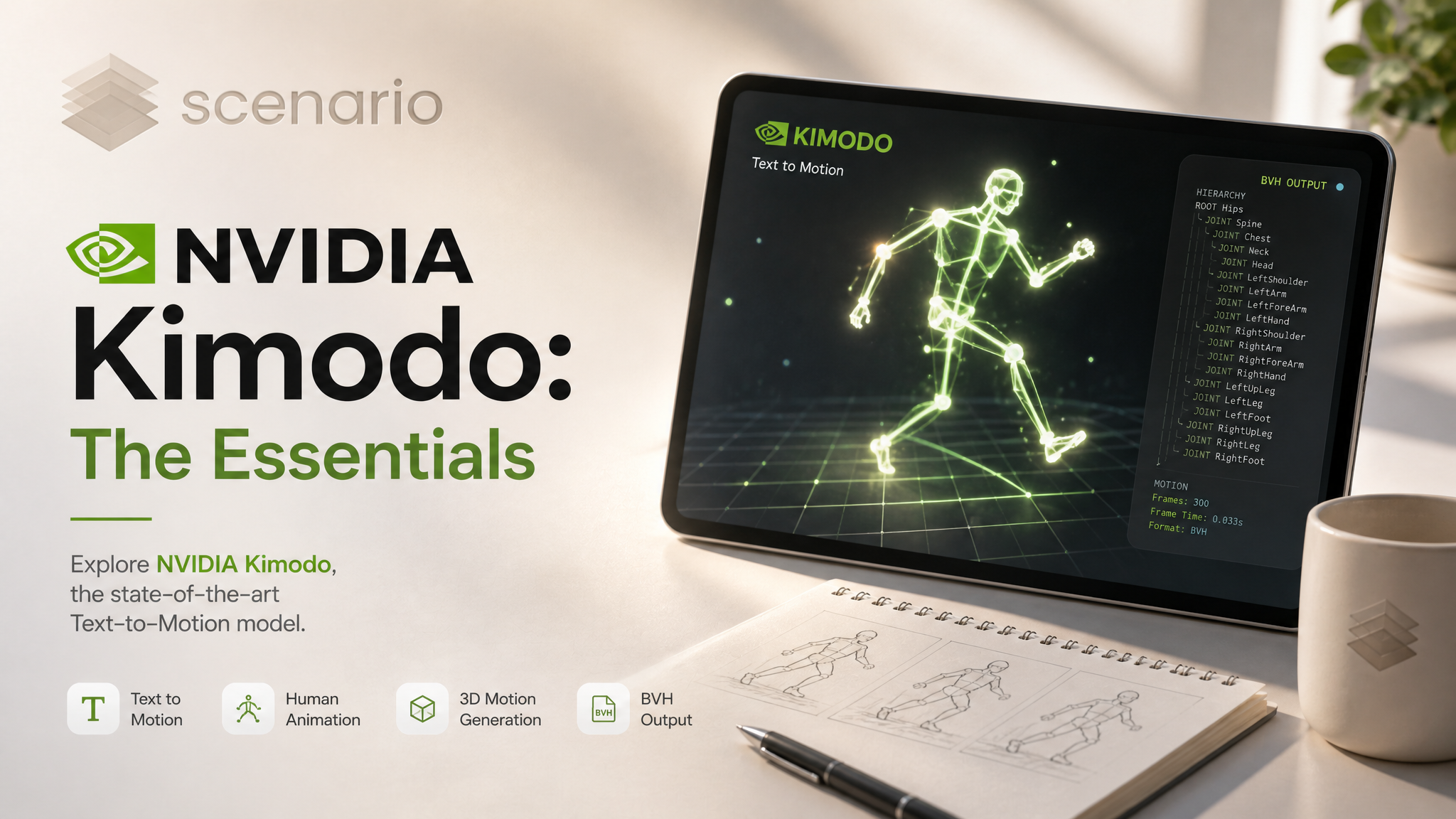
Covers NVIDIA Kimodo Text to Motion (model_nvidia-kimodo-text-to-motion).
NVIDIA Kimodo turns short text prompts into human body motion. You give it 1 to 10 prompts, each with its own duration of 1 to 10 seconds, and it plays them in order with blended transitions. An optional JSON constraints file can pin the motion to a ground path. The output is a BVH animation at 30 fps on the 77-joint SOMA skeleton, plus the raw NPZ file. There is no mesh or character in the output: you retarget the motion onto your own rig.
Run, then slow down and stop, following a quarter-arc ground path (orange) with firstHeadingAngle 1.57 · Open on Scenario
Which Model Should I Use?
Model | ID | Input | Output | Best for |
|---|---|---|---|---|
| 1 to 10 prompts, 1 to 10 s each, optional constraints JSON | BVH (30 fps, SOMA skeleton) + NPZ, no mesh | Multi-step sequences in one clip, motion that must follow a ground path, several takes per run | |
| One prompt, 4 to 10 s, optional character mesh | GLB or FBX at 24, 30 or 60 fps | Getting motion already on your own character mesh in one step |
Rule of thumb: use Kimodo when you want to chain several actions, steer the path on the ground, or work with BVH in your own retargeting pipeline. Use Uthana Text to Motion 3.0 when you want the model to deliver the motion on your character file.
How to Use the Model
Every clip below is the BVH output played on a simple mannequin in Blender, with the active prompt as a caption. The mannequin, floor and captions are ours; the motion is the model output. Open on Scenario links to the BVH asset.
Write one short prompt per action
Each prompt starts with "A person" and describes one or two actions. Add one prompt per step of the sequence: the model plays them in the listed order and blends each step into the next over numTransitionFrames frames (0 to 30, default 5). Describe the body, not the scene: the output has no props or set.
prompts: ["A person walks forward at a relaxed pace", "A person stops and looks around", "A person sits down on the ground"]
durations: [4, 3, 4]
Three prompts, 4 + 3 + 4 s: 330 frames in the BVH · Open on Scenario
prompts: ["A person jogs in place", "A person does a deep squat", "A person lunges forward with the right leg", "A person shakes out their arms and legs"]
durations: [3, 3, 3, 3]
numTransitionFrames: 8
Four-step warm-up, 4 x 3 s: 360 frames · Open on Scenario
prompts: ["A person throws a boxing jab, cross and hook", "A person dodges to the left and throws an uppercut"]
durations: [5, 5]
guidanceScale: 3
Boxing combination, 5 + 5 s: 300 frames · Open on Scenario
prompts: ["A person dances with side steps, swinging their arms", "A person spins around once while dancing", "A person dances with a hip shake, rolling their shoulders"]
durations: [4, 3, 4]
numTransitionFrames: 8
seed: 6303
Three dance moves in place: net travel 0.2 m over 11 s · Open on Scenario
prompts: ["A person bends down and picks up a box from the floor", "A person carries a box forward with both hands", "A person bends down and sets the box on the floor"]
durations: [3.5, 4, 3.5]
numTransitionFrames: 8
seed: 4101
Pick up, carry, set down: the hands drop to 0.26 m above the floor at pickup and set-down and stay 0.4 to 0.55 m apart while carrying. No box is generated · Open on Scenario
Durations
durations takes one value per prompt, from 1 to 10 seconds in steps of 0.5. A single value applies to every prompt. The total length is the sum: in our runs the BVH had 330 frames for 4 + 3 + 4 s, 360 frames for 12 s and 300 to 301 frames for 10 s, so about 30 frames per requested second. One prompt cannot run longer than 10 s; for a longer action, split it into two prompts that continue each other.
Constraints: make the motion follow a ground path
constraints is an optional JSON file (up to 20 MB). We tested the root2d type, which sets where the hips are on the ground at given frames. Frame numbers count from the start of the whole sequence at 30 fps. Each point is [x, z] in meters, relative to where the motion starts, with Y up. The schema also lists full-body keyframes and hand or foot positions; we did not test those.
[{"type": "root2d",
  "frame_indices": [0, 90, 180, 270, 359],
  "smooth_root_2d": [[0.0, 0.0], [1.2, 1.5], [0.0, 3.0], [-1.2, 4.5], [0.0, 6.0]]}]
Save that as a .json file and attach it to the Constraints input. In our tests the constraints only worked as an attached JSON file: sending the same JSON as plain text failed with an invalid JSON error. With guidanceType separated and constraintGuidanceScale 2, the hips passed within 4 cm of all 5 waypoints of this 6 m S-path.
prompts: ["A person walks forward casually"]
durations: [12]
constraints: (the root2d file above)
guidanceType: separated
constraintGuidanceScale: 2
postProcessing: true
S-shaped ground path, 5 waypoints over 12 s: the hips stay within 4 cm of each waypoint · Open on Scenario
The second path example combines constraints with firstHeadingAngle (radians around Y; 0 faces +Z). At 1.57 the character starts facing +X, runs along a quarter arc at about 3.2 m/s, then slows to 0.1 m/s. The hips passed within 6 cm of all 6 waypoints.
prompts: ["A person runs forward fast", "A person slows down to a jog and stops"]
durations: [6, 4]
firstHeadingAngle: 1.57
constraints: [{"type": "root2d", "frame_indices": [0, 60, 120, 180, 240, 299],
  "smooth_root_2d": [[0, 0], [6.0, 1.608], [10.392, 6.0], [12.0, 12.0], [12.0, 15.0], [12.0, 16.5]]}]
guidanceType: separated
constraintGuidanceScale: 2
seed: 7404
This is the clip at the top of the article.
Variations
numOutputs (1 to 4) returns several motions for the same prompts in one run, each as its own BVH asset. With 3 outputs for one prompt, the three takes differed by 3.6 to 4.1 degrees per joint channel on average, and covered 4.9 m, 7.2 m and 2.8 m.
prompts: ["A person sneaks forward on tiptoes"]
durations: [10]
numOutputs: 3
seed: 31337
Three takes from one run, side by side · Take 1 · Take 2 · Take 3
Guidance
guidanceScale (0 to 10, default 2) sets how closely the motion follows the prompts. Same prompt and seed, scale 1 against 5: at 1 the character ignored "on one leg" (3 frames on one foot, never airborne, walked 5.3 m); at 5 it hopped (150 frames on one foot, 11 airborne frames, 3.4 m). Both turned around (166 and 177 degrees).
prompts: ["A person hops forward on one leg, then jumps and turns around"]
durations: [10]
seed: 8505
guidanceScale: 1  (left)  /  5  (right)
guidanceScale 1 (left) and 5 (right), same seed 8505 · Open scale 1 · Open scale 5
Outputs and retargeting
Each output is a BVH asset at 30 fps on the SOMA skeleton (77 joints), in centimeters, Y-up. The asset's original file is the raw NPZ. Note the unit difference: constraints are written in meters, the BVH is in centimeters. The preview in the Scenario viewer is a 3 s clip at 512 px, so download the BVH to see the full motion.
To use the motion on a character, import the BVH into Blender, Maya, MotionBuilder or your engine and retarget it to your rig. We retargeted the boxing example above onto a character rigged with Rodin Hyper3D Rigging, exported it as FBX and fed it back to that model as a custom animation file. Rigging resampled it from 30 to 24 fps (301 to 241 frames) and needed a -90 degree X pre-rotation at the hips; the full walkthrough is in Rodin Hyper3D Rigging: The Essentials.
Kimodo boxing (above) retargeted in Blender and baked by Rodin Hyper3D Rigging; the guard sits beside the ears rather than in front of the chin · Open on Scenario
Parameters
Everything except prompts is optional. The examples above show each control in use.
prompts
Required. 1 to 10 prompts, played in order. Start each with "A person" and keep it to one or two actions. See the warm-up and dance examples.
durations
Seconds per prompt, 1 to 10 in steps of 0.5. Default 5. One value applies to all prompts. See Durations.
constraints
Optional JSON file, up to 20 MB: ground path (root2d), full-body keyframes, or hand and foot positions. Frames counted at 30 fps from the start; positions in meters, Y-up. Attach it as a file. See the S-path example.
numOutputs
1 to 4. Default 1. Number of alternative motions for the same prompts. See Variations.
numInferenceSteps
10 to 200. Default 100. Fewer steps are faster, more steps aim for higher quality. All our examples used the default.
guidanceScale
0 to 10. Default 2. How closely the motion follows the prompts. See Guidance.
guidanceType
None (nocfg), Regular (regular) or Separated (separated). Default separated, which applies guidanceScale to the prompts and constraintGuidanceScale to the constraints.
constraintGuidanceScale
0 to 10. Default 2. How closely the motion follows the constraints, in Separated mode only. Both path examples used 2.
numTransitionFrames
0 to 30. Default 5. Frames used to blend one prompt into the next. The sequence examples used 8 or 10.
firstHeadingAngle
-6.2832 to 6.2832 radians around the vertical axis. Default 0, which faces +Z. 1.57 starts the character facing +X, as in the run example.
postProcessing
true / false. Default true. Reduces foot sliding and snaps the motion onto the constraints.
seed
0 to 2147483647. Reuse a seed to reproduce a previous result.
bvhStandardTPose
true / false. Default false. Writes the BVH with a standard T-pose as its rest pose instead of the skeleton's default rest pose. We did not test this option.
Use Cases
Game animation blocking: chain locomotion, combat and idle beats in one clip, as in the boxing and warm-up examples, then retarget to your rig.
Path-driven movement: make a character walk or run along a planned route with a root2d constraint, as in the S-path and quarter-arc examples.
Picking from several takes: generate up to 4 versions of the same action in one run and keep the one that fits.
Previs and layout: block out how a character moves through a scene before final animation.
Character pipelines on Scenario: generate a mesh with Rodin Gen-2.5, rig it with Rodin Hyper3D Rigging, and drive it with Kimodo motion.
Tips for Better Results
One action per prompt. Every sequence above uses one short "A person..." prompt per step, and the steps play in that order.
Split long actions. A prompt maxes out at 10 s; continue the action in a second prompt.
Raise guidanceScale when a detail is ignored. At 1 the hop on one leg was ignored; at 5 it appeared.
Attach constraints as a .json file. Plain-text JSON failed in our tests; the attached file worked and kept the hips within 4 to 6 cm of every waypoint.
Set firstHeadingAngle to match your path. Point the character along the first segment of the path, as in the quarter-arc run.
Use numOutputs for alternatives. The three tiptoe takes covered 2.8 m to 7.2 m from the same prompt.
Download the BVH. The in-app preview stops at 3 s.
Known Limitations
Motion only. No mesh, props or set. In the box example the hands move as if carrying a box, but no box exists. Retarget the BVH onto your own character.
No scene awareness. Asked to sit on a low step, the character sat all the way to the floor (hips at 0.15 m) because there is no step. Prompt for what the body does on flat ground.
10 s per prompt. Each prompt is 1 to 10 s; longer actions need several prompts.
Constraints are a JSON file. Paste-in text is not accepted; attach a .json file. We verified root2d only.
Fixed format. BVH at 30 fps on the SOMA skeleton (77 joints, centimeters, Y-up) plus NPZ. There is no frame rate or FBX/GLB option; convert or retarget in your DCC tool.
Short preview. The Scenario viewer shows a 3 s preview at 512 px; the BVH holds the full length.
Open the model: NVIDIA Kimodo Text to Motion