MiniMax Music Cover: The Essentials
Last updated: April 22, 2026
Covers MiniMax Music Cover (model_minimax-music-cover)
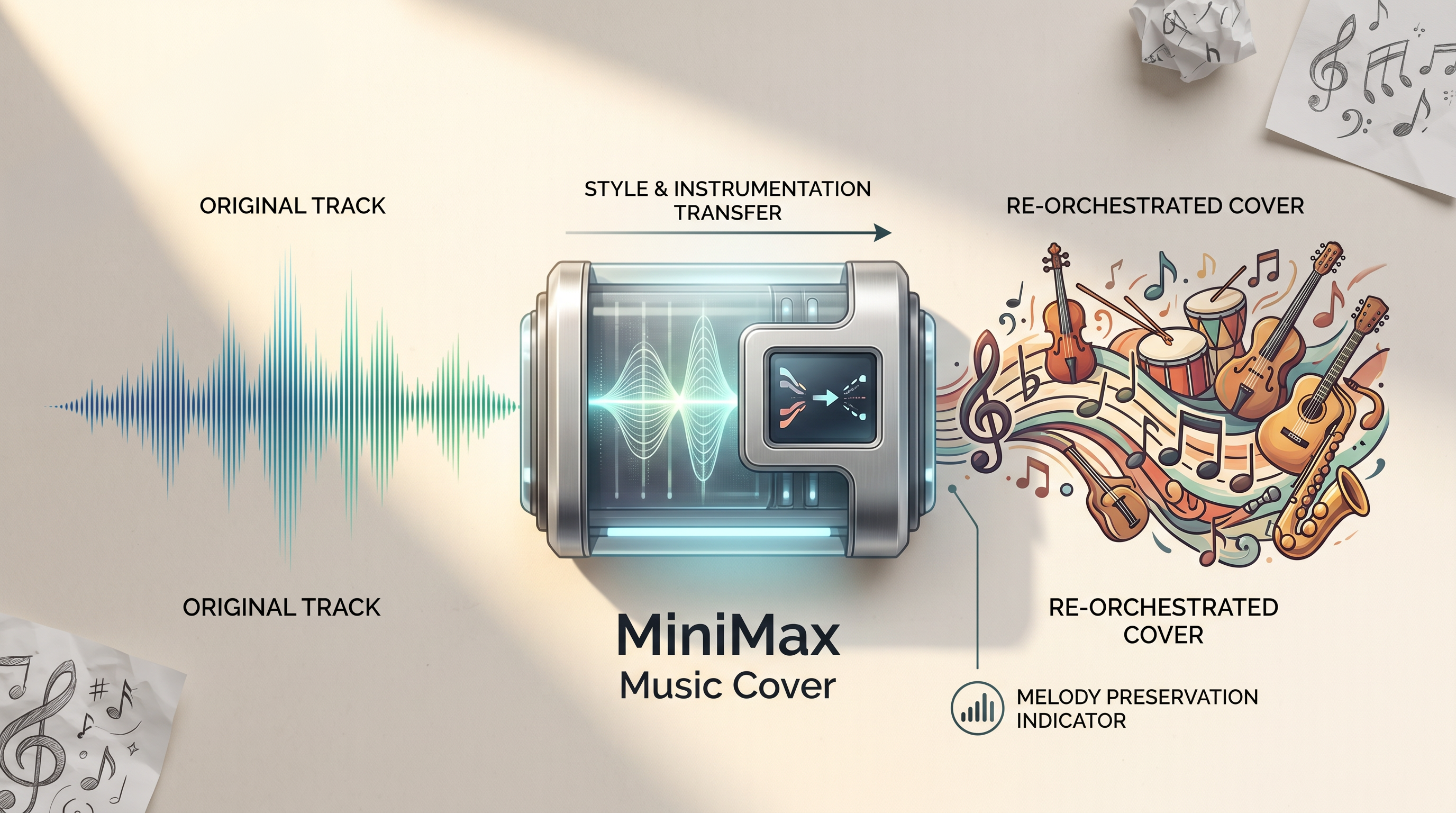
MiniMax Music Cover is a song-to-song style transfer model. It takes an input audio track and a text prompt, then recreates the song in the described style. The original melody and duration are preserved throughout. Everything else changes: the instrumentation, vocal character, arrangement, genre, and production texture. This is not voice cloning and not stem replacement. The model regenerates the full track from scratch, guided by the prompt.
Parameters
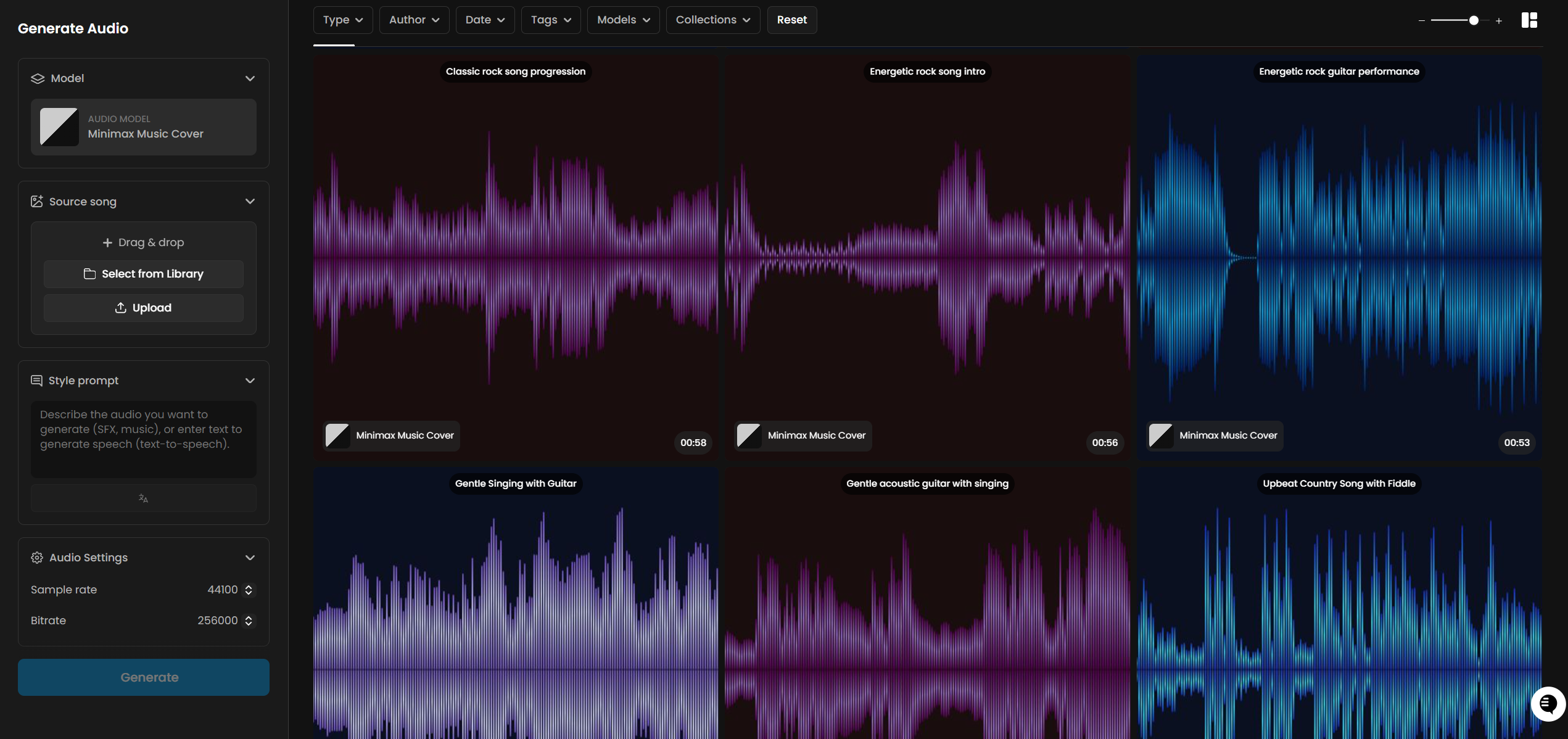
Audio is required. Provide the Scenario asset ID of the source song you want to cover. MP3 and WAV files are both accepted. The model works best with tracks that have clear vocals and a recognizable melody. Heavily distorted sources or recordings with poor audio clarity will produce less precise results.
Prompt is required and accepts up to 2,000 characters. Describe the target style: genre, instruments, vocal character (gender, texture, delivery style), tempo in BPM, mood, and production style. The more specific and production-level the description, the more accurately the model will match it.
Sample Rate sets the audio quality of the output. Options are 16,000, 24,000, 32,000, and 44,100 Hz. The default is 44,100 Hz, which is CD quality and suitable for all production use. Lower values reduce file size at the cost of audio fidelity.
Bitrate controls the file quality. Options are 32,000, 64,000, 128,000, and 256,000 bps. The default is 256,000 bps, the highest available. Both defaults are already set to maximum quality, so no adjustment is needed for standard production work.
How It Works
MiniMax Music Cover analyzes the source audio to extract the underlying melodic structure. It then uses the text prompt to define the target style: what instruments to use, what vocal character to generate, what genre conventions to follow, and what production texture to apply. The output is a complete, newly generated track built around the extracted melody.
This is a full re-orchestration, not a stem swap. The model does not isolate the original vocals and paste them onto a new backing track. It generates entirely new vocals that match the described character, and builds entirely new instrumentation around them. The connection to the source is the melody, not any individual sonic element.
The output duration always matches the source track. A 3-minute source produces a 3-minute cover. There is no parameter to shorten or extend the output.
Example prompts:

"Bossa nova, nylon string guitar, gentle percussion, breathy female vocal, 110 BPM, sunny and breezy"

"Vintage jazz, warm upright bass, walking piano chords, brushed snare, crooner male vocal, 100 BPM, smoky and intimate"

"Festival EDM, massive synth leads, four-on-the-floor kick, euphoric female vocal chops, 128 BPM, anthemic"

"Cinematic orchestral, full strings, brass fanfare, epic choir, no solo vocal, 70 BPM, heroic and sweeping"
There is no seed parameter. Every generation with the same prompt and source audio will produce a different result. To explore variations, run the same job multiple times and compare outputs.
What Makes a Good Source Track
The model performs best when the source audio has a clear, strong melody and intelligible vocals. Songs where the melodic line is prominent and unobscured by production effects give the model the clearest melodic signal to work from.
Tracks that are less well suited include heavily distorted recordings, music where the melody is buried in dense production, or purely ambient pieces with no defined melodic content. These can still produce output, but the melodic fidelity of the cover will be lower and the connection to the source less recognizable.
Songs generated by other Scenario models (MiniMax Music, ElevenLabs Music Advanced, Lyria 3 Pro) work well as sources. They are clean, well-mixed, and contain clear melodic content.
Use Cases
Music prototyping: Test whether a melody works in a different genre before committing to a full production. Generate a quick cover to hear a concept in a new context without rebuilding the track from scratch.
Game soundtrack adaptation: Take an existing theme and produce genre variants for different game states. A single melody can become an ambient ambient version for exploration, an intense version for combat, and a triumphant version for victory screens.
Content creation and social media: Reimagine a familiar track in an unexpected style for short-form content. Genre contrast between source and output creates the kind of transformation that works well for reels and clips.
Creative covers: Artists and producers can use the model to hear their song interpreted in styles they would not ordinarily produce, surfacing unexpected arrangements worth developing further.
Film and advertising demos: Generate a cover of a reference track in the desired production style to communicate a music direction to a client before commissioning a custom composition.
Music education: Demonstrate how the same melody sounds across different genres, harmonic treatments, and production eras. The preserved melody makes genre comparison directly audible.
Tips for Better Results
Describe the vocal character explicitly. Specify gender, texture, and delivery style: "warm tenor male vocal," "breathy female vocal," "aggressive screaming vocal," "crooner baritone." Leaving vocal description vague gives the model less to work with and produces less predictable results.
Include BPM for rhythm-dependent genres. Hip hop, EDM, and dance tracks benefit greatly from an explicit tempo. "Hip hop, 90 BPM" anchors the beat to a specific groove in a way that "hip hop" alone does not.
Use sub-genre and instrument names, not just genre labels. "Synthwave with analog arpeggios and gated reverb drums" produces more targeted results than "electronic." The model responds to production-level vocabulary.
Generate multiple variations. There is no seed parameter, so each run produces a different interpretation. For important use cases, generate 3 to 5 versions and choose the best. The cost per generation is fixed at 24 CU.
Use maximum quality settings. Sample Rate defaults to 44,100 Hz and Bitrate defaults to 256,000 bps. Both are already at maximum. There is no reason to lower them unless you specifically need a smaller file size.
Use clean, well-mixed source audio. Songs with clear melody and intelligible vocals give the model the strongest signal to work from. Studio-quality recordings or tracks generated by other Scenario models are ideal sources.
Extreme genre shifts are reliable. The model handles large stylistic distances well. Heavy metal to baroque, country to K-pop, Latin dance to gospel: all produced coherent, recognizable covers in testing. Do not limit yourself to adjacent genres.
Known Limitations
No seed or reproducibility control. The same prompt and source audio will produce a different result on every run. There is no way to lock a generation for exact reproduction. Keep a record of outputs you want to reference.
Output duration is fixed to the source. The model cannot shorten or extend the track. If you need a shorter clip, trim the source audio before uploading. If you need a longer output, generate from a longer source.
Tempo is influenced, not precisely controlled. Including a BPM value in the prompt guides the model toward a target tempo feel, but the output tempo is not guaranteed to match exactly. It is closer to a stylistic signal than a locked parameter.
Works best with vocals. The model is designed for songs with clear vocal melody. Purely instrumental sources or recordings with heavily distorted or buried melody lines will produce less recognizable covers.
No lyric editing. The MiniMax provider API supports a multi-step lyric customization flow (preprocess, edit, generate), but this is not exposed in Scenario. The lyrics are generated automatically from the source and cannot be modified.
Output format is always MP3. The audio format is not configurable in Scenario. The provider API supports additional formats (WAV, PCM), but only MP3 output is available here.
Processing time scales with source length. Longer songs take more time to process. Typical generation time for a 2 to 3 minute track is 60 to 120 seconds.