Rodin Hyper3D Rigging: The Essentials
Last updated: November 17, 2026
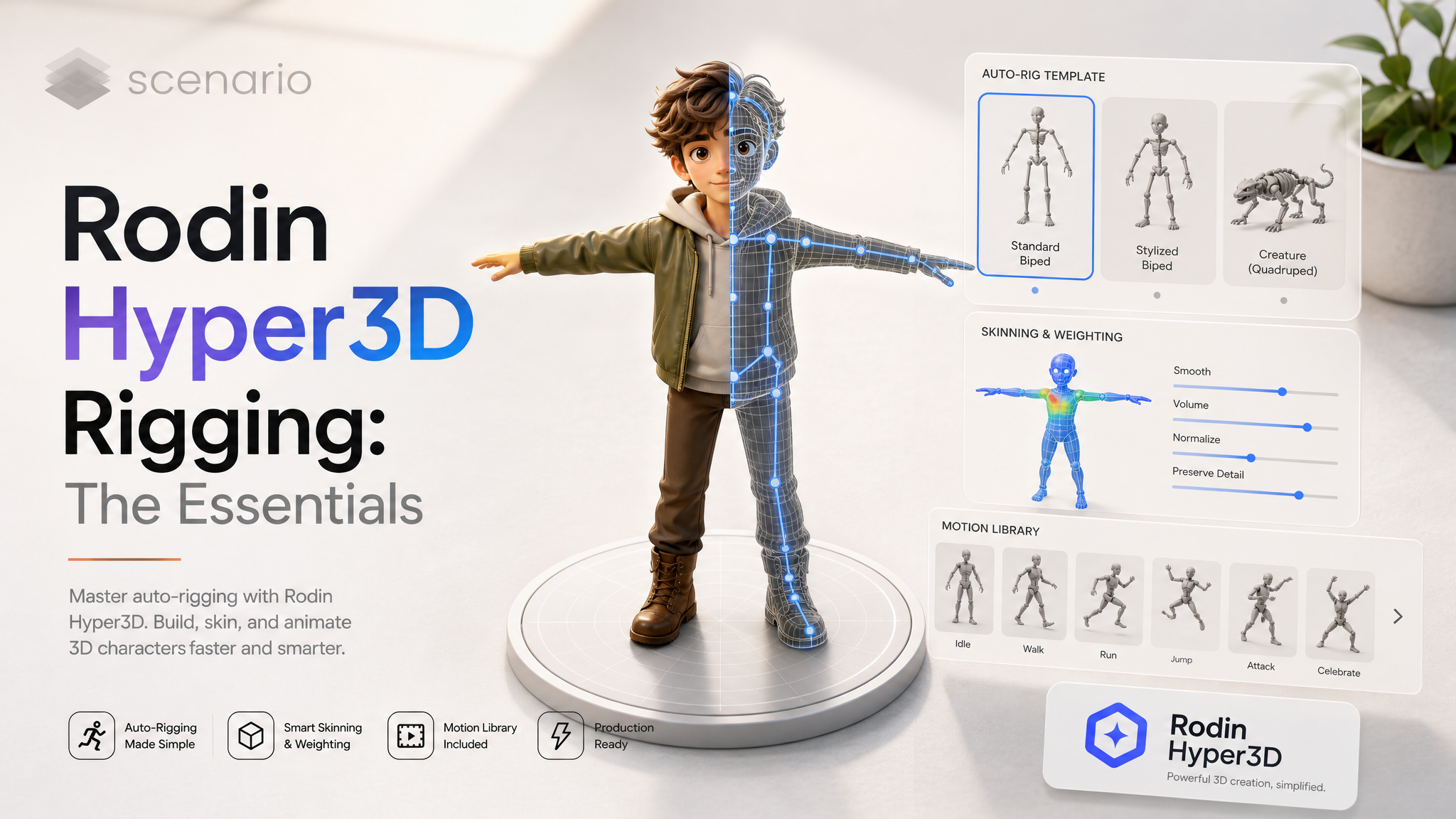
Covers Rodin Hyper3D Rigging (model_rodin-hyper3d-rigging).
Rodin Hyper3D Rigging adds a skeleton and skin weights to an existing 3D model and can bake animations into the same file. Pick a skeleton template (human, quadruped, bird, dragon, kaiju, custom from a text description, or auto), a skinning method, up to 10 stock clips from a list of 333 or up to 10 of your own FBX clips, and export GLB, FBX or USDZ. Textures are rebuilt from a reference image; with Material None no image is needed.
Courier, human skeleton, Core skinning, 10 stock clips (the maximum) in one GLB · Open on Scenario
Which Model Should I Use?
Model | ID | Input | Best for |
|---|---|---|---|
| 3D model + reference image (optional with Material None) | Rigging a character or creature and baking clips into one GLB, FBX or USDZ | |
| Image | Making the mesh to rig. Every example below started as a Gen-2.5 mesh | |
| Text prompts | Generating new human motion as BVH, which you can retarget and bring back here as a custom FBX clip |
Rule of thumb: make or bring a mesh, rig it here with the template that matches the body, and bake stock clips from the matching family. When no stock clip fits, retarget your own motion and pass it as an animation file.
How to Use the Model
Every example below follows the same path: a full-body still from GPT Image 2.5 Flare, a mesh from Rodin Hyper3D Gen-2.5 (Material PBR), then Rigging. The textured examples reuse that same still as the reference image; the lighthouse keeper runs with no image (Material None). The clips are the rigged output played in Blender, one baked clip after another, with the clip name as a caption.
1. Add the model and the reference image
model takes GLB, OBJ, FBX, STL or USD up to 100 MB. Its own materials and textures are not kept: the output is retextured from image (up to 10 MB), which is required unless Material is None. Reuse the image the mesh was made from. Every rigged output we checked came back at about 500,000 faces (499,982 to 500,000).
2. Choose the skeleton template
boneTemplate: auto, human, quadruped, bird, dragon, kaiju or custom. Auto picks one of the five fixed templates from the reference image. Bone counts in our outputs: human 52, quadruped 33, bird 33, dragon 39, kaiju 33, custom 44 (for a six-legged description).
model: explorer mesh (Gen-2.5)
image: explorer still
boneTemplate: auto
skinningMethod: shell
animations: [human_sp/walking, human_sp/offensive_idle, human_sp/salute]
geometryFileFormat: glb
Auto template picked a 52-bone human skeleton; 3 clips arrive as 3 separate animations in the GLB · Open on Scenario
boneTemplate: quadruped
skinningMethod: shell
animations: [Canine/walk, Canine/gallop, Canine/sitting, Canine/eating, Canine/idle]
geometryFileFormat: glb
Wolf pup, quadruped template, 33 bones, 5 Canine clips. Canine/gallop is only 14 frames long · Open on Scenario
boneTemplate: bird
skinningMethod: shell
animations: [Bird/idlestanding, Bird/walk, Bird/flystart, Bird/fly, Bird/glide]
geometryFileFormat: glb
Seagull, bird template, 33 bones, 5 Bird clips; feet stay on the floor in idle and walk · Open on Scenario
boneTemplate: dragon
skinningMethod: shell
animations: [Lizard/idle, Lizard/walk, Lizard/run, Lizard/atk]
geometryFileFormat: glb
Dragon, dragon template, 39 bones. There is no Dragon clip family; the Lizard clips drive the four legs and the wings follow · Open on Scenario
boneTemplate: kaiju
skinningMethod: shell
animations: (none)
geometryFileFormat: glb
Kaiju template, 33 bones (front and hind feet, Tail1 to Tail6, Jaw). No clip family fits, so this idle was keyed by hand in Blender to show the skinning · Open on Scenario
Custom skeleton. Set boneTemplate to custom and describe the body in skeletonDescription (up to 2,048 characters; only allowed with custom).
boneTemplate: custom
skeletonDescription: A six-legged insect robot with a central body, a head with two segmented antennae, and three pairs of jointed legs with three segments each.
material: Hybrid
geometryFileFormat: usdz
44 bones that match the description (six legs, antennae, mandibles); legs bent by hand in Blender. The leg weights pull the shell by up to 4.8 cm · Open on Scenario
3. Shell or Core skinning
skinningMethod: Shell (default) gives smoother, general-purpose weights on the outer surface; Core is tuned for humanoids, with more precise joints. In our set, the creatures and the explorer (auto template) used Shell, and the other human characters (dwarf, courier, keeper, boxer) used Core. We did not run the same mesh with both, so we have no side-by-side comparison to show.
boneTemplate: human
skinningMethod: core
animations: [human_sp/jogging, human_sp/hip_hop_dancing, human_sp/sitting, human_sp/happy_idle, human_sp/throw]
geometryFileFormat: fbx
Dwarf blacksmith, human template, Core skinning, 5 clips, FBX: feet on the floor in every clip · Open on Scenario
4. Stock animations or your own animation files
animations bakes up to 10 stock clips, each as a separate clip in the one output file. The list holds 333 clips in 10 families: human_sp (90), Human (76), Canine (35), Rodentia (35), HeavyHooved (26), Fish (22), LeanHooved (18), Lizard (13), seaturtle (11) and Bird (7). Pick the family made for the skeleton. On the kaiju skeleton, human_sp clips did not fit: the tail went into the floor, the body twisted and the mesh dropped 1 m.
boneTemplate: human
skinningMethod: core
animations: [human_sp/walking_3, human_sp/run, human_sp/forward_jump, human_sp/salsa_dancing, human_sp/pointing_forward,
  human_sp/kicking, human_sp/sitting_2, human_sp/goofy_running, human_sp/golf_drive, human_sp/frisbee_throw]
geometryFileFormat: glb
That is the courier at the top: all 10 clips came back as 10 separate actions. Clips play as authored, so human_sp/sitting_2 sits on air because there is no chair.
animationFiles takes up to 10 of your own FBX clips (25 MB max each, one clip per file) instead of stock clips; the two inputs cannot be combined. The FBX must match the rig, so the reliable route is: rig the character once with no clips, retarget your motion onto that skeleton, export the armature as FBX, then run Rigging again with that file.
Step 1  boneTemplate: human, skinningMethod: core, no clips, geometryFileFormat: fbx   (the target skeleton)
Step 2  in Blender: NVIDIA Kimodo boxing BVH retargeted onto that skeleton, exported as armature-only FBX (301 frames at 30 fps)
Step 3  same mesh and image, animationFiles: [that FBX], geometryFileFormat: glb
Custom clip: Kimodo boxing motion baked by Rigging. Resampled to 24 fps (241 frames); feet within 4 cm of the floor; the guard sits beside the ears rather than in front of the chin · Open on Scenario
Two measured details: Rigging resampled the 30 fps clip to 24 fps (301 frames became 241), and on the first run the whole body came back rotated +90 degrees around X at the hips (lying forward). Pre-rotating the clip -90 degrees around X before export cancelled it. Check orientation on a first test run when you bring your own FBX.
5. Material and output format
material: PBR (default), Shaded, Hybrid, All or None. None exports the rigged model without textures and needs no reference image.
image: (none)
boneTemplate: human
skinningMethod: core
animations: [human_sp/walking_2, human_sp/fishing_cast, human_sp/sad_idle]
material: None
geometryFileFormat: fbx
Lighthouse keeper with Material None and no reference image: untextured gray mesh, 52 bones, 3 clips, FBX · Open on Scenario
geometryFileFormat: glb (default), fbx or usdz. Every GLB output we opened in Blender (explorer, wolf, seagull, dragon, courier, boxer, kaiju: 7 files) also held an extra object named Icosphere (80 faces, about 2 m across, at the origin). It is hidden in our renders. Delete it after import. The FBX outputs we checked (dwarf, keeper and the boxer base rig) did not have it.
Parameters
model is required; image is required unless Material is None. Each control links back to an example above.
model
Required. The mesh to rig: GLB, OBJ, FBX, STL or USD, up to 100 MB. Its embedded materials and textures are not kept.
image
Reference image, up to 10 MB. Textures the rigged model and helps Auto pick the skeleton. Required unless Material is None (see the lighthouse keeper).
boneTemplate
auto (default), human, quadruped, bird, dragon, kaiju or custom. See step 2.
skeletonDescription
Up to 2,048 characters. Body structure and limbs. Required with custom, and only allowed with custom (see the beetle).
skinningMethod
shell (default) or core. Shell: smoother, general-purpose weights. Core: tuned for humanoids, more precise joints.
animations
Up to 10 stock clips from 333, baked as separate clips. Pick the family made for the skeleton. Cannot be combined with animationFiles.
animationFiles
Up to 10 custom FBX clips matching the rig, one clip each, 25 MB max per file. Cannot be combined with animations. Resampled to 24 fps in our test.
material
PBR (default), Shaded, Hybrid, All or None. None exports without textures and needs no image.
geometryFileFormat
glb (default), fbx or usdz. The beetle example is USDZ, the dwarf and keeper are FBX, the rest are GLB.
Use Cases
Game characters: rig a generated hero or NPC and ship it with walk, run and idle clips baked in, as with the courier and the dwarf.
Creatures: quadrupeds, birds and dragons get their own skeletons and clip families (wolf, seagull, dragon).
Custom motion: bring motion from NVIDIA Kimodo or your own animation library as FBX clips (boxer).
Untextured rigs for look development: Material None gives a gray rigged mesh to texture later (lighthouse keeper).
Apple and AR pipelines: export USDZ directly (beetle).
Tips for Better Results
Reuse the mesh's source image as the reference. Every textured example here did, and the textures match the original character.
Start characters in a relaxed A-pose. The courier, keeper and boxer stills had the arms lowered about 30 degrees from the sides, and all three rigged with their clips playing as authored.
Match the clip family to the skeleton. Lizard clips worked on the dragon; human_sp clips broke the kaiju.
Use the 10-clip limit. One run can bake 10 clips as separate actions (courier).
Rig once without clips before adding custom FBX. Retarget onto that exact skeleton so the clip matches the rig.
Test a custom FBX for orientation. Our first custom clip came back rotated 90 degrees; a -90 degree X pre-rotation fixed it.
Delete the Icosphere after importing a GLB.
Known Limitations
Extra Icosphere in GLB outputs. An 80-face, 2 m object at the origin appeared in all 7 GLB outputs we inspected; the 3 FBX outputs we checked had none. Delete it in your DCC tool.
Dense output. Rigged outputs came back at about 500,000 faces. Retopologize or decimate for real-time use.
Input textures are discarded. The model is retextured from the reference image, or left untextured with Material None.
No stock clips for dragon or kaiju families. Lizard clips fit the dragon; nothing in the list fit the kaiju. Use animationFiles for those.
Custom FBX clips are resampled to 24 fps and may need an orientation fix (measured: +90 degrees around X on the first run).
Some stock clips are short or need props. Canine/gallop is 14 frames; human_sp/sitting_2 sits without a chair.
Weights can pull nearby surfaces. On the custom beetle, leg weights pulled the shell by up to 4.8 cm.
Open the model: Rodin Hyper3D Rigging