MM Audio 2: The Essentials
Last updated: April 20, 2026
Introduction
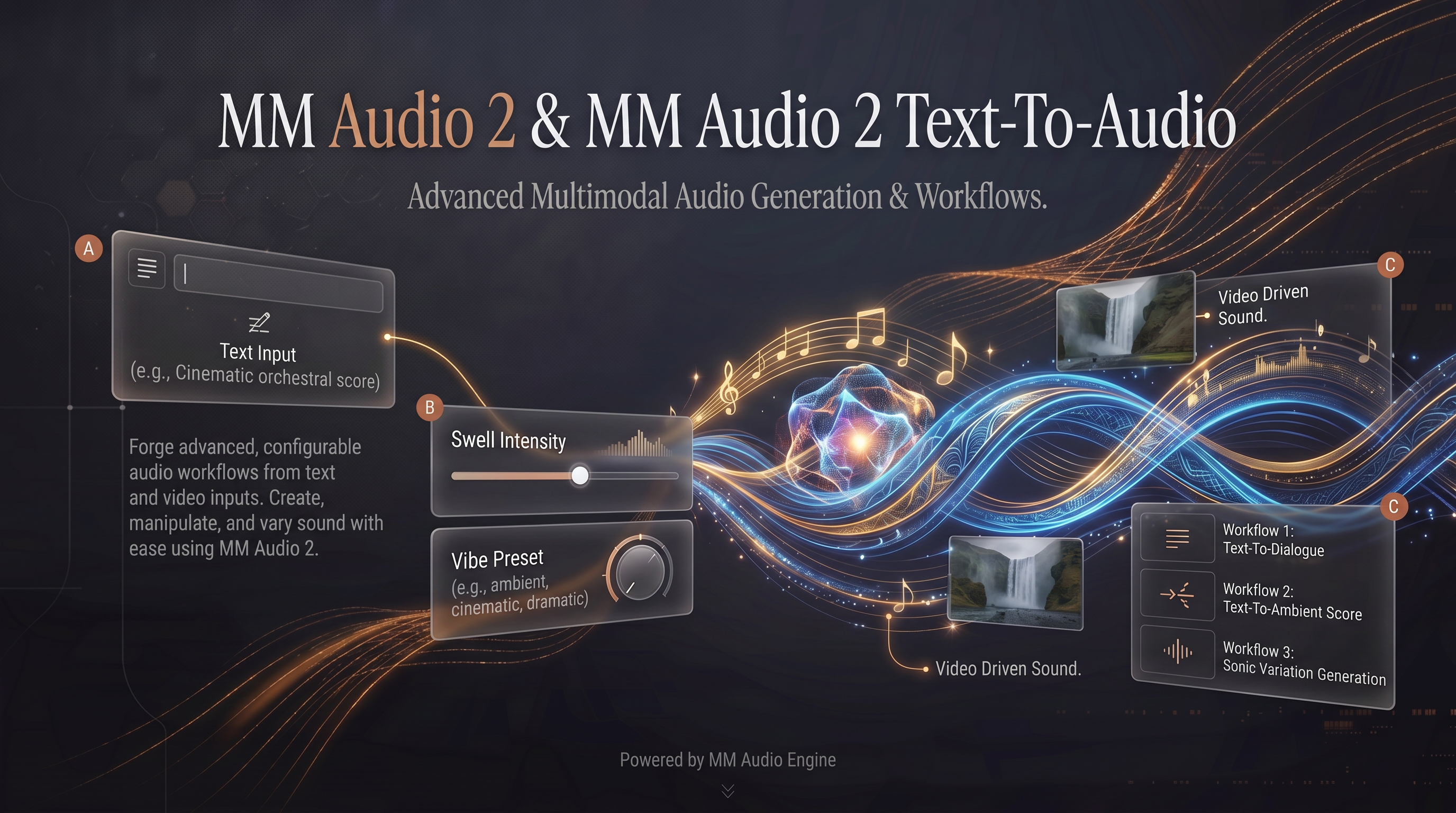
The MM Audio 2 suite represents a sophisticated leap in audio generation within Scenario. Released in December 2024, these models allow creators to bridge the gap between silent visuals and immersive soundscapes through high-fidelity, synchronized audio production.
MM Audio 2 (Video-to-Audio)
MM Audio 2 is a specialized engine designed to generate perfectly synchronized soundtracks for silent footage. By analyzing visual cues and optional text prompts, it creates immersive, realistic audio experiences with cinematic precision and temporal accuracy.
Core Function: Breathes life into digital content by adding audio that matches the motion and context of an uploaded video.
Visual Analysis: The engine evaluates visual elements to ensure sound effects occur at the exact moment they are seen on screen.
MM Audio 2 Text-To-Audio (SFX)
For projects starting without video, MM Audio 2 Text-To-Audio (SFX) serves as an advanced generator that transforms descriptive prompts into realistic sound effects.
Versatility: Instantly generates soundscapes for games, animation, and film.
Creative Detail: By simply detailing a specific scene or action, creators can bridge the gap between imagination and a finished audio asset.
Understanding the Parameters
Both MM Audio 2 models utilize a shared set of controls to fine-tune the resulting audio output:
Video is required. Provide the Scenario asset ID of the silent video clip you want to add audio to.
Prompt is required. Describe the audio you want: the environment, materials, and specific sounds. The model uses both the prompt and the video together. "Metal footsteps on concrete in an underground corridor" gives better results than just "footsteps".
Negative Prompt lets you exclude unwanted sounds from the output, such as "music", "crowd noise", or "echo".
Duration sets how many seconds of audio to generate, from 1 to 30 seconds. The default is 8 seconds. If the value exceeds the video length, the full video duration is used instead.
Quality Steps controls the number of diffusion steps, from 4 to 50. The default is 25, which is a good balance between quality and speed. Higher values produce cleaner audio at the cost of longer processing time.
Prompt Strength controls how much the text prompt influences the output versus the visual content, on a scale from 1 to 20. The default is 4.5. Higher values keep the audio closer to what the prompt describes. Lower values let the video's visual signal drive more of the result.
Focus on Subject is a toggle. When enabled, the model concentrates audio generation on the parts of the video that match the prompt and ignores unrelated content. Useful when the video has multiple subjects and you only want audio for one of them.
Seed is optional. Set it to any integer from 0 to 65,535 for reproducible output.
MM Audio 2 Text-To-Audio
All parameters are the same as MM Audio 2 except there is no Video input. The model generates audio from the text prompt alone. Use this for standalone sound effects without a video source.
How Video-to-Audio Works
MM Audio and MM Audio 2 analyze the video frame-by-frame and combine the visual signal with your text prompt to generate audio that is temporally aligned with the action on screen. A door opening at second 3 in the video will receive the creak sound at second 3 in the audio output. A character walking across frame will generate footstep sounds that match the stride cadence visible in the video.
The text prompt acts as a steering mechanism: it tells the model what category of sound to generate (footsteps, rain, machinery) while the video provides the timing and environmental context. Setting cfgStrength higher gives the prompt more influence; setting it lower lets the visual content drive more of the result.