Sonilo V1.1 Sound Effects & Music: The Essentials
Last updated: September 23, 2026
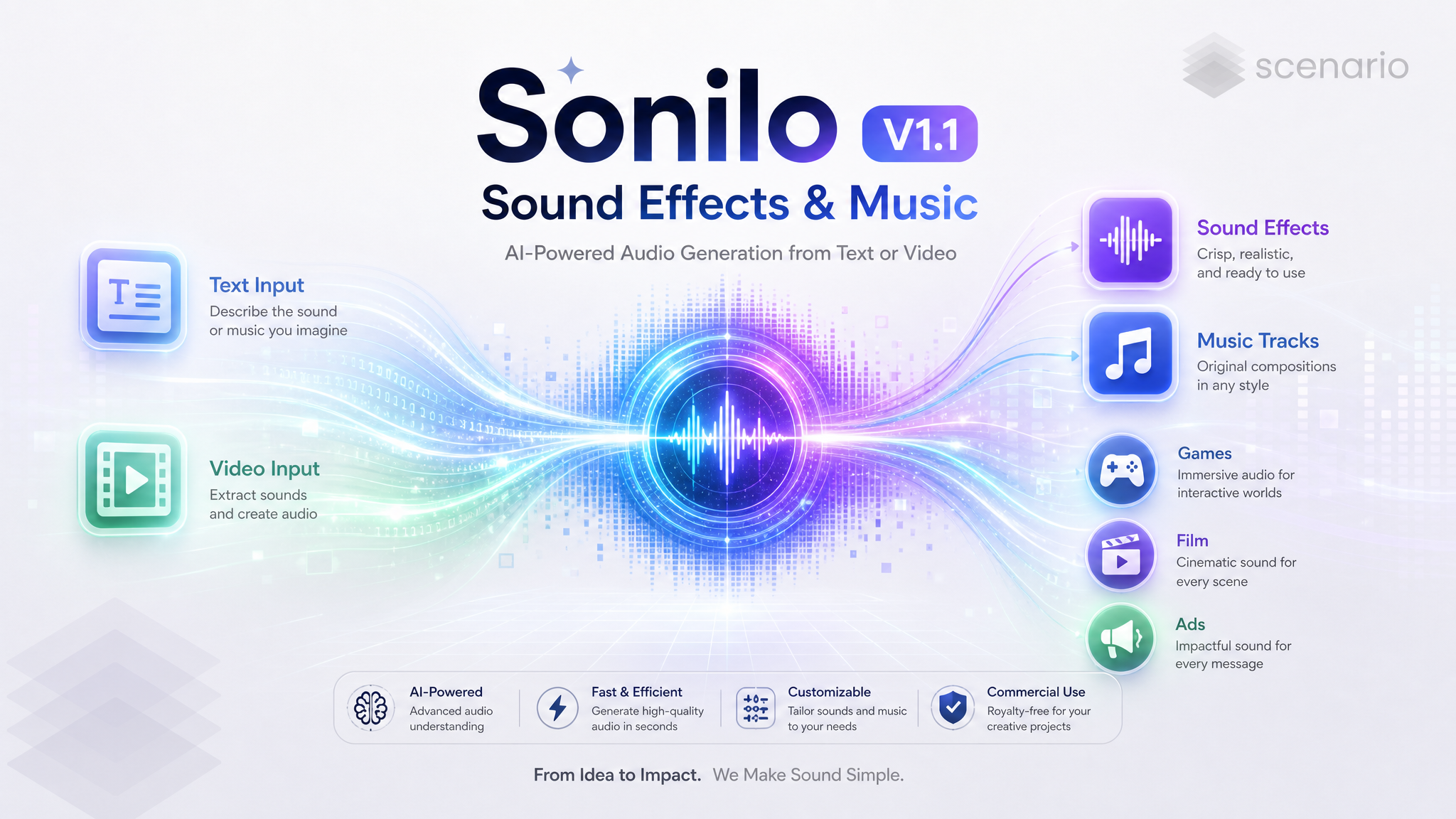
The Sonilo V1.1 suite gives every project a soundtrack. Generate royalty-free sound effects from a text prompt or straight from a video, compose original instrumental music from a written brief, or score any clip with an original, commercially licensed piece of music. Everything the suite outputs is cleared for commercial use.
This family has six current members, three for sound effects and three for music. Text to Sound Effects creates a sound effect from a written description. Video to Sound Effects watches a video and returns an audio track of effects timed to the action. Video to Video Sound Effects does the same but hands back the finished video with the effects already mixed in. Text to Music composes an original instrumental track from a written description, anywhere from 1 second to 10 minutes long. Video to Music watches a video and returns a matching soundtrack as a standalone audio file. Video to Video Music composes a soundtrack that matches a video and mixes it back into the clip, optionally keeping the original speech. The earlier Video to Video model is still available, but Video to Video Music has replaced it.
Which Model Should I Use?
Model | ID | Input | Best for |
|---|---|---|---|
| Text prompt | A specific effect on demand: foley, UI, trailer hits, ambience | |
| Video | Effects timed to a video, returned as a separate audio track | |
| Video | A finished, ready-to-share clip with effects already mixed in | |
| Text prompt | An original instrumental track from a brief, 1 to 600 seconds | |
| Video | A soundtrack scored to a video, returned as a separate audio track | |
| Video | An original soundtrack scored to a video, mixed back in | |
| Video | Superseded by Video to Video Music; kept for existing projects |
Rule of thumb: start from text when you need one precise sound, and from a video when you want audio that follows the picture. Pick the audio-only Video to Sound Effects or Video to Music when you will mix the track yourself, and the Video to Video variants when you want the finished clip back. For music without a picture, such as a menu theme, a podcast bed, or a library track, use Text to Music. Video to Video Music is the current scored-video model in the family and replaces the earlier Video to Video model.
How to Use the Models
Text to Sound Effects
Describe the sound you want and set a length from 1 to 180 seconds. The more concrete the description, the tighter the result: name the object, the action, and how it evolves over the clip.
Heavy rain pouring on a tin roof, distant rolling thunder building then fading, occasional water dripsText to Sound Effects, 8 seconds · Open in Scenario
It handles designed and stylized effects just as well as real-world foley.
A massive dragon roars deeply, then unleashes a powerful burst of roaring flamesText to Sound Effects, 6 seconds · Open in Scenario
Video to Sound Effects
Feed a video and the model generates effects timed to what happens on screen, returned as a standalone audio track. Leave the prompt empty to cover every scene automatically, or add a prompt to steer the palette. Below, a prompt-steered pass on a silent clip, muxed back onto the source so you can hear the timing.
a sports car engine roaring, tires screeching and skidding, gravel spraying, wind rushing pastGenerated effects muxed back onto the source clip · Open in Scenario
For frame-accurate control you can split the video into contiguous segments, each with its own description, so a single clip can move from a quiet idle to a hard rev exactly when the picture does.
Video to Video Sound Effects
The same engine as Video to Sound Effects, except it returns the finished video with the effects already mixed in (plus the separate audio track if you want it). Great for quick foley on silent AI video.
Prompt-steered forge foley on a silent clip · Open in Scenario
A prompt like an ASMR direction pushes it toward intimate, close-up detail: soft breathing, cloth, and small movements rather than big hits.
ASMR-style breathing and blanket rustle · Open in Scenario
Text to Music
Describe the music you want: genre, mood, instruments, tempo, and structure. Tracks run from 1 to 600 seconds (90 by default), and Samples generates up to three takes of the same brief so you can pick the best one. Everything it composes is instrumental.
heavy metal with distorted guitars, driving double-kick drums, aggressive energy, instrumental riff-focusedText to Music, 90 seconds · Open in Scenario
Change the genre and the whole arrangement follows, from a wall of guitars to a refined chamber ensemble.
classical string quartet, elegant and refined, gentle dynamics, concert hall warmth, instrumentalText to Music, 75 seconds · Open in Scenario
Setting and mood words shape the feel as much as the instrument list does.
smooth jazz lounge with warm saxophone, upright bass, brushed drums, late-night cocktail bar mood, instrumentalText to Music, 60 seconds · Open in Scenario
Video to Music
Video to Music reads a video's pacing, motion, and mood and composes a soundtrack that fits, but returns only the music as an audio file, ready to drop into your editor alongside dialogue and effects. Leave the prompt empty and Sonilo derives a style from the footage, or write one to steer it. The clips below are the generated soundtracks muxed back onto their source videos so you can hear the sync.
Skatepark run, prompt: high-energy skate punk rock, fast drums and distorted guitar · Open in Scenario
A calmer prompt on a scenic drive gives a steady, open-road groove instead.
Coastal drive, prompt: cinematic indie rock, warm guitars, open-road freedom · Open in Scenario
With no prompt at all, the model picks the style itself from what it sees.
Sunset slam dunk, no prompt: style chosen from the footage · Open in Scenario
Video to Video Music
Video to Video Music reads a video's pacing, motion, and mood and composes a soundtrack that fits, then mixes it back into the clip. Add a prompt to steer genre and instruments, or let it score straight from the footage.
Prompt: sweeping cinematic orchestral, warm strings and horns · Open in Scenario
The same footage takes a completely different character with a different prompt.
Prompt: dark retro synthwave, driving analog bass, 80s neon · Open in Scenario
Turn on Keep Speech to preserve the original speech or vocals and blend them over the new music with automatic ducking, so a talking clip keeps its voice while gaining a score.
Keep Speech on: her voice is kept over a new lo-fi beat · Open in Scenario
Video to Video (earlier version)
Sonilo V1.1 Video to Video (model_sonilo-v1-1-video-to-video) was the first scored-video model in the family. It takes the same inputs as Video to Video Music (video, prompt, Keep Speech, Samples, Start Offset, Duration) and still works, but Video to Video Music is the current version and the one to use for new projects.
Parameters
The family shares a small, consistent set of controls. Only the ones relevant to a given model appear in its form.
prompt
On Text to Sound Effects and Text to Music the prompt is required and describes the sound or the track. On the video models it is optional: leave it empty for automatic coverage, or use it to steer the effects palette or the music style, as in the orchestral versus synthwave pair above.
video
Required on the video models. The generated audio matches the video length (or the scored segment, when Start Offset and Duration are set). Video to Music and Video to Video Music accept videos up to 360 seconds. Any silent clip works well, since the models read the picture, not the source audio.
duration
On Text to Sound Effects, the clip length in seconds, from 1 to 180 (the sound effect examples above range from 6 to 12 seconds). On Text to Music, the track length from 1 to 600 seconds, 90 by default. On Video to Music and Video to Video Music, an optional duration instead sets the length of the segment to score.
segments
Optional on both Video to Sound Effects models. A list of contiguous time ranges, each with its own description. The first segment must start at 0 and ranges must be back to back. Leave it empty to split into scenes automatically.
keepSpeechVocal (Keep Speech)
Video to Video Music only, false by default. When on, the original speech or vocals are isolated and blended over the generated music with ducking. When off, the original soundtrack is replaced entirely.
numSamples (Samples)
Text to Music, Video to Music, and Video to Video Music, 1 to 3. Generates that many variations from the same prompt or source so you can pick the best fit.
startOffset and duration
Video to Music and Video to Video Music. Score just part of a video: start at Start Offset and run for Duration seconds. Start offset plus duration must stay within the video length.
audioFormat
AAC, MP3, WAV, or FLAC for the returned audio file. On Video to Video Sound Effects this controls the separate audio track; the muxed video is always AAC. Text to Music and Video to Music have no format option and return MP3.
Use Cases
Games: generate foley, UI blips, and ability sounds from text, compose menu and level music with Text to Music, or drop timed effects onto captured gameplay and cutscenes.
Film and trailers: braaam hits and risers from text, ambient beds for a scene, or a full orchestral score matched to an edit.
Ads and social: add a premium soundtrack and product-reveal effects to a silent product clip, ready to post.
Content creation: score a vlog or talking-head video while keeping the creator's voice with Keep Speech.
Podcasts and music beds: create intros, transitions, and background tracks of any length up to 10 minutes with Text to Music.
E-commerce: give catalog and demo videos a consistent, commercially cleared audio identity at scale.
Tips for Better Results
Be concrete in text prompts. Name the object, the action, and how the sound changes over time, as in the rain and dragon examples.
Start with automatic mode on video. Leaving the prompt empty gives solid scene-by-scene coverage; add a prompt only to redirect the palette.
Use segments for timing. When a clip has distinct beats, contiguous segments starting at 0 let each range get its own effects.
Silent sources are fine. The video models read the picture, so a clean silent clip is an ideal input for both effects and music.
Ask for ASMR when you want intimacy. An ASMR direction pushes Video to Video Sound Effects toward soft breathing and close detail instead of big impacts.
Reach for Keep Speech on talking clips. It preserves dialogue or vocals under the new music, which is ideal for vlogs and presenters.
Generate a few music variations. Set Samples to 3 and pick the take that best matches the cut.
Write music briefs like a producer. On Text to Music, name the genre, lead instruments, rhythm section, and mood or setting, as in the metal, string quartet, and jazz lounge examples.
Take audio only when you still have editing to do. Video to Music hands back just the soundtrack, so you can mix it under dialogue and effects or reuse it across cuts.
Known Limitations
Keep Speech preserves speech and vocals, not generic effects. In testing, a dialogue clip kept its voice cleanly, while a source whose only audio was gunfire and helicopters had that audio replaced by the score. Use it for talking or singing clips; for other sounds, expect the music to take over.
Video to Sound Effects and Video to Music return audio only. To share a finished clip, use Video to Video Sound Effects or Video to Video Music, or mix the returned track back onto your video.
Text to Music is instrumental. It has no lyrics input; for sung vocals, use a dedicated song model.
Segments must be contiguous. The first must start at 0 and each range must butt up against the next; gaps or overlaps are not allowed.
Occasional provider stalls. A generation can rarely stall early with no progress; re-running the same request resolves it.
Pinned examples are set in the app. The model page example set is curated in the Scenario UI, separate from the examples embedded in this guide.