Beatoven: The Essentials
Last updated: April 22, 2026
Covers Beatoven Music Generation (model_beatoven-music-generation) and Beatoven Sound Effect (model_beatoven-sound-effect)
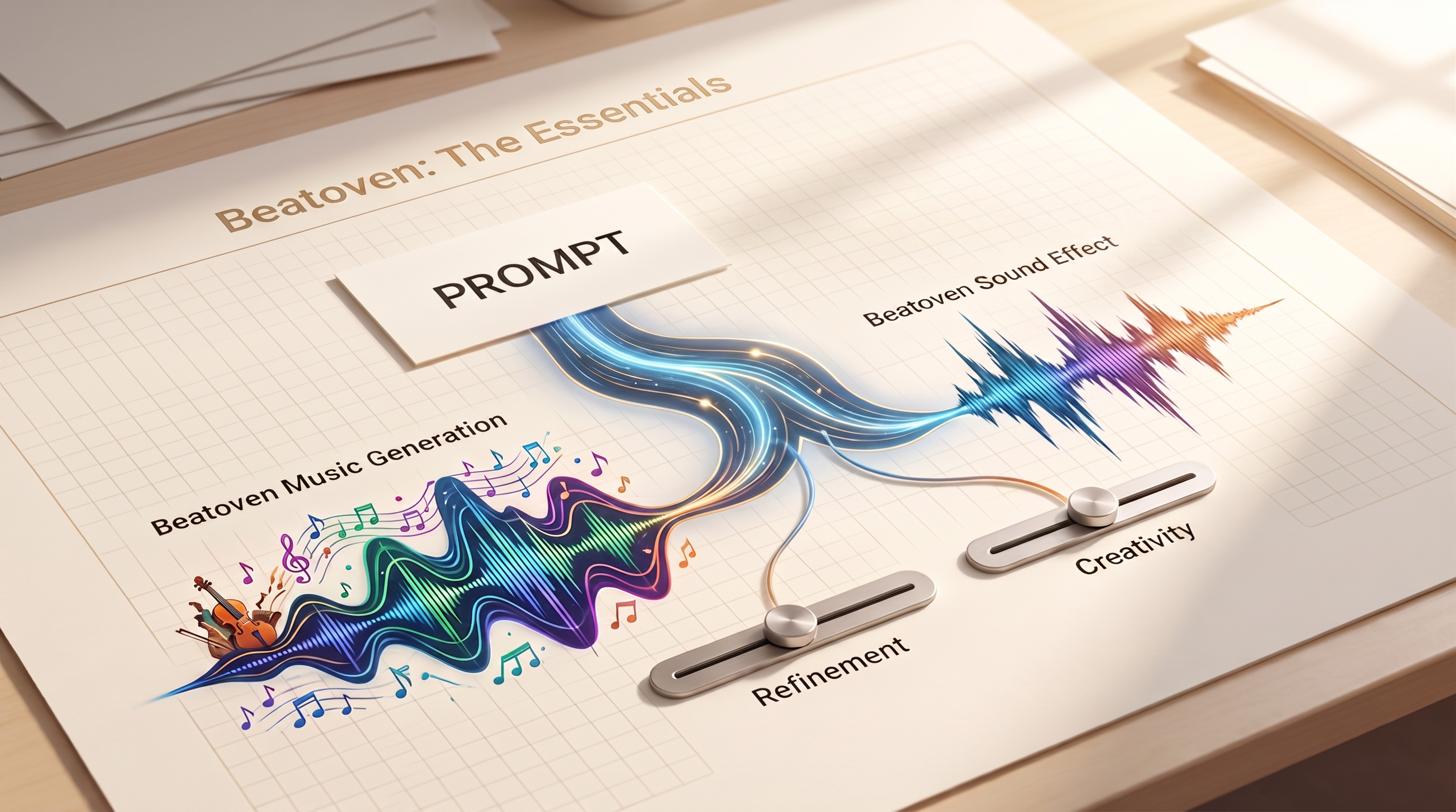
Beatoven provides two royalty-free audio generation models: one for background music tracks up to 4 minutes, and one for sound effects up to 35 seconds. Both share the same parameter design, including a negative prompt for excluding unwanted elements and dedicated refinement and creativity sliders that give you direct control over output quality and interpretive freedom.
Parameters
Beatoven Music Generation
The Prompt describes the track you want. Include genre, mood, instruments, tempo, and intended use. "Calm lo-fi hip hop with piano and light rain sounds for study sessions" gives the model clear direction.
Negative Prompt describes elements to exclude, such as unwanted instruments, styles, or moods. Adding "no drums, no vocals" here is more reliable than repeating exclusions in the main prompt.
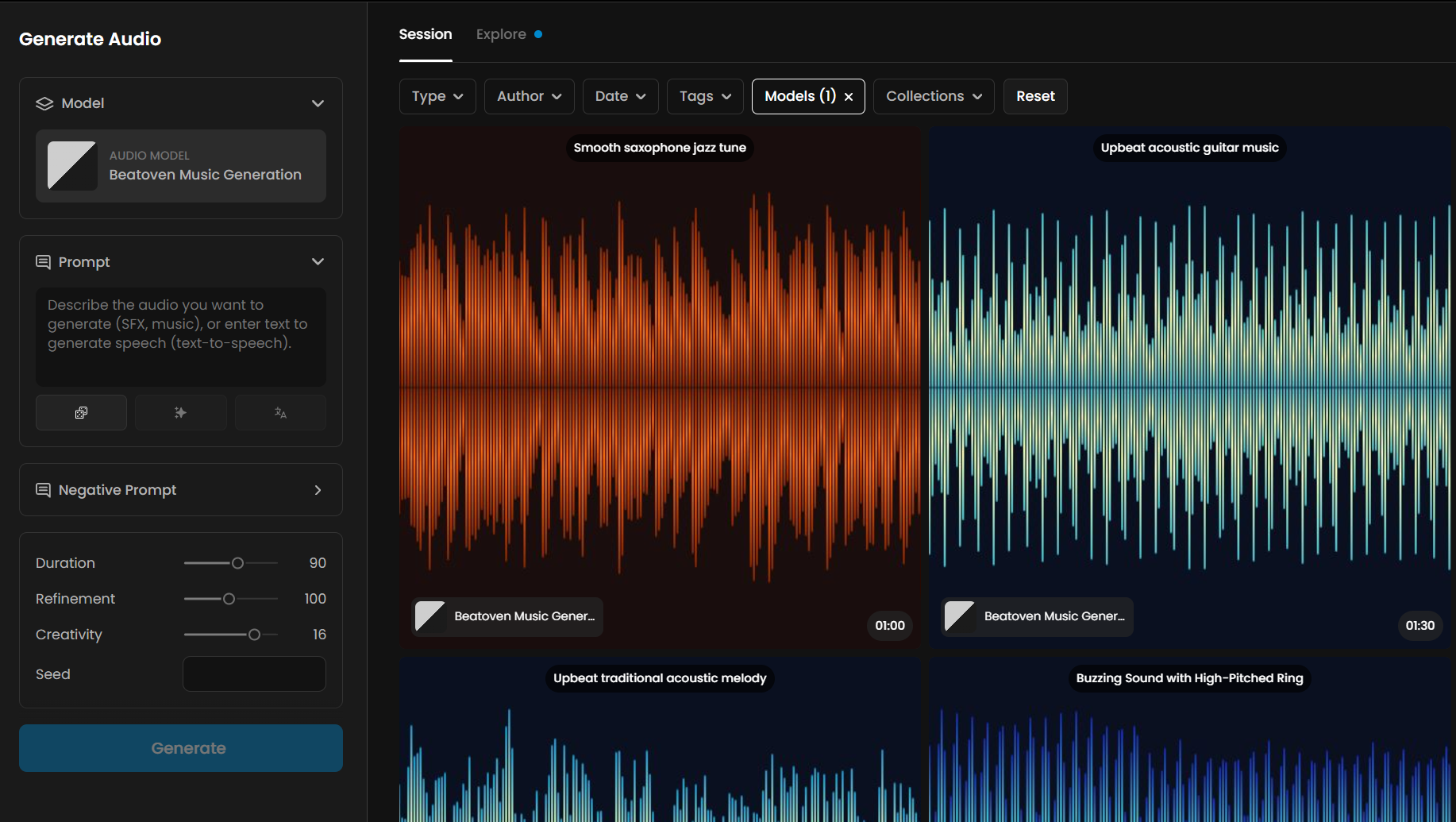
Duration sets the length of the track in seconds, from 5 to 150 seconds. The default is 90 seconds. Use shorter values for transition stings and longer values for looping background tracks.
Refinement controls the number of improvement passes the model performs, from 10 to 200. The default is 100. Higher values produce cleaner, more coherent output at the cost of longer generation time. Use low values (10 to 40) for quick drafts and high values (150 to 200) for final assets.
Creativity controls how freely the model interprets the prompt, from 1 to 20. The default is 16. Lower values stay close to the literal description. Higher values allow more expressive and unexpected results.
Seed is optional. Set it to any integer for reproducible output.
Beatoven Sound Effect
The parameters are identical to Beatoven Music Generation with two differences. Duration runs from 1 to 35 seconds with a default of 7 seconds. Refinement defaults to 40 instead of 100, since shorter clips need fewer passes to converge. For precise sound effects, lower the Creativity value to between 5 and 10 to keep results close to the description.
How Refinement and Creativity Work
These two parameters are unique to Beatoven models and give you explicit control over output quality and expressive range.
Refinement
refinement controls the number of iterative improvement passes the model performs. At low values (10 to 30), generation is fast but the output may have rough transitions, tonal inconsistencies, or less precise adherence to the prompt. At high values (150 to 200), the model converges more carefully, producing cleaner results at the cost of longer generation time.
Refinement range | Use case |
10 to 40 | Fast drafts, rapid iteration, testing prompt variations |
60 to 120 | General production use, balanced quality and speed |
150 to 200 | Final assets, maximum quality, longer render time expected |
Creativity
creativity controls how strictly the model follows the prompt versus exploring its own interpretation. At value 1, the output is a close literal rendering of the description. At value 20, the model may diverge significantly from the prompt in interesting but less predictable ways.
Creativity range | Use case |
1 to 7 | Precise SFX, specific genre requirements, predictable output |
8 to 14 | Balanced: follows the prompt with some expressive latitude (default range) |
15 to 20 | Experimental results, unexpected genre fusions, abstract audio |
Use Cases
Game background music: Generate royalty-free looping background tracks for levels, menus, and cutscenes. Use the
negativePromptto exclude drums for ambient sections, or vocals for any use case. Set a seed to reproduce a specific output for multiple loop length variants.Video and presentation backgrounds: Generate calm, non-distracting instrumental music for explainer videos, slide decks, and e-learning modules. The 90-second default duration covers most presentation needs.
Game sound effects: Use Beatoven Sound Effect for UI clicks, impact sounds, environmental audio, and item pickups. At 1 to 5 seconds with low creativity, results are predictable and on-target for specific audio events.
Animation foley: Generate footsteps, ambient weather, crowd murmurs, and mechanical sounds for animation or motion graphics. Match duration to the clip length and use the seed to regenerate variations for different takes.
Rapid prototyping: Use low refinement (20 to 40) to quickly test whether a mood or genre concept works before committing to a high-quality render at refinement 150+.
Commercial content: Both models produce audio under the Beatoven royalty-free license, suitable for commercial projects without licensing restrictions.
Tips for Better Results
Use the negativePrompt to prevent genre bleed. Both models respond well to explicit exclusions. If you ask for "calm piano music" and drums keep appearing, add "no drums, no percussion" to the negativePrompt. This is more reliable than repeating exclusions in the main prompt.
Draft at low refinement, finalize at high refinement. Start at refinement 20 to 40 to quickly test your prompt. Once satisfied with the direction, re-run at 150+ for the final asset. This avoids spending generation time on prompts that need revision.
Use seed for iterative variation. When you find a result you like, note the seed. Adjust one parameter (creativity, duration, or prompt detail) while keeping the seed fixed to explore controlled variations of the same base output.
For SFX, keep creativity low and be specific. Precise sound effects benefit from creativity values between 5 and 10. Describe the source material, environment, and action: "metal door hinge creaking slowly in a stone corridor" performs better than "creaky door."
For music, match duration to the intended use. Short stings (5 to 15 seconds) work for transitions and UI moments. Medium tracks (60 to 120 seconds) work for video backgrounds. Use the full 150 seconds for looping game audio where variety over time matters.
Specify production style in addition to genre. "Acoustic folk guitar, live recording warmth, finger-picking, no reverb" produces a more specific result than "folk music." Production-level descriptors help Beatoven match professional reference sounds.
Use negativePrompt on SFX to remove background music. The Sound Effect model may occasionally include light musical elements in atmospheric prompts. Adding "no music, no melody" to the negativePrompt keeps the output as a pure effect.
Known Limitations
Music Generation maximum duration is 150 seconds (2.5 minutes). Longer tracks must be generated as separate pieces and edited together. The model does not support looping or seamless join generation.
Sound Effect maximum duration is 35 seconds. Longer ambient loops must be assembled from multiple shorter generations.
No vocals or lyrics. Beatoven Music Generation produces instrumental output only. The model does not support lyric generation or vocal synthesis.
Higher refinement values increase generation time significantly. Values above 150 can take noticeably longer, especially for music tracks near the maximum duration. Plan for additional render time in high-quality production workflows.
Output format is fixed. Both models output audio in a single format. Bitrate and sample rate are not configurable via parameters.
Creativity above 16 can reduce prompt adherence significantly. At values 17 to 20, the model may produce outputs that share only a loose relation to the prompt. Use high creativity only when unexpected results are acceptable.