Uthana Motion: The Essentials
Last updated: July 9, 2026
Covers Uthana Text to Motion 3.0 and Uthana Video to Motion 2.1. Replaces the earlier Uthana Text-to-Motion and Video-to-Motion models.
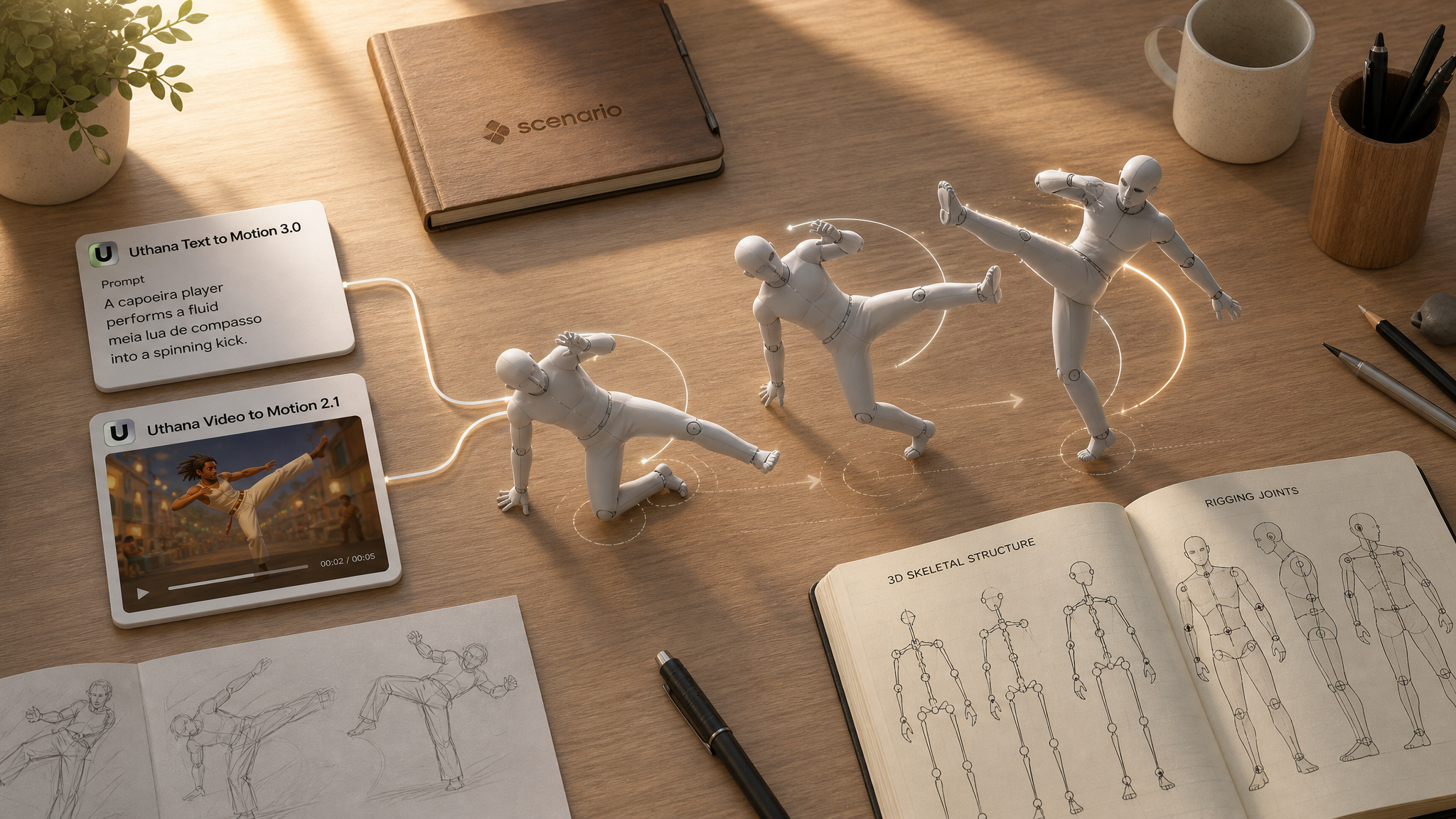
Uthana brings markerless human motion to Scenario as rigged 3D animation. Text to Motion 3.0 generates biped motion from a text description. Video to Motion 2.1 extracts motion from reference footage. Both optionally retarget onto your own character mesh and export GLB or FBX at 24, 30, or 60 fps.
Text to Motion 3.0 · asset_yY8PKy3JcvFcEKwLAgokZG51
Video to Motion 2.1 · asset_ap4ZAbubDx1qe6ynjoMHh71i
Which Model Should I Use?
Model | ID | Input | Best for |
|---|---|---|---|
| Text prompt, optional character mesh | Describing an action when you have no reference footage: idles, combat, locomotion, gestures | |
| Reference video, optional character mesh | Capturing a specific performance from real footage without a mocap suit |
Rule of thumb: use Text to Motion 3.0 when you can describe what the body should do. Use Video to Motion 2.1 when you already have footage of the movement and want that timing preserved. Upload a Character 3D model on either model when the motion must land on your own rig.
Upgrading from earlier Uthana models: Text to Motion 3.0 replaces Uthana Text-to-Motion. Video to Motion 2.1 replaces Uthana Video-to-Motion. The older models are deprecated and point to these versions. Version 3.0 drops manual diffusion knobs (steps, CFG, foot IK, seed) in favor of simpler controls and a new rewritePrompt option.
How to Use the Models
Text to Motion 3.0
Describe what the body does in plain language. Focus on actions, limb movement, pace, and energy — not appearance or story context. Optionally upload a biped GLB or FBX to retarget the motion onto your character.
prompt: performs a fluid capoeira sequence, ducking low then sweeping into a cartwheel kick
length: 8
fps: 30
rewritePrompt: true
characterFile: (optional GLB or FBX)
outputFormat: glb
prompt: draws a sword, performs a three-strike combo, then sheathes it
length: 8
fps: 30
rewritePrompt: trueprompt: stumbles backward, catches their balance, and shakes it off
length: 6
fps: 30Video to Motion 2.1
On Uthana Video to Motion 2.1:
Upload a video of a person performing the motion. There is no prompt — the movement comes from the footage. Trim the clip to the action you need; idle frames before or after the motion appear in the output.
video: (required: full body, one person, fixed camera, textured or grid floor, background a different tone than the floor)
fps: 30
characterFile: (optional GLB or FBX)
animationOnly: false
outputFormat: glb
What makes a good input video. These are the exact framing choices behind the example clips above. Follow them and the captured skeleton stays upright instead of tilting or leaning forward:
Full body in frame: head to toe visible for the whole clip, with margin above the head and below the feet. Cropped limbs reduce tracking accuracy.
Textured floor, not pure white: give the floor a visible texture (a printed grid is the easiest example) so the tracker has a clear ground plane. A blank white floor is the most common cause of a character that comes out tilted or bent forward.
Background a different color or tone than the floor: strong separation between the subject, the floor, and the background lets the tracker lock the figure and the ground cleanly. A real room whose walls differ from the floor, or a green screen wall over a blue grid floor, both work well.
One person, fixed camera, even lighting: a single subject on a static, locked-off camera under soft even light gives the cleanest output. Multiple people confuse the tracker.
For locomotion, let the subject travel across the floor: a walk or run should actually cover ground. Walking “in place” reads as a treadmill and gives the tracker little root motion to capture.
Generating the clip with AI? Bake these into the first frame: build the start frame with a textured floor and a contrasting background (for example with GPT Image 2), then animate it (for example with Seedance 2.0 Fast) so every frame keeps the same clean ground plane and separation.
See the pinned examples on Uthana Video to Motion 2.1 for clips captured exactly this way: a clean grid floor, a contrasting background, and the full body moving across the ground.
Character retargeting and export
Upload a biped GLB or FBX as characterFile when the motion must land on your rig. Without one, you get motion on a default figure. Choose GLB or FBX in the UI. Turn on Animation only when you only need the motion data to apply to an existing skeleton in your DCC or engine.
Parameters
Uthana Text to Motion 3.0
prompt
Required. Up to 4096 characters. Describe the motion: actions, posture, pacing, and energy.
characterFile
Optional. GLB or FBX biped to auto-rig and retarget onto.
length
Optional. Default 8 seconds. Range 4 to 10 seconds (rounded to whole seconds).
fps
Optional. Default 30. Allowed values: 24, 30, or 60. Match your edit timeline or engine.
rewritePrompt
Optional. Default true. Expands everyday phrasing into precise physical motion directions. Turn off to use your exact wording.
animationOnly
Optional. Default false. When true, download animation without the character mesh.
outputFormat
GLB or FBX, selected in the Scenario UI.
Uthana Video to Motion 2.1
video
Required. Reference footage of the movement to capture.
characterFile
Optional. Same as Text to Motion 3.0 — retarget onto your biped mesh.
fps
Optional. Default 30. Allowed values: 24, 30, or 60.
animationOnly
Optional. Default false. Export motion data only when applying to an existing skeleton.
outputFormat
GLB or FBX, selected in the Scenario UI.
Use Cases
Game animation: block out locomotion, combat, emotes, and NPC reactions without keyframing from scratch.
Previs and virtual production: turn actor reference or phone footage into 3D motion for timing and staging reviews.
Indie film and motion graphics: capture a specific gesture or dance and retarget it onto a stylized character.
Rapid prototyping: iterate on action descriptions in text, then refine with video capture once blocking is approved.
Pipeline with 3D generators: generate a character in Rodin Gen-2.5 Fast or Tripo, rig it, then animate with Uthana motion models.
Tips for Better Results
Describe motion, not story. "A warrior prepares to fight" is vague. "Plants feet wide, raises a sword with both hands, leans into a ready stance" is usable.
One clear action per prompt. Complex multi-beat sequences work best when each beat is named in order.
Leave rewrite prompt on unless you need exact wording. It translates casual phrasing into motion-accurate directions.
Match duration to the action. A single gesture needs fewer seconds than a full combo or walk cycle.
Use 60 fps for fast actions. 24 or 30 fps is fine for walks, gestures, and dialogue beats.
For video capture, trim aggressively. Upload only the segment you need; extra idle frames appear in the output clip.
Upload your character for production work. Default-figure output is fine for blocking; retargeting aligns motion to your game's proportions.
Known Limitations
Human biped motion only. Training centers on human motion capture. Creatures, quadrupeds, and non-human rigs are outside the sweet spot.
Text to Motion 3.0 clips are 4 to 10 seconds. The previous model allowed very short clips; v3.0 enforces a minimum of 4 seconds.
Video to Motion 2.1 has no prompt. Output quality depends entirely on input footage quality and framing.
For automatic skeleton placement on a static humanoid mesh (no prompt or video), see Uthana Character Rigging on Scenario.
Open the models: Uthana Text to Motion 3.0 · Uthana Video to Motion 2.1 · Uthana Character Rigging