VecGlypher family: The Essentials
Last updated: May 8, 2026
SVG lettering on Scenario: VecGlypher (text only) and VecGlypher Image to SVG (reference driven).
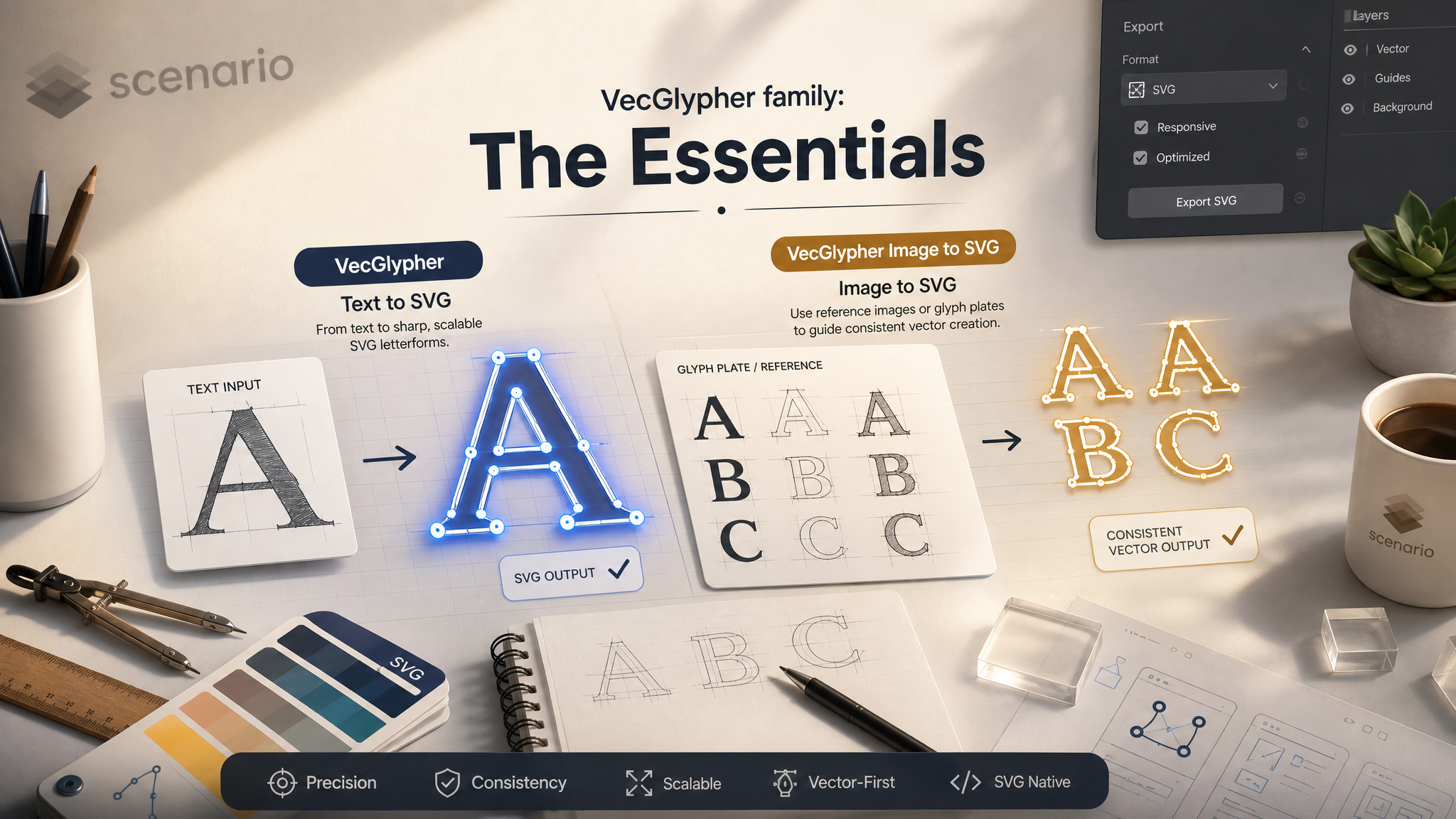
Both models ship real SVG-style output you can drop into design tools. VecGlypher imagines letterforms from language alone. VecGlypher Image to SVG locks onto glyph plates you upload so new words inherit the same stroke attitude. The workflow below was exercised end to end on Scenario in May 2026: Seedream generated flat vector posters, then Image to SVG extended the family with fresh headlines.
Which model should I open?
Model | Best for | Reference images |
|---|---|---|
VecGlypher Text only | HUD digits, quick wordmarks, explorations where you only have words and a style sentence. | None (prompt + style description only). |
VecGlypher Image to SVG Brand lock | Seasonal slogans, localized headlines, packaging series where every word must match an existing plate. | 1 to 8 images. Flat color Seedream comps work extremely well. |
Use cases
Storefront systems: generate OPEN, SALE, 24h plates, then Image to SVG for WELCOME or GRAND OPENING in the same voice.
Game UI: VecGlypher for damage numbers or combo words without painting Bézier curves by hand.
Packaging variants: Seedream for flavor colorways, Image to SVG for ingredient callouts that must mirror the master logotype.
Localized marketing: keep English references, swap prompts to Portuguese, French, or accented Spanish words.
Motion prep: export SVG, import to After Effects or Rive, animate paths with minimal cleanup.
Education: teach vector literacy by comparing Seedream bitmap plates with VecGlypher outputs.
Tips for better results
Build a Seedream style guide first. Ten flat comps cost 60 CU but save time when you need six SVG headlines that must feel related.
Describe materials, not shaders. Words like matte, sticker, or screen print kept Seedream honest and vector safe.
Order references by priority. Put the closest visual match first when you only need two images.
Use stroke width as a mic knob. A 1.2 px white stroke saved busy letterforms on dark fills.
Keep temperature low for production. Default 0.1 behaved; raise it only when you want happy accidents.
Proof downloads. Open the SVG in your target tool; Scenario previews may crop wide glyphs.
Track seeds. Once a curve is close, lock the seed and change only color or stroke to save credits.