Kling V4: The Essentials
Last updated: November 16, 2026
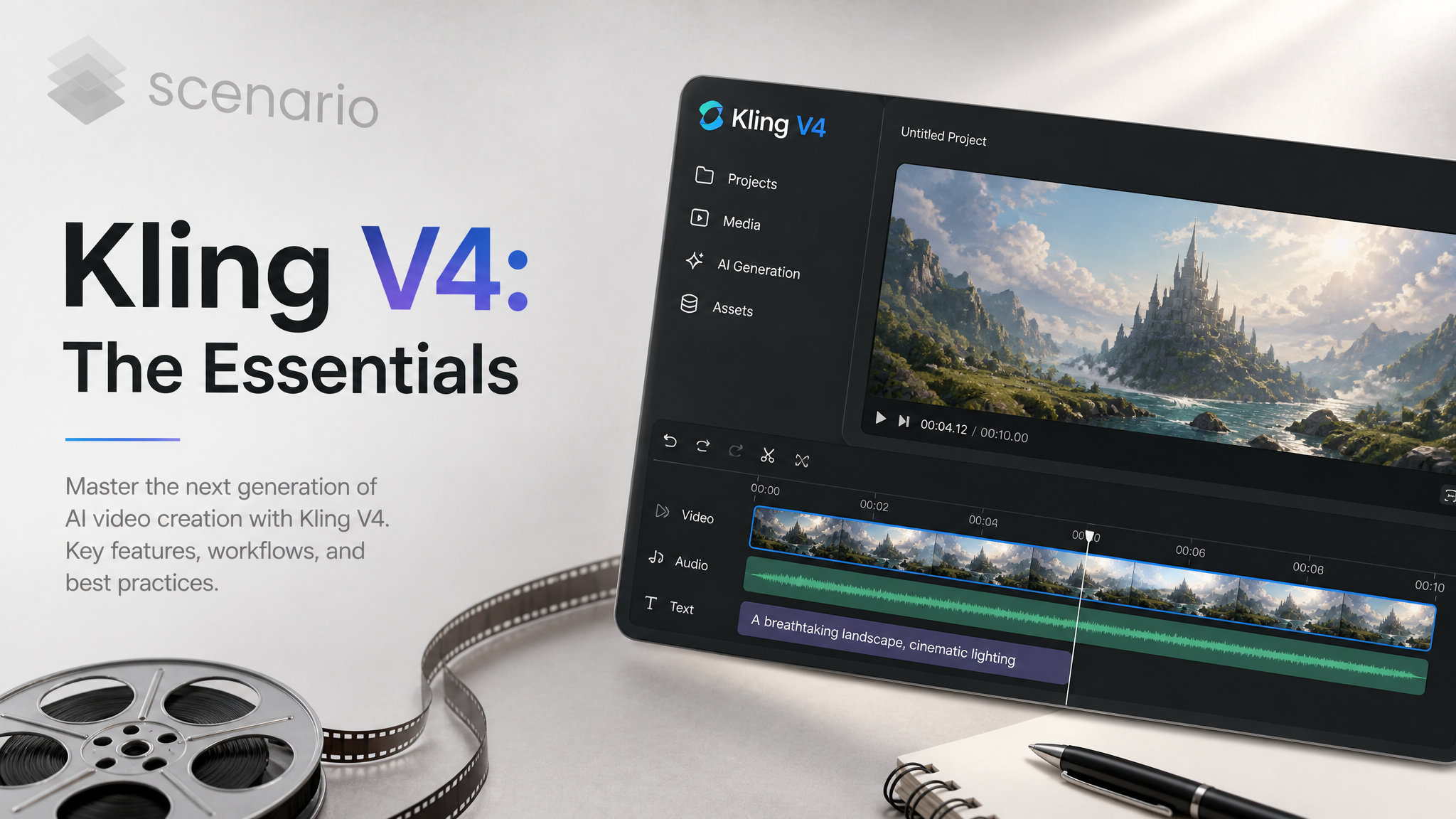
Kling V4 by Kuaishou turns Scenario into a place to direct cinematic video with native audio. The newest model, Kling V4 Flash, is a faster, cheaper way in: one model that makes 720p clips of 3 to 20 seconds from text, a start frame, reference images or videos, or a video to edit. Four main models go further, with clips of up to 30 seconds at 720p or 1080p and multi-shot prompting, from text-to-video and image-to-video to reference-based generation and prompt-driven video editing.
The Kling V4 Model Family
Kling V4 Flash: the newest. One model for every mode, chosen by what you give it: text-to-video, a start frame, reference images or reference videos, or a video to edit. 720p output with native audio, 3 to 20 seconds, at about 40% less than Kling V4 T2V at the same resolution.
Kling V4 T2V: text-to-video. Aspect ratios 16:9, 9:16, 1:1 and 21:9.
Kling V4 I2V: image-to-video from a start frame, with an optional end frame. The output follows the start image's aspect ratio.
Kling V4 - Reference to Video: keeps characters, objects and settings consistent using reference images, reference videos and elements.
Kling V4 - Video Editing: edits an existing video of 3 to 30 seconds with natural-language instructions while keeping its original motion.
Which Model Should I Use?
Model | You provide | Use it to |
|---|---|---|
Kling V4 Flash | A text prompt, plus an optional start image, reference images, reference videos or a video to edit | Make storyboards, social clips and large batches at 720p, where speed and cost matter most |
Kling V4 T2V | A text prompt | Invent a scene from scratch, at up to 1080p and 30 seconds |
Kling V4 I2V | A start image, optional end image | Animate an approved still, or land on a specific final frame |
Kling V4 - Reference to Video | Images, videos and elements | Keep the same character, product or place across clips |
Kling V4 - Video Editing | A source video, optional images and elements | Change a clip without regenerating its motion |
Kling V4 Replaces Older Kling Models
On November 13, 2026, Scenario deprecated twelve older Kling models in favor of Kling V4. If you use one of them, switch to its replacement:
Deprecated model | Use instead |
|---|---|
Kling V3 T2V Pro, Kling V3 T2V Standard, Kling 2.6 T2V (Pro), Kling 2.5 T2V (Pro) | Kling V4 T2V |
Kling V3 I2V Pro, Kling V3 I2V Standard, Kling 2.6 I2V (Pro), Kling 2.5 I2V (Pro), Kling 2.5 I2V (Standard), Kling O1 I2V | Kling V4 I2V |
Kling O1 Reference Images | Kling V4 - Reference to Video |
Kling O1 Video Editing | Kling V4 - Video Editing |
Kling V3 Omni and Kling V3 Motion Control are not deprecated. For quick drafts in any of these modes, Kling V4 Flash is the cheaper option.
Cost
Kling V4 Flash costs about 18.8 CU per second of video made from text or a start frame: 94 CU for 5 seconds, 376 CU for 20 seconds. A video to edit or reference videos add to the cost: the examples below cost 188 CU for 10 seconds from text or a start frame, 253 CU for 10 seconds with a reference video, and 328 CU for a 12-second edit.
For comparison, 5 seconds of Kling V4 T2V at 720p cost 157 CU. On the four main models, resolution and duration both affect the cost.
How to Use the Model
Kling V4 Flash
Kling V4 Flash picks its mode from your inputs. A prompt alone makes a clip from scratch, a start image becomes the first frame, reference images bring in characters, objects, scenes or style, reference videos bring in motion, camera work or style, and a video to edit keeps its length and framing while the prompt changes what you ask. Every clip is 720p with native audio, so describe the sound you want too.
Point at your inputs from the prompt with @image_1, @image_2 and so on (the start image first, then the reference images) and @video_1, @video_2 (the video to edit first, then the reference videos). These names differ from the four main models, which use @Image1 and @Video1.
Kling V4 Flash has no resolution choice, no Multi Prompt, no end frame and no elements; use the main models for those.
Text to video. Write the scene, the camera move and the sound in one prompt, and pick an aspect ratio. Prompt:
An ultra-wide cinematic shot of a camel caravan of six camels with loaded saddlebags and three robed travelers crossing a vast golden sand-dune desert at sunrise, long shadows stretching across the rippled dunes, a lone hawk gliding overhead. The camera glides slowly sideways at ground level, then rises to reveal the full length of the caravan against a huge pink and orange sky. Soft wind blowing sand off the dune crests, camel bells, muffled footsteps in sand and a low breeze.Kling V4 Flash, text to video, 21:9, 10 seconds: a camel caravan crossing the dunes at sunrise, with wind and camel bells · Open on Scenario
Timing cues work too. Prompt:
An extreme macro of a single drop of deep blue ink falling into a clear glass tank of water against a white background. On impact it blooms into slow, silky tendrils that curl and fold into each other, then a second drop of magenta ink follows at the five second mark and the two colors swirl together into soft violet filaments, tiny bubbles rising. The camera drifts slowly closer and slightly down. Clean studio light, high detail, a soft low hum and gentle water bloops.Kling V4 Flash, text to video, 1:1, 12 seconds: blue, then magenta ink blooming in water, in extreme macro · Open on Scenario
Start frame. Set a start image and describe what happens next. The clip opens on your image and follows its aspect ratio. Prompt:
@image_1 comes alive: the astronaut in the orange retro suit slowly turns her head from the pale moon toward the camera, then takes a first careful step down the rust-red ridge, boots kicking up fine red dust that drifts in the low gravity. She raises one gloved hand to shield her helmet visor from the setting sun, a faint wind sweeping dust across the dunes below. The camera begins on a low angle and slowly pushes in then arcs around her to a side profile as golden light flares across the helmet glass. Soft breathing inside the helmet, a low desert wind and crunching boot steps.Kling V4 Flash, start frame, 10 seconds: an astronaut on a red ridge turns and steps down as the camera arcs around her · Open on Scenario
Reference images. Add characters, animals or objects as reference images and say who is who in the prompt. Prompt:
@image_1 is the astronaut in the retro orange suit and @image_2 is the snow leopard. On a hushed mountain plateau at first light, the astronaut kneels in the snow and slowly holds out an open gloved hand while the snow leopard approaches with patient, curious steps, sniffs the glove, and then rests its chin against her helmet visor in a quiet moment of trust. The camera starts wide, pushes in slowly over the snow and ends in a tender close-up of the visor and the leopard's pale eyes. Thin cold light, drifting snow crystals, muffled breath inside the helmet and soft wind.Kling V4 Flash, two reference images, 16:9, 10 seconds: the astronaut and a snow leopard meet on a snowy plateau · Open on Scenario
Reference video. Borrow a camera move or a motion from a reference video, and combine it with a start frame. Prompt:
@image_1 is the snow leopard on the snowy ridge. Reproduce the camera work of @video_1: a smooth slow dolly back from a close detail to a wide reveal. Here, the leopard starts in a close-up of its pale eyes and snow-dusted whiskers, then the camera dollies back to reveal the leopard standing on the rock with the sunlit peaks behind, and the leopard slowly lowers into a crouch and bounds off to the left out of frame. Cold dawn light, wind and soft snow crunch.Kling V4 Flash, start frame and a reference video, 10 seconds: the snow leopard filmed with the reference's dolly-back reveal · Open on Scenario
Video editing. Set a video to edit, say what to keep and what to change. The output keeps the source's length and aspect ratio. Prompt:
Edit @video_1: keep the lighthouse keeper's walk, the path, the lantern light and the camera crane exactly as they are, but change the weather and time to a bright stormy afternoon: heavy rain slanting in from the sea, dark grey clouds with a break of pale light on the horizon, wet shining rocks, and change the keeper's slicker from yellow to deep blue.Kling V4 Flash, video edit, 9:16, 12 seconds (the source's length): a lighthouse keeper's walk moved into a rainstorm, the slicker turned blue · Open on Scenario
Kling V4 T2V, I2V, Reference to Video and Video Editing
The four main models make clips of up to 30 seconds at 720p or 1080p, with native audio.
Directing a sequence with Multi Prompt. All three generation models (T2V, I2V and Reference to Video) accept Multi Prompt: a list of shots, each with its own prompt (up to 512 characters) and duration (1 to 30 seconds). When Multi Prompt is set, it replaces the main prompt and the video lasts the sum of the shot durations. Describe one scene per shot and keep each shot self-contained.
Using reference images, videos and elements. In Reference to Video and Video Editing, point at your inputs from the prompt: @Image1, @Image2, @Video1 and @Element1. In Video Editing, the source video is @Video1. For example: "Place @Element1 on the rooftop from @Image1, walking toward the camera at sunset."
An element is a character or object defined by a frontal image plus one to three images from other angles. You can add up to seven elements per generation.
Parameters
prompt
The text description. Kling V4 Flash: required, up to 11,000 characters, with inputs named @image_1 and @video_1 as in the examples above. The four main models: up to 2,048 characters, required unless Multi Prompt is set (Video Editing always requires it).
multiPrompt
Kling V4 T2V, I2V and Reference to Video only: shots with per-shot prompts and durations, as described above. Not available in Kling V4 Flash or Video Editing.
duration
Length of the clip. Kling V4 Flash: 3 to 20 seconds (default 5), ignored when a video to edit is set, since the output keeps that video's length (the lighthouse edit above lasts 12 seconds because its source did). The four main models: 3 to 30 seconds (default 5), ignored when Multi Prompt is set; in Video Editing, leave it empty to match the source video, or pick 3 to 30 seconds.
resolution
The four main models only: 720p or 1080p (default 1080p). Resolution and duration both affect the cost, so test ideas at 720p and a short duration first. Kling V4 Flash always makes 720p.
aspectRatio
16:9, 9:16, 1:1 or 21:9 (default 16:9). Kling V4 Flash ignores it when a start image or a video to edit is set; the camel caravan above used 21:9 and the ink drop 1:1. Kling V4 - Reference to Video also offers auto, which adapts to your references. Not available in Kling V4 I2V, which follows the start image.
startImage / endImage
Kling V4 Flash: an optional start image, the first frame, whose aspect ratio the output follows (the astronaut example above), up to 30 MB; no end image. Kling V4 I2V requires a start image and accepts an optional end image. In Kling V4 - Reference to Video, the start image is optional and counts toward the reference image limit. Up to 30 MB each.
referenceImages
Kling V4 Flash only: characters, objects, scenes or style, as in the snow leopard example above. Up to 10 images in total, the start image included, 30 MB each.
images
Kling V4 - Reference to Video and Video Editing only: up to 10 reference images.
referenceVideos
Kling V4 Flash: motion, camera work or style, as in the camera move example above. 3 to 20 seconds each, up to five videos and 20 seconds in total, the video to edit included, 300 MB each; they add to the cost. Kling V4 - Reference to Video: up to five reference videos of 3 to 30 seconds each.
video
Kling V4 Flash: the video to edit, 3 to 20 seconds, up to 300 MB; the output keeps its length and aspect ratio (the lighthouse example above), and it adds to the cost. Kling V4 - Video Editing: the clip to edit, 3 to 30 seconds, 700 to 4,553 pixels per side, up to 300 MB.
Use Cases
Use case: Storyboards, social media clips and large batches where speed and cost matter most, with Kling V4 Flash at 720p.
Use case: Long single takes, such as a continuous camera move through a level, up to 30 seconds.
Use case: Multi-shot trailers and ads, directed shot by shot in one generation.
Use case: Consistent characters and products across a campaign, with elements and reference images.
Use case: Fixing a clip without starting over: swap a prop, restyle the lighting or change a costume with Video Editing, or with Kling V4 Flash for a quick 720p pass.