Happy Horse 1.1: The Essentials
Last updated: July 9, 2026
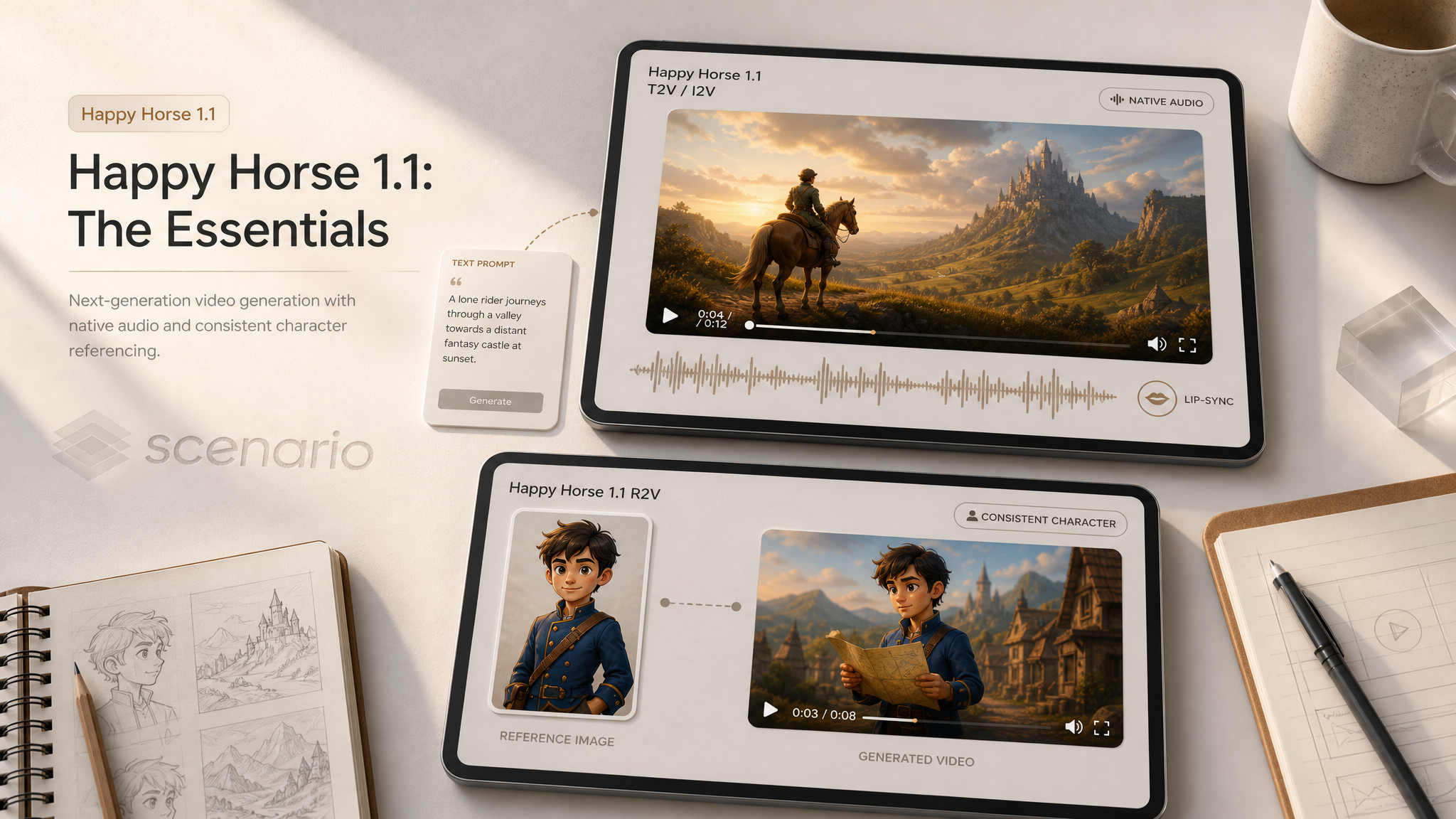
Happy Horse 1.1 by Alibaba generates short cinematic clips with synchronized native audio and multilingual lip-sync in one pass. Describe the scene and the sound together, animate a still, or lock in up to nine reference characters with the R2V model. Clips run 3 to 15 seconds at 720p or 1080p.
Video generated using Happy Horse 1.1
Which Model Should I Use?
Model | ID | Input | Best for |
|---|---|---|---|
| Text prompt, optional first-frame image | Scenes, action, talking heads, and animating a still without character refs | |
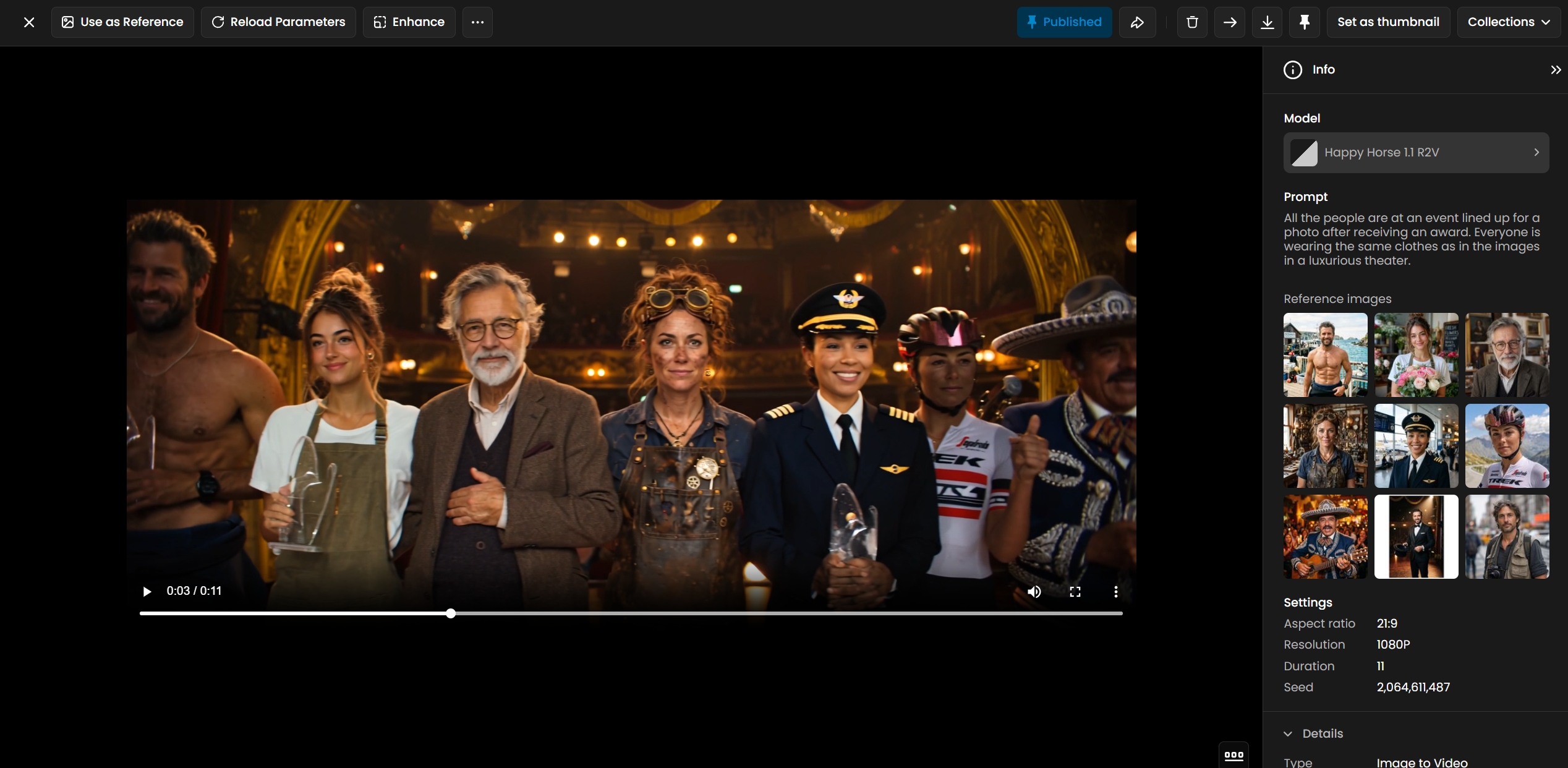
| 1 to 9 reference images + prompt with character1…character9 | Consistent characters across a clip, multi-subject dialogue, brand mascots |
Rule of thumb: start with Happy Horse 1.1 when you want a scene from words or a single still. Switch to R2V when specific faces or characters must stay recognizable and you can supply portrait references.
How to Use the Model
Text-to-Video with Native Audio
Write one prompt that covers visuals, camera, dialogue, and sound. Mention lip-sync when a subject speaks to camera. Clips from 11 to 15 seconds give talking heads room to breathe.
prompt: A professional news anchor at a studio desk speaks directly to camera with clear lip-sync, saying welcome to tonight's briefing, subtle camera push-in, broadcast lighting, confident delivery with native studio ambience
duration: 12
resolution: 1080P
aspectRatio: 16:9
Broadcast lip-sync from text only.
prompt: A punk rock singer screams into a microphone on a packed stage, strobe lights, crowd surfing energy, raw live performance with native audio and crowd roar
duration: 14
resolution: 1080P
aspectRatio: 16:9
Live performance with native crowd audio.
Image-to-Video from a First Frame
Upload or generate a still, pass it as image, and describe how the scene should move and sound. Omit image for pure text-to-video.
image: asset_PAeSfqoohnPELrqZvh9YWXBs
prompt: The fantasy knight raises a sword triumphantly, cape billowing in wind, epic orchestral energy, slow dramatic camera orbit, particles and light flares, game cinematic trailer mood
duration: 13
resolution: 1080P
aspectRatio: 9:16
Scene animated from a Gemini 3.1 still.
image: asset_beqrRp91ddfYj7rCv1siupa2
prompt: The surfer rides a towering wave, carving through spray as the camera tracks alongside, ocean roar and wind native audio, epic sports cinematic
duration: 14
resolution: 1080P
aspectRatio: 16:9
Sports action from a wave still. asset_4QuuyxRD3WQP7QC8eNXnXRog
Reference-to-Video with character1 Labels
On the R2V model, add 1 to 9 portrait references. Refer to them as character1, character2, and so on in the prompt. The number matches the upload order: first image is character1, second is character2.
Reference order matters. If you swap the images, swap the character numbers in the prompt. Each reference set should be unique per generation when you need distinct showcase examples.
referenceImages: [asset_EKQofgsyhB6QQ6JPrzGAutvY]
prompt: character1 floats inside a space station module and delivers a calm mission briefing to camera, Earth visible through the window, subtle zero-gravity movement, native audio with lip-sync
duration: 11
resolution: 1080P
aspectRatio: 16:9
Single-character briefing with lip-sync. asset_7ogTYb8XLY9BerqkYDkDMHxF
referenceImages: [asset_cRVp3B98JPsUYL18V8TeJpzV, asset_LKPMzeg32Qs6NAqxqmGu4gUW]
prompt: character1 interrogates character2 across a desk in a smoky noir office, venetian blind shadows, tense lip-sync dialogue, rain on window native audio
duration: 14
resolution: 1080P
aspectRatio: 16:9
Two-character dialogue scene. asset_4sxJKXNqJ1GvUxAoRari4pKQ
Chef + cyclist duo · asset_nFUNtZoUfDojrKjyeSEymGXG
Three-character royal ball · asset_HFXGPfkr6YwoqaUHU92gDzmb
Building Reference Portraits
For R2V, generate clean character headshots with GPT Image 2 or Gemini 3.1 Flash, then use the resulting assets as referenceImages. Square 1:1 portraits at 1024 px or above work well. Use a fresh reference set for each example when you need distinct characters.
Parameters
Both models share the same output controls. R2V replaces the optional image field with required referenceImages.
prompt
Required. Up to 2500 characters. Describe scene, motion, camera, dialogue, and native audio together. On R2V, label subjects as character1, character2, and so on to match reference order. See the news-anchor and noir examples above.
image
Optional on Happy Horse 1.1 only. A first-frame still to animate forward. Leave empty for text-to-video. When set, output aspect ratio may follow the image shape. See the Tokyo neon and surfer wave examples.
referenceImages
Required on R2V. An array of 1 to 9 portrait asset IDs. Order sets character numbers in the prompt. Each image should be at least 400 px on the short side. See the astronaut solo and three-character ball examples.
duration
Optional. Clip length in seconds, 3 to 15. Default is 5. For talking heads and dialogue, 11 to 15 seconds tested best in onboarding. See the 12 s anchor and 15 s royal-ball clips.
resolution
Optional. 720P or 1080P. Default is 1080P. All examples in this article used 1080P.
aspectRatio
Optional. Nine presets: 16:9, 4:3, 1:1, 9:16, 3:4, 4:5, 5:4, 9:21, 21:9. Default is 16:9. Match social placement: 9:16 for Stories, 21:9 for ultra-wide trailers.
seed
Optional. Integer from 0 to 2147483647. Reuse the same seed with identical settings to reproduce a clip. Leave empty for a new result each run.
Use Cases
Social and ads: Vertical or widescreen product and lifestyle clips with voiceover and ambient sound baked in.
Games: Short cinematics, NPC dialogue beats, and trailer moments with synchronized speech.
Marketing: Talking-head explainers, event promos, and character-led campaigns via R2V.
Film and previs: Blocking dialogue scenes and atmosphere tests before full production.
Education: Instructor-style clips and multilingual lip-sync demos from a single prompt.
Content creation: Animate stills from GPT Image 2 or Gemini 3.1 into motion clips with sound.
Tips for Better Results
Pair visuals and audio in one prompt. Name dialogue, ambience, and music cues explicitly; the model generates them together.
Use 11 to 15 seconds for speech. Shorter clips cut off mid-sentence on talking-head scenes.
Mention lip-sync for speakers. Phrases like "clear lip-sync" or "delivers a briefing to camera" improve mouth movement.
Keep R2V references as clean portraits. Generate square headshots with GPT Image 2 or Gemini 3.1 Flash before running R2V.
Match character numbers to image order. The first reference is always character1; swap both images and labels together.
Start at 1080P for finals. Drop to 720P only when iterating quickly on composition.
Omit image for pure T2V. On Happy Horse 1.1, leave the image field empty when you do not need a locked first frame.
Scale R2V to the full nine references. Ensemble scenes such as feasts, war councils, talk-show panels, and red carpets hold up at six to nine characters. Give each character1…characterN its own line of quoted dialogue so every face lip-syncs.
Use full-body references for wide shots. Square headshots are best for close dialogue; for group scenes or full-body action, supply full-body portraits on a plain neutral background so the model has the whole character to place.
Build a reusable cast. Generate a consistent set of characters once with GPT Image 2, then reuse the same reference asset IDs across many clips for a recurring ensemble.
Known Limitations
Maximum clip length is 15 seconds. Plan multi-beat stories as separate clips or extend in an editor.
R2V requires character labels. Plain names in the prompt without character1 syntax will not bind to reference images.
First-frame aspect ratio override the setting. On I2V, the output follow the uploaded still's shape.
Platform auto-captions are not reliable for QA. Review lip-sync and audio by watching the clip, not the auto-generated caption text.
References are subjects, not sets. A background or environment image passed as a reference is not reliably treated as the scene. Describe the location in the prompt and reserve references for characters and objects.
High character counts take longer. Eight- and nine-reference clips are the most demanding to generate; if a generation does not return, run it again.
Open the models: Happy Horse 1.1 · Happy Horse 1.1 R2V