PixVerse V6: Text-to-Video and Image-to-Video Generation
Last updated: April 22, 2026
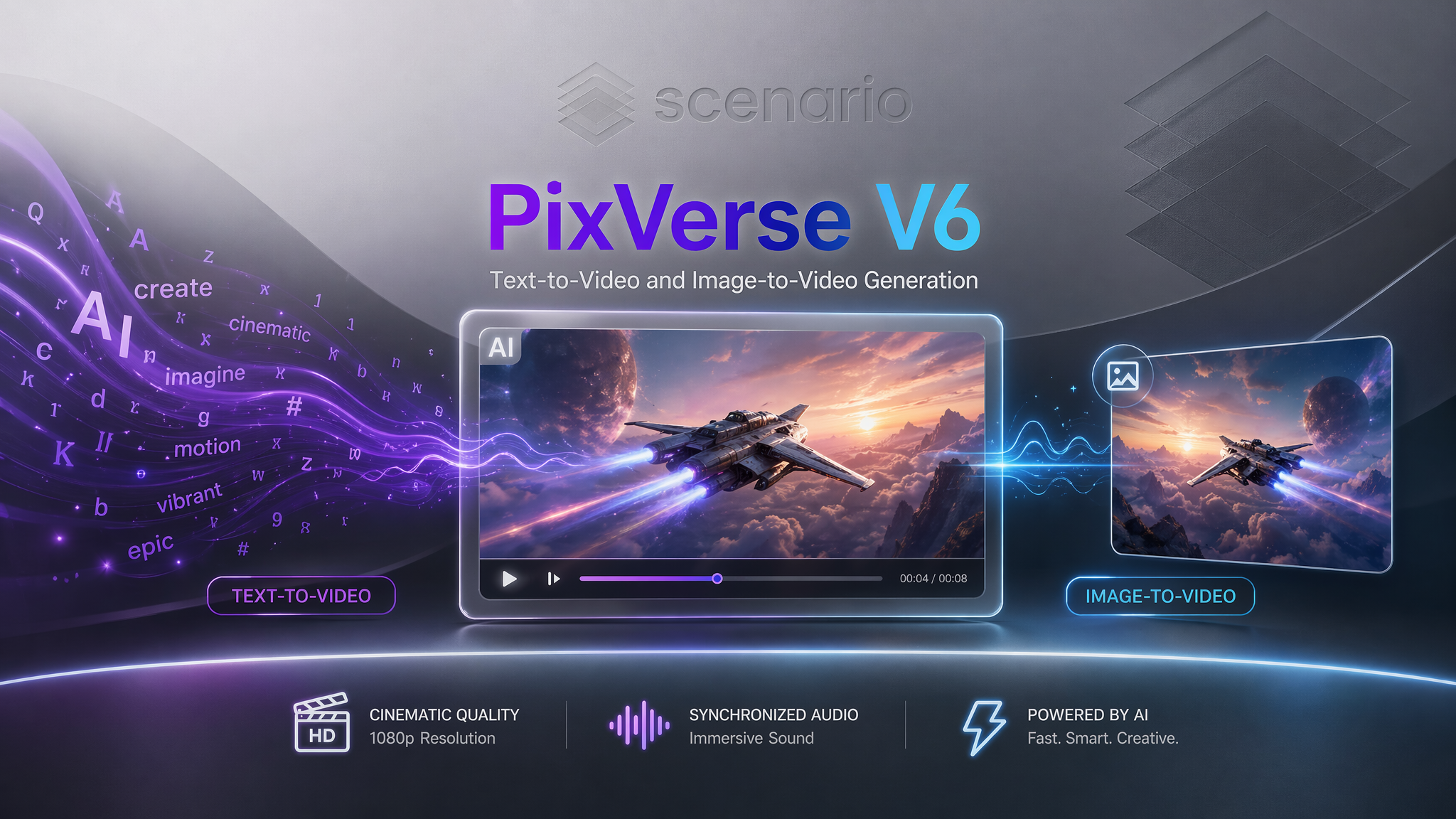
PixVerse V6 is a cinematic AI video generation model available on Scenario in two distinct variants: PixVerse V6 T2V for text-to-video creation, and PixVerse V6 I2V for animating existing images.
Whether you're building a world from a simple sentence or breathing life into a static character render, PixVerse V6 delivers up to 15 seconds of 1080p video with synchronized audio, multi-shot storytelling, and five distinct artistic styles.
Overview
A significant evolution over its predecessors, PixVerse V6 delivers seamless, long-form narratives in a single pass with exceptional temporal stability.
Native audio generation - including background music, ambient sound, and dialogue - is integrated directly into the model, eliminating the need for a separate audio production pipeline.
The Two Scenario Models
PixVerse V6 T2V: Generates video from a text prompt alone. Ideal for concept exploration and building visual worlds from scratch.
PixVerse V6 I2V: Uses an existing image as the first frame and animates it. The image anchors the visual identity, while your prompt directs the motion and mood.
T2V vs. I2V: Choosing the Right Model
Use Case | Recommended Model | Strategy |
Starting from scratch | PixVerse V6 T2V | Establish subject, environment, motion, and style in the prompt. |
Animate an existing asset | PixVerse V6 I2V | Focus on motion and atmosphere; do not re-describe the image content. |
Visual Consistency | PixVerse V6 T2V | Use this when maintaining the specific look of a source character or scene is vital. |
Shared Parameters
Both models utilize the following parameters to fine-tune the output:
style: Choose from
anime,3d_animation,clay,comic, orcyberpunk.duration: 1 to 15 seconds. (Pro-tip: Start with 5–8s for testing).
resolution:
360p,540p,720p, or1080p.negativePrompt: Use this to exclude artifacts. (e.g., distorted faces, morphing body parts, flickering).
thinkingType:
enabled,disabled, orauto. Controls reasoning depth. Useenabledfor complex, multi-subject scenes.generateAudioSwitch: Set to
truefor synchronized ambient sound and music.generateMultiClipSwitch: Set to
trueto allow the AI to perform natural camera cuts/transitions within a single clip.
The Five Artistic Styles
Each style applies a consistent visual treatment across the entire generated clip.
1. Anime
Warm, cel-shaded rendering with expressive linework.
Best for: Fantasy characters, emotional narratives, and soft environmental motion (wind, flowing fabric).
2. 3D Animation
Smooth, CGI-quality rendering resembling modern animation studios.
Best for: Creature animation, architectural flyovers, and sweeping camera movements.
3. Clay
Tactile, "stop-motion" forms that look sculpted by hand.
Best for: Whimsical, toy-like, or abstract character-driven scenes.
4. Comic
Bold outlines, flat colors, and halftone textures.
Best for: Action sequences, superhero content, and high-contrast "poster-style" compositions.
5. Cyberpunk
Neon-lit, rain-soaked high-tech aesthetics.
Best for: Futuristic cityscapes, mech suits, and dark, industrial sci-fi environments.
Writing Effective Prompts
For Text-to-Video (T2V)
PixVerse V6 parses prompts sequentially. Front-load your most important details:
[Subject] + [Action/Motion] + [Environment] + [Camera Angle] + [Mood/Style Cues]
Example: "A silver-haired knight in black armor walking slowly through a ruined cathedral, ash drifting in shafts of light, steady tracking shot, dark fantasy atmosphere."
For Image-to-Video (I2V)
The model already "sees" your image. Your prompt should only describe the onset of motion.
[Subject from image] + [Specific motion] + [Atmospheric movement] + [Camera behavior]
Example: "The character turns slowly to face the camera, holographic data streams cascade around her, camera slowly pushes in, atmospheric haze."
Resolution and Duration Strategy
Because high-resolution, long-duration clips consume more compute units, we recommend a tiered workflow:
Iteration:
360por540p, 5s, audiodisabled, thinkingdisabled.Refinement:
720p, 8s, thinkingauto. Verify results across multiple seeds.Final Output:
1080p, 15s, audioenabled. This is your production run.
Known Limitations
Style Conflict: Avoid applying the
claystyle to photorealistic images in I2V; the results are often uncanny or messy.Multi-Clip Timing: Using
generateMultiClipSwitchon videos shorter than 8s often produces rushed, jarring cuts.Text Rendering: The model is not yet reliable for specific, readable text on signs or interfaces.
Hands: Anatomy remains difficult. Use negative prompts like
extra fingers, distorted handsto mitigate issues.
Expert Note: If your scene involves multiple characters interacting or complex physics, set thinkingType to enabled. This forces the model to reason through the scene logic before it starts "painting" the frames.
Are you planning to use PixVerse V6 primarily for character-focused storytelling, or are you looking to generate high-tech environmental loops?