API Usage and Credits (Compute Units)
Last updated: October 9, 2026
The Scenario API uses the same Compute Unit (CU) system as the web application.
Access Requirements
API access is available on every paid plan, from Starter up. The Free plan cannot use the API, and API keys stop working if your organization moves back to Free. The Compute Units included in your plan can be used across both the web application and API, with no separate allocation.
Public pricing page is available here: https://www.scenario.com/pricing
Understanding Costs
Different operations consume varying amounts of Compute Units:
Generating images: ~2-15 CUs per image (varies by model)
Enhancing: ~5-15 CUs per operation
Training models: varies widely with the base model, dataset size and number of epochs, from a few hundred to several thousand CUs. Check the exact cost on the Start Training button, or with ?dryRun=true through the API, before you launch
To help manage your CU usage, you can estimate costs before running operations.
Estimating Costs
Scenario provides two ways to estimate API costs:
Using the dryRun Parameter
Add ?dryRun=true to any API request to simulate the operation and see how many CUs it would consume without actually running it. For example, instead of:POST https://api.cloud.scenario.com/v1/generate/custom/{modelId}
use:POST https://api.cloud.scenario.com/v1/generate/custom/{modelId}?dryRun=true
This returns the exact CU cost without deducting from your balance. Parameter is mentioned in the documentation when available.

Using the Compute Planner Tool
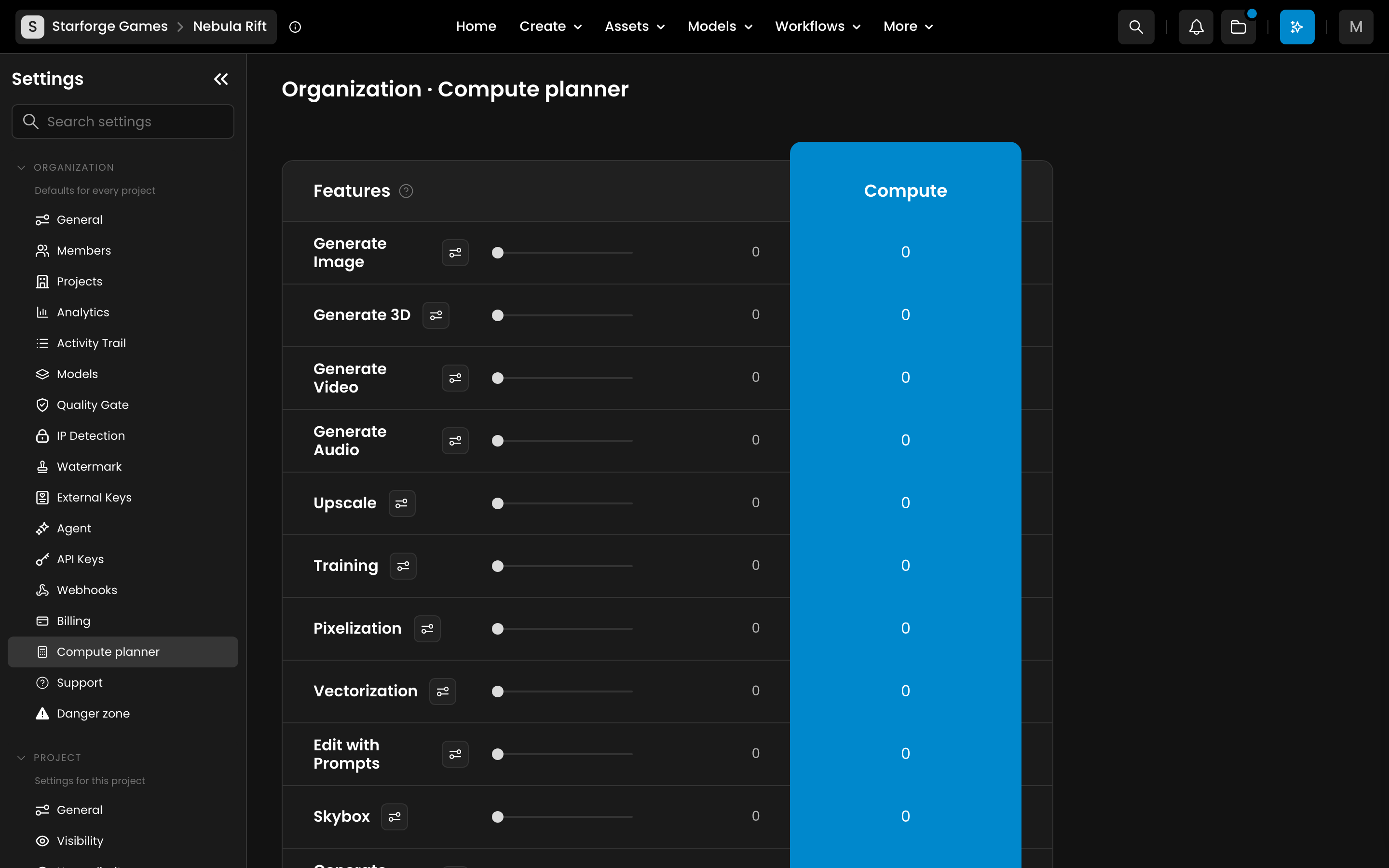
In the web application, navigate to Settings > Organization > Compute planner. This interactive tool lets you adjust parameters for different operations and see estimated monthly costs based on your anticipated volume.