Advanced Training Parameters
Last updated: October 23, 2026
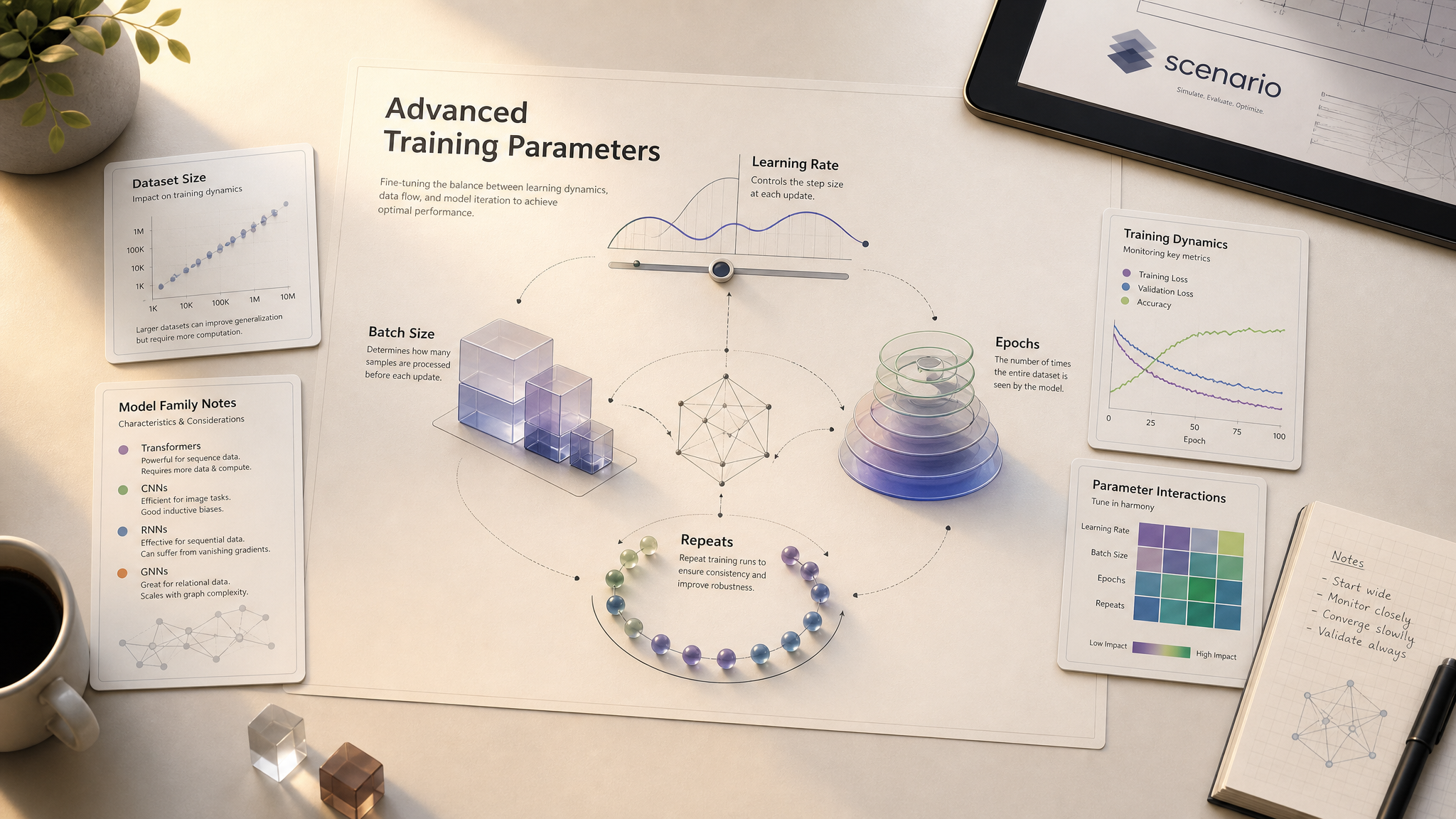
Defaults work for most training runs. This article covers the parameters you might tune when defaults don't, what they do, recommended values by dataset size, and family-specific notes.
For the broader workflow, see Basics of Model Training. For when to tune parameters versus revisiting your dataset, see Improve and Refine Your Models.
The core parameters
Training on Flux 2, Qwen Image or Z-Image (including Flux 2 Edit and Qwen Edit) shows five parameters in the Set Parameters step: Learning Rate, Rank, Batch Size, Repeats and Epochs. Turn Auto off to change them. The Flux.1 types (Flux.1 Kontext) also show a Text Encoder Learning Rate.
Learning Rate (LR)
Controls how aggressively the model updates with each training step.
Default:
5e-5for Flux 2, Qwen Image, Z-Image and their edit variants (1e-4for Flux.1 Kontext). The slider runs from5e-6to1e-3.Effect of lowering (below the default): subtler learning, finer adjustments, less risk of overfitting; longer training to reach the same depth.
Effect of raising (
1e-4and above): faster learning, sharper subject capture; higher risk of overfitting and visual artifacts.
Text Encoder Learning Rate (Flux.1 only)
Controls how aggressively the model updates its text-understanding weights: how strongly captions influence the result. Only the Flux.1 types (Flux.1 Kontext) have this setting. Flux 2, Qwen Image and Z-Image do not show it, so captions are your lever there.
Default:
1e-5on Flux.1 Kontext.Constraint: should always be equal to or lower than the main learning rate.
Lower it if your captions are weak or generic: the model relies less on them.
Better fix for weak captions: improve the captions themselves. See Advanced Captioning.
Rank
Controls how much the LoRA adapter can learn. Shown for Flux 2, Qwen Image and Z-Image (including the edit variants).
Default:
64: works for most cases. The slider runs from 2 to 128.Higher rank = more capacity to learn, at a higher training cost.
Batch Size
Number of images processed simultaneously per training update.
Default:
1: works for most users. The app allows 1 to 4.Raising to 2+ speeds up training proportionally, but you must raise the learning rate to compensate (otherwise effective learning per image drops).
Most projects don't benefit from batch size changes.
Epochs
Complete passes through the entire dataset. Scenario saves a LoRA checkpoint per epoch so you can compare and pick the best.
Default:
20for Flux 2, Qwen Image, Z-Image and their edit variants (10for Flux.1 Kontext). The app allows 1 to 100 (1 to 30 on Flux.1 Kontext).More epochs = deeper learning, higher risk of overfitting.
Fewer epochs = less overfit, possibly underfit.
Always compare epochs side by side after training: the optimal is rarely the last.
Repeats
How often each image appears per epoch.
Default:
20. The app allows 1 to 50 (1 to 30 on Flux.1 Kontext).More repeats with small datasets effectively gives the model more to learn from.
Fewer repeats with large datasets prevents overweighting.
Recommended values by dataset size
These are starting points, not laws. Adjust based on epoch comparisons.
Dataset size | Learning Rate | Epochs | Repeats |
|---|---|---|---|
5 to 10 images |
| 15 to 20 | 20 to 30 |
10 to 25 images |
| 10 | 15 to 20 |
25 to 50 images |
| 6 to 8 | 10 to 15 |
If you raise batch size from 1 to 2+, raise the learning rate proportionally.
Edit LoRA parameters
Flux 2 Edit and Qwen Edit use the same parameters and defaults as the other current families:
LR:
5e-5Rank:
64Batch Size:
1Repeats:
20Epochs:
20
Flux Kontext, the Flux.1 edit type, keeps LR 1e-4, Text Encoder LR 1e-5 and Epochs 10.
Edit LoRAs follow the same dataset-size table as single-image LoRAs: the count refers to pairs instead of single images. Sweet spot is 5 to 15 pairs, with 5 as the practical minimum for a usable LoRA. Two pairs is the technical floor the system accepts, but datasets that small almost never train into anything useful.
Family-specific notes
Family | Parameter notes |
|---|---|
Flux 2 (Dev / Klein 9B / Klein 4B) | Defaults are tuned for this family. Klein 4B trains and generates fastest; Dev is the slowest and most expensive. Same parameter values across variants. |
Qwen Image (Qwen Image / 2512) | Defaults work well. Qwen has strong prompt adherence: captions matter more, so refining them often beats parameter tuning. |
Z-Image (Z-Image / Z-Image Turbo) | Defaults work well across both variants. Z-Image Turbo trains fastest but with lower training fidelity: for max-quality LoRAs, train on Z-Image (still cross-compatible at inference time). See Z-Image Cross-Compatibility. |
Flux 2 Edit / Qwen Edit / Flux Kontext | Same defaults as the single-image families (Flux Kontext keeps the Flux.1 defaults above). Edit LoRAs are more sensitive to caption consistency than parameter tuning. |
Test prompts (always set them)
Up to four test prompts can be configured before training. Each epoch generates against them, giving you the side-by-side comparison you'll use to pick the optimal version.
For style and single-image LoRAs: prompts that exercise different subjects within the style.
For character / product / environment LoRAs: mix prompts inside and outside the training distribution to spot overfitting.
For edit LoRAs: test pairs (input image plus instruction) that are NOT in the training set.
Skipping test prompts means you have no way to compare epochs: defeating the whole point of saving them.
Tuning workflow
If your first training run misses, work in this order:
Compare all epochs of the existing run first: the right one may already be there.
Refine the dataset: remove bad images, add missing diversity.
Refine the captions: see Advanced Captioning.
Adjust LR / Repeats / Epochs for the new dataset size: use the table above.
Only then consider Rank or Batch Size (or Text Encoder LR on Flux.1 Kontext).
Most refinement runs improve results without touching parameters past step 1 to 3. Parameter tuning is a finishing move, not a first response.
Final Thoughts
Training custom LoRA models on Scenario doesn’t require a background in machine learning - just an understanding of what each setting controls and how they work together.
Start simple. Use the defaults. Then adjust based on what you’re trying to achieve and how many images you’re working with.
Want sharper, more consistent outputs from a small dataset? Increase Repeats or Epochs.
Seeing results that are too rigid or repetitive? Dial one of them back.
Running larger-scale experiments? That’s when tweaks like Batch Size and Learning Rate scaling start to matter.
Each training parameter is a tool - not a test. You don’t have to get it perfect on the first run. Use your early trainings to explore, experiment, and learn how your model responds. And remember: you’re never locked into just one version. Scenario gives you multiple LoRA checkpoints for every training, so you can pick what works best.
The more you train, the better you’ll get at fine-tuning your models - and the closer your generations will get to exactly what you imagined.