Migrating Legacy Models to Current Base Models
Last updated: October 23, 2026
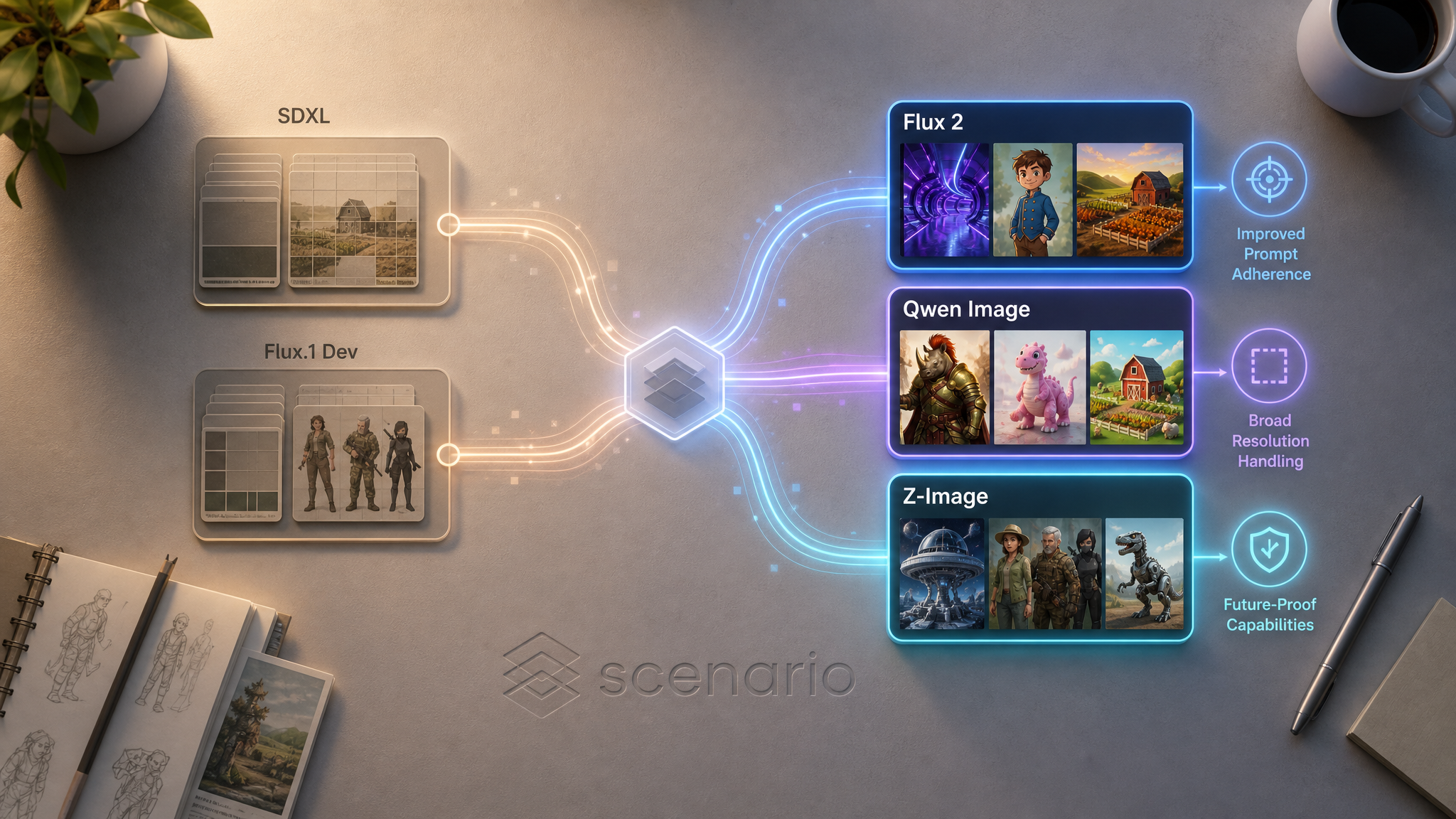
Two base model families on Scenario are now considered legacy: SDXL and Flux.1 Dev. Existing models trained on either remain functional for inference, but you should not start new training on them. New training should target Flux 2, Qwen Image, or Z-Image depending on your use case.
This article covers why, what's affected, and how to migrate.
Why migrate
Feature gap will widen. All new training improvements ship to Flux 2, Qwen, and Z-Image. Legacy families receive no further investment.
No merging after migration. Merge and Compose are only supported for Flux 1 models. After migrating to Flux 2, Qwen, or Z-Image, this feature is no longer available.
Better defaults. The current families have stronger prompt adherence, longer prompt support, and broader resolution handling.
What's affected, and what isn't
Concern | Status |
|---|---|
Existing SDXL / Flux.1 Dev models | Continue to run inference; nothing is auto-deleted |
Generating with legacy models | Still works |
Merging legacy LoRAs with each other | Still works (same family only) |
Merging legacy LoRAs with Flux 2 / Qwen / Z-Image | Not supported. Families are not interchangeable |
New training on SDXL | SDXL is retired from active training defaults |
New training on Flux.1 Dev | Still in the picker, but not recommended. Train on Flux 2 instead |
Future feature improvements | Target Flux 2 / Qwen / Z-Image only |
Migrating from SDXL
Open your existing SDXL model and download the training images from its dataset tab.
Go to Create > Train.
In Choose a Model, pick Flux 2 (Dev for highest quality, Klein 9B for balanced production, Klein 4B for the cheapest balanced option). Consider Z-Image if you want cross-variant LoRA compatibility, or Qwen Image 2512 for cost-sensitive workflows. All three handle stylized and photoreal subjects equally.
Upload the same dataset. Recommended size is now 5 to 15 images (max 50). If your old dataset is larger, prioritize the highest-quality, most representative images.
Review the auto-generated captions. Flux 2, Qwen, and Z-Image all benefit from longer, more descriptive captions than SDXL: feel free to expand them.
Train and compare epochs. Pick the version that captures your subject without overfitting.
Migrating from Flux.1 Dev
Open your existing Flux.1 Dev model and download its training images.
Go to Train > New Model and pick Flux 2 in the picker. Variant guidance:
Flux 2 Dev 32B if your Flux.1 model was a hero / studio-grade asset.
Flux 2 Klein 9B as the closest 1:1 production replacement.
Flux 2 Klein 4B if cost is a constraint.
Upload the same dataset. Existing Flux.1 captions transfer well: no rewriting required, though you can refine for the larger context window.
Keep training defaults (
LR 5e-5,Rank 64,Batch Size 1,Repeats 20,Epochs 20) unless you had custom values that worked well: those carry over.Train and compare epochs.
Replace your Flux.1 model in any downstream pipelines (Canvas templates, API calls, MCP workflows, merged Multi-LoRAs).
Flux.1 to Flux 2 is the smoothest migration on the platform. The dataset, captions, and parameter intuition all transfer directly.
Migrating Kontext-style workflows
If you have edit recipes on legacy stacks, port them to the current edit families:
Default to Flux 2 Edit.
When preserving surrounding context matters, use Qwen Edit.
The captioning convention (instructional verb plus transformation, optional trigger word) is unchanged: your existing image pairs and captions can be reused. See Train an Edit LoRA Overview and Building Edit LoRA Training Sets.
Frequently asked questions
Will my existing legacy models be deleted?
No. Legacy models stay in your library indefinitely and continue to generate.
Can I keep using my Flux.1 / SDXL models in Canvas, Live, and the API?
Yes. Inference is unaffected.
Can I merge a legacy LoRA with a Flux 2 LoRA?
No. Merge and Compose are only supported for Flux 1 models. Flux 2, Qwen, and Z-Image do not support this feature.
What if I already started training a new model on Flux.1 Dev?
Finish it if it's mid-run. For your next training, switch to Flux 2.
What about Bria and Krea?
Both have been removed from the training picker and are no longer available.
Is there a deadline for migration?
No hard deadline. Prioritize migrating actively-used models; less-frequent ones can stay on legacy and migrate later as needed.