Grok Imagine: The Complete Guide to AI Generation and Editing
Last updated: May 7, 2026
Updated May 2026: Grok Imagine Image Quality is now the recommended model for all new projects. Grok Imagine Image Pro is deprecated and will be retired on May 15, 2026. Existing workflows using Image Pro should migrate to Image Quality.
Grok Imagine: The Complete Guide to AI Image Generation and Editing
The Grok Imagine image family consists of three models on Scenario, all powered by xAI's Aurora engine: Grok Imagine Image Quality, Grok Imagine Image, and Grok Imagine Image Pro. All three handle text-to-image generation and reference-based image editing with the same prompt syntax. The differences are in resolution, aspect ratio options, and which models are actively supported.
The Three Models at a Glance
Model | Resolution | Aspect ratios | Status |
|---|---|---|---|
Grok Imagine Image Quality | Up to 2K | 14, including exclusive 20:9 and 9:20 | Current recommended model |
Grok Imagine Image | Up to 2K | 10 standard ratios | Available |
Grok Imagine Image Pro | Up to 2K | 14 | Deprecated. Retiring May 2026. Migrate to Image Quality. |
All three models share the same core capabilities: text-to-image generation, reference-based image editing, up to 3 reference images per request, and up to 10 outputs per run. The prompt syntax is identical across all three.
What All Three Models Do
Text-to-image generation: Describe any scene, character, environment, or concept and the model produces a finished image at up to 2K resolution.
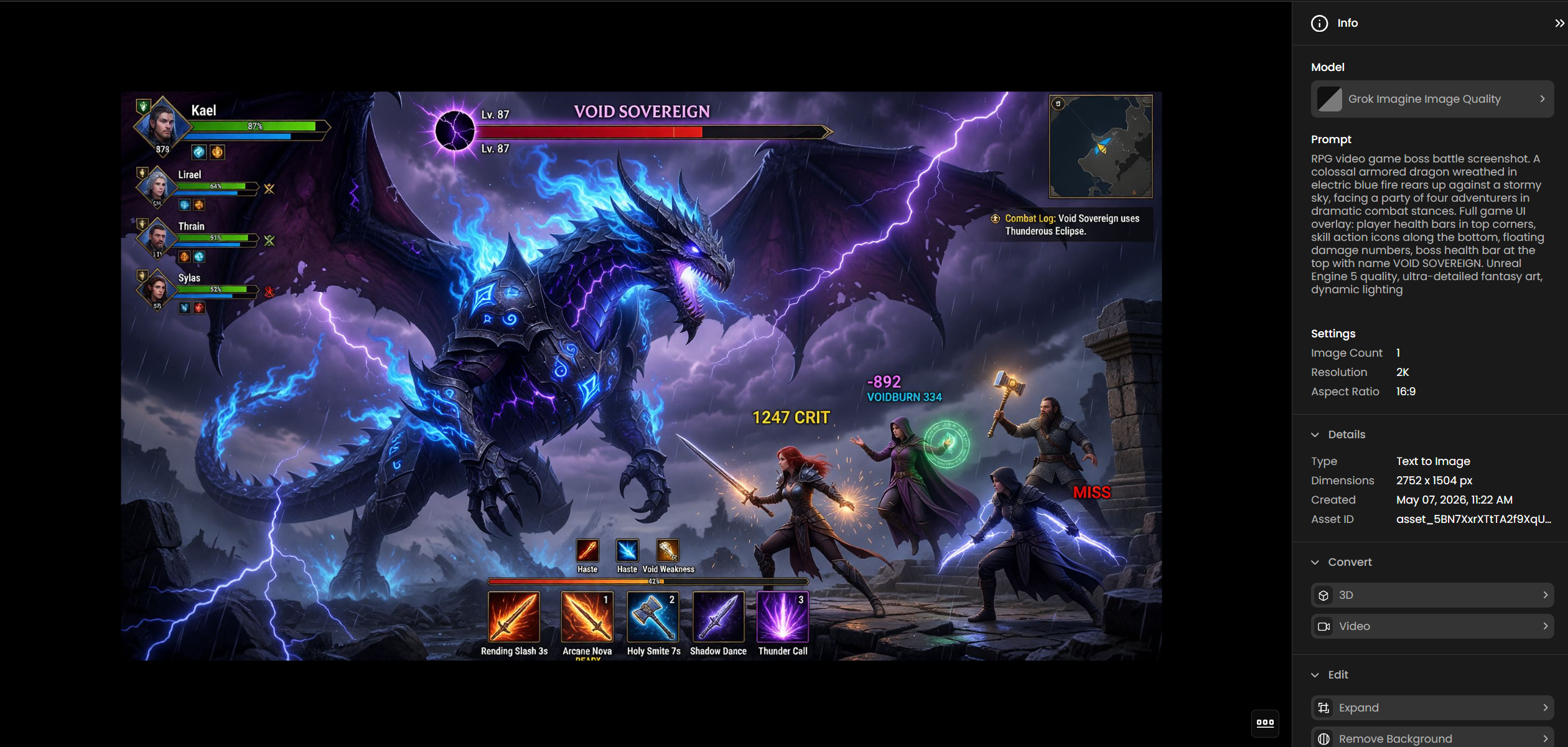
Accurate text rendering: Logos, brand names, titles, signs, and multilingual copy in Japanese, Korean, Chinese, and other scripts appear legibly inside the image. This is a genuine differentiator from most image generation models where embedded text tends to degrade or hallucinate.
Image editing: Upload a reference image and describe changes in plain language. The model preserves the composition while applying targeted edits to lighting, style, color, or content.
Multi-image compositing: Combine up to 3 reference images in a single request to merge subjects, swap environments, or blend visual styles.
Grok Imagine Image Quality
Grok Imagine Image Quality is the current recommended model for all image tasks on Scenario. It replaced Grok Imagine Image Pro in May 2026. If you are still using Image Pro, migrate to Image Quality for continued support and access to expanded features.
Image Quality is built on Aurora, xAI's autoregressive mixture-of-experts network trained on interleaved text and image data. Unlike diffusion models that start from noise and denoise toward an image, this architecture generates tokens sequentially, which gives it a strong understanding of both visual structure and the meaning of text appearing within that structure.
Its standout capability over the other Grok Imagine image models is the exclusive ultrawide 20:9 and ultratall 9:20 aspect ratios. These produce genuine panoramic and full-length compositions, not simply cropped versions of a square output, and are not available on Grok Imagine Image.
Aspect ratios
14 options are available: 1:1, 16:9, 9:16, 4:3, 3:4, 3:2, 2:3, 2:1, 1:2, 19.5:9, 9:19.5, 20:9, 9:20, and auto. The default is 1:1. Use 20:9 for panoramic landscapes, banner advertising, and cinematic headers. Use 9:20 for full-length fashion photography, tall campaign posters, and app splash screens.
Prompting for text in the image
Put the exact words you want rendered in capital letters directly in the prompt. The model will place them as signage, labels, titles, or product copy depending on the scene context. For multilingual outputs, write the target text in the target language: "Add a sign reading 拉麺" gives the model a specific target. "Add a Japanese sign" is too vague.
The model often adds extra text beyond what you specify: director credits on a movie poster, an event name on a sports ad. This usually improves the realism of the output. To suppress it, add "no additional text or labels" to your prompt.
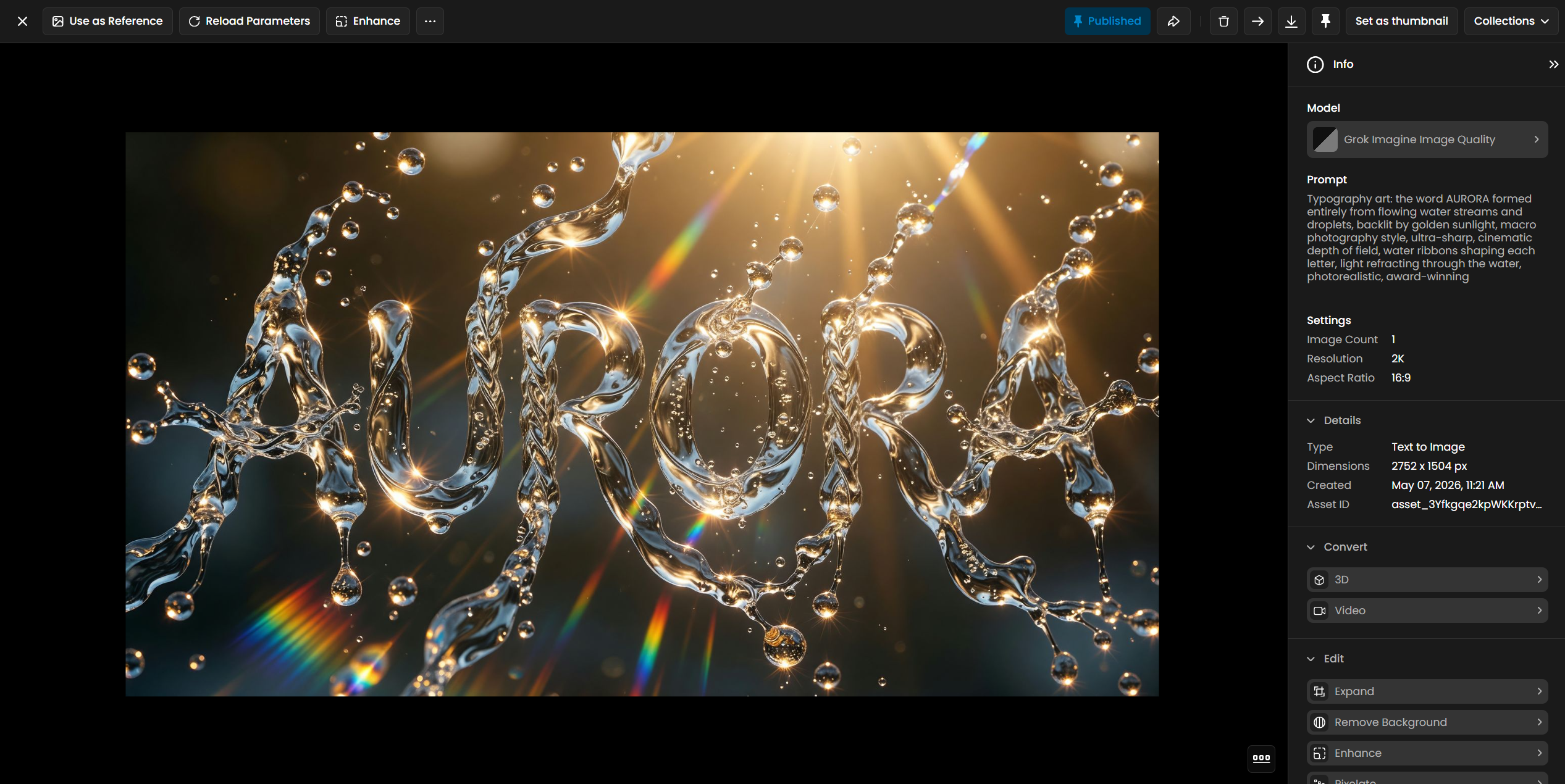
Image editing with reference images
Upload a reference image alongside your prompt to switch from generation to editing mode. Structure your prompt to name what to keep and what to change: "Replace the daylight lighting with moonlight. Keep all furniture and architecture identical." The more specific the preservation instruction, the less the model changes elements you want to retain. Up to 3 reference images can be combined in one request for compositing work.
Grok Imagine Image
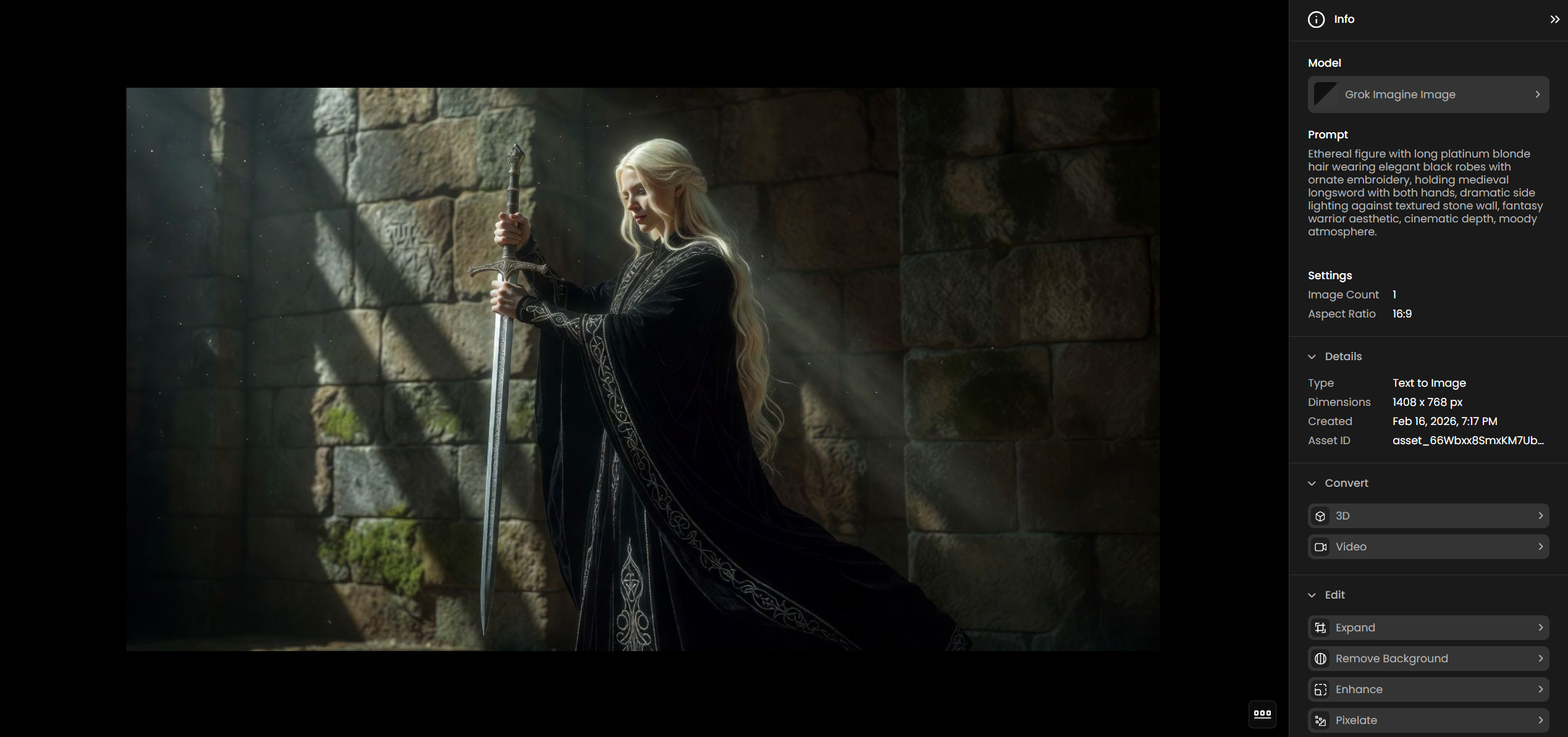
Grok Imagine Image is the standard tier of the Grok Imagine image family. It uses the same Aurora engine and supports the same two workflows as Image Quality: text-to-image generation and reference-based image editing with up to 3 reference images. The prompt syntax is identical.
The main difference from Image Quality is the aspect ratio selection. Grok Imagine Image supports 10 aspect ratios: 1:1, 2:1, 1:2, 16:9, 9:16, 4:3, 3:4, 3:2, 2:3, and auto. It does not include the 20:9 ultrawide, 9:20 ultratall, 19.5:9, or 9:19.5 ratios that are exclusive to Image Quality.
Use Grok Imagine Image when standard aspect ratios cover your needs. Text rendering, editing quality, and output resolution are the same as Image Quality.
Grok Imagine Image Pro (Deprecated)
Grok Imagine Image Pro has been replaced by Grok Imagine Image Quality and will be retired in May 2026. Migrate any existing Image Pro workflows to Image Quality. The prompt syntax is identical and no changes to prompts or parameters are needed. Image Quality produces equivalent or better results and adds the exclusive 20:9 and 9:20 aspect ratios.
Tips for Better Results
Write the exact text you want in capitals. All three models read capitalized words in the prompt as literal content to render inside the image. For multi-language content, write the characters directly in the prompt rather than describing the language. "A sign reading CYBER BODY MOD" produces a legible sign. "A sign with some text" does not.
Use the extreme aspect ratios for what they are designed for. The 20:9 ultrawide (Image Quality only) fills the frame horizontally for landscapes and banners. The 9:20 ultratall (Image Quality only) fills the frame vertically for full-length figures and tall posters. These produce genuinely different compositions from cropping a square output.
For editing, name what stays as clearly as what changes. The clearest editing prompts follow this pattern: "Keep [X], change [Y] to [Z]." Specifying what to preserve is as important as specifying what to change. Without explicit preservation instructions, the model may interpret the entire image as open to modification.
Generate 2 to 3 outputs when testing a new prompt. None of the Grok Imagine image models have a seed parameter, so results vary between runs. Comparing a small batch is more efficient than running the same prompt repeatedly. Once a prompt is producing consistent results, switch to single outputs.
For clean product shots, suppress embellishment explicitly. The models add production details automatically: credits, event names, decorative copy. On a poster this usually helps. On a minimal product shot it clutters the frame. Add "no additional text or decorative elements" to keep the composition clean.
Use Cases
Advertising and branded content: Generate campaign imagery with brand names, slogans, and product copy embedded in the visual. The text rendering quality supports early-stage mockups and presentation materials without a post-production text layer.
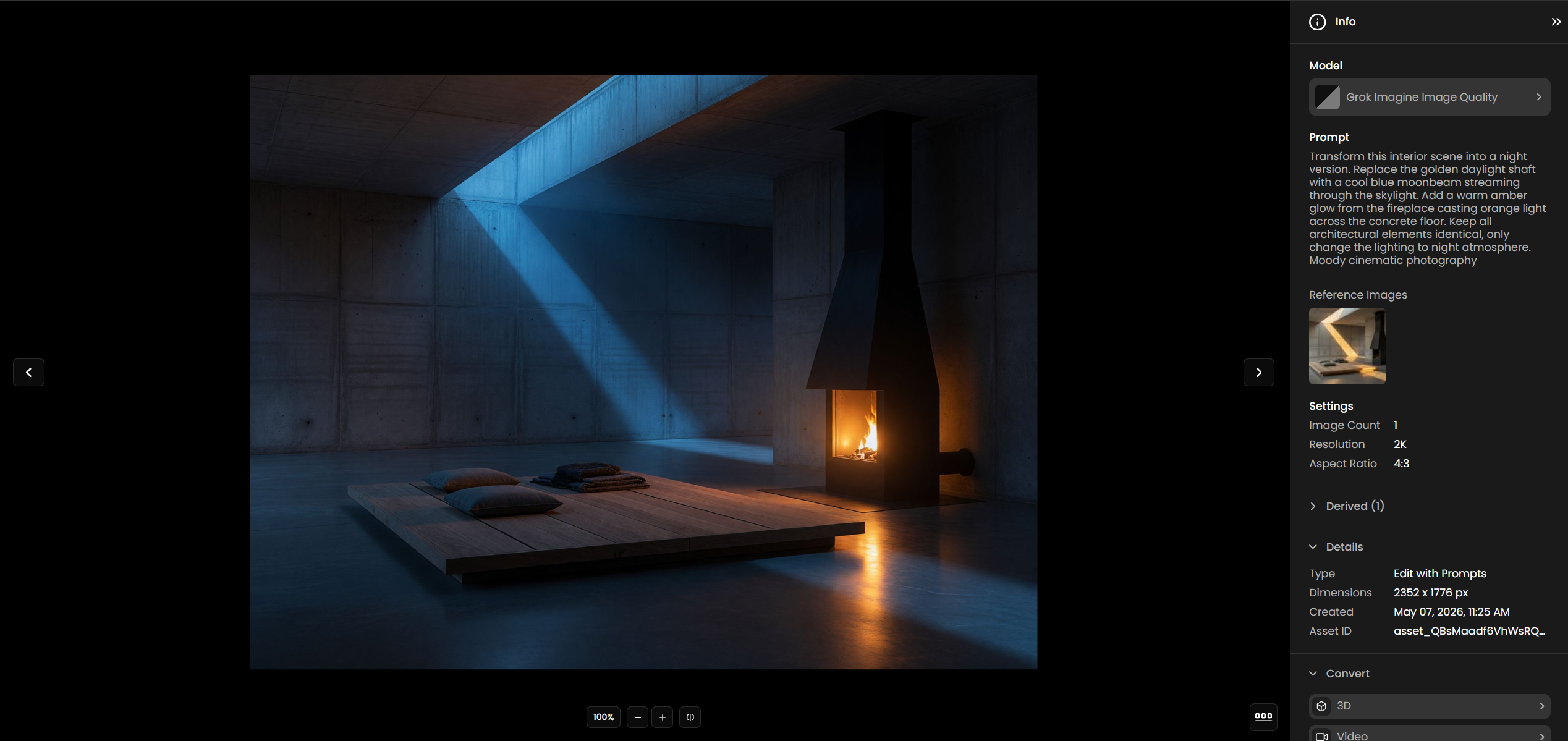
Game concept art: Produce character concept sheets, environment concepts, and screenshot-style compositions with HUD overlays and readable UI text.
Editorial and publication design: Create magazine cover art, poster designs, and publication graphics where legible typographic elements are part of the composition.
Architectural and interior visualization: Generate interior and exterior concepts, then use image editing to iterate on lighting conditions, time of day, and surface finishes while preserving the spatial layout.
Image retouching and restyling: Transform photographs into illustrations, apply cinematic color grades, swap backgrounds, and change visual styles while keeping subject identity intact.