
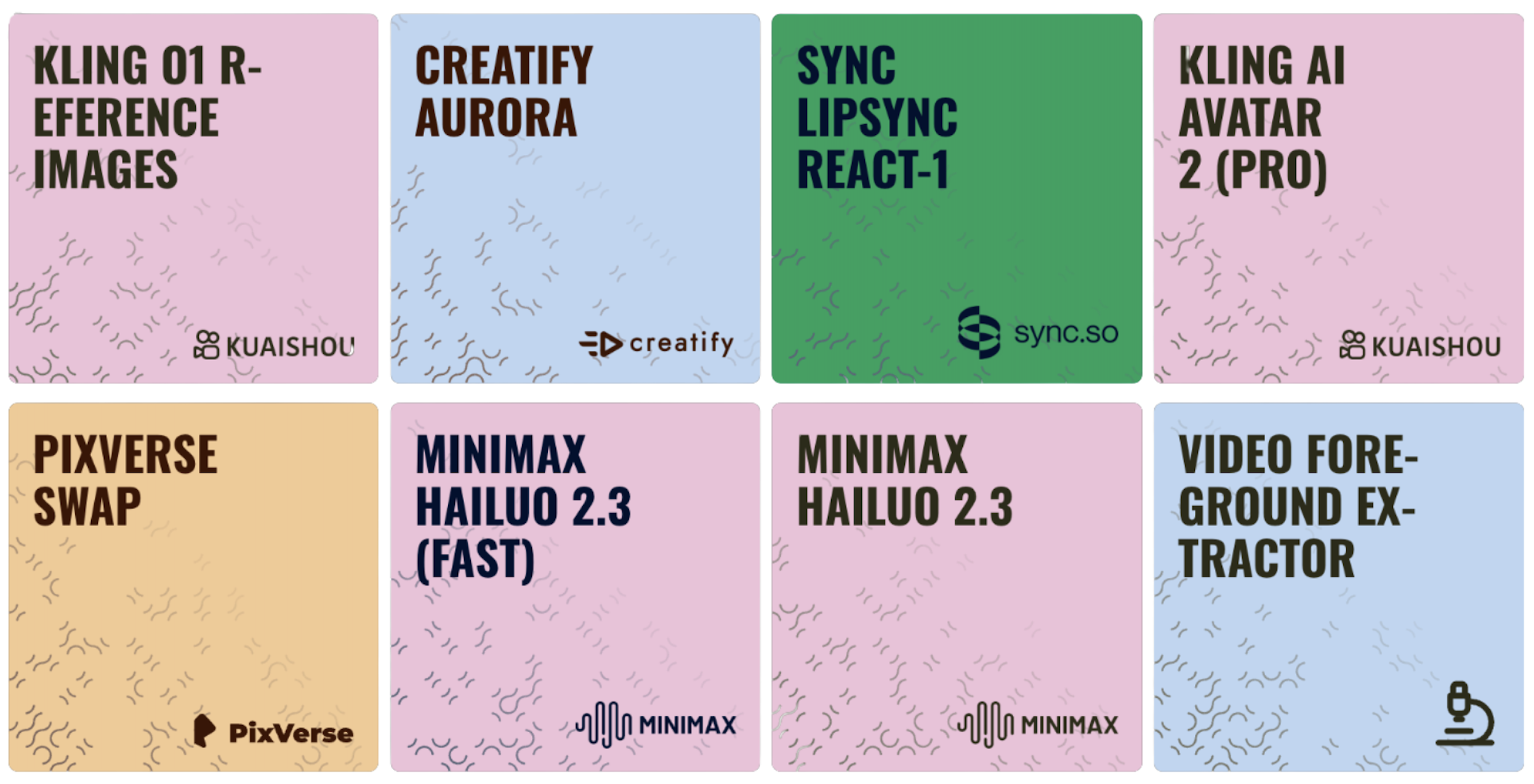
Scenario has a large suite of video generation models available and knowing/selecting the right one for your specific needs can significantly impact the quality and effectiveness of your results. This guide will help you understand the key factors to consider when choosing a video generation model.
Understanding Model Categories
Scenario's video generation models fall into several categories, each with distinct characteristics and strengths:
By Input Type
Text-to-Video (T2V) Models: These models generate videos based solely on text descriptions, offering maximum creative flexibility when you don't have a reference image.
Image-to-Video (I2V) Models: These models animate existing images, maintaining the visual style and composition of your original artwork while adding natural movement. Some models support only the first frame as input, while others allow both the first and last frames for greater control.
“Hybrid” Models: These models support both text and image input, offering greater versatility and control. They are the most common models on Scenario and widely used in the industry because they provide more control options for better consistency in results.
By Specialization
General-Purpose Models: Versatile models that perform well across a wide range of content types and styles. Top choices include Kling 2.6 (Pro), Veo 3.1, and Sora 2.
Specialized Models: These models are tailored for specific content types, such as character animation or natural scenes, or distinct visual styles like cinematic or anime. Examples of models in this category include Minimax Hailuo 2.3 and Wan 2.5, or Ray 2 for cinematic scenes.
Video Editing Models: Designed to modify, enhance, or transform existing footage rather than generating from scratch. They excel at editing tasks and transformations. Leading examples include Lucy Edit (Pro) and Kling 01 Video Editing.
By Resolution
Medium Definition (480p) Models optimized for faster generation and lower resource requirements, suitable for quick iterations and concept testing. Example: Seedance 1(Pro Fast).
High Definition (720p+) Models that balance quality and performance, ideal for most professional applications and social media content. Example: Minimax Hailuo 2.3.
Full HD (1080p+) Premium models that produce the highest quality output, perfect for showcase pieces and professional productions. Example: Sora 2 (Pro), Kling 2.6 (Pro) or Veo 3.1.
Other Settings
Additional settings include customizable video duration, aspect ratio options, frame rate settings, effects, and more. These can be adjusted in the “settings“ tab (typically found in the bottom left corner of the video generation interface) to adjust your video generation inferences.
Key Factors to Consider
When selecting a video generation model, consider these important factors:
1. Visual Quality
Different models produce varying levels of visual fidelity, detail, and aesthetic appeal:
Resolution: Higher resolution models (720p, 1080p) provide more detail but may require longer processing times.
Detail Preservation: Some models excel at maintaining fine details throughout the video.
Visual Coherence: Better models maintain consistent visual elements across frames without flickering or distortion.
2. Motion Quality
The naturalness and smoothness of movement varies significantly between models:
Physics Accuracy: How realistically the model simulates natural movement and physical interactions.
Camera Movement: Some models specialize in cinematic camera techniques like panning, zooming, and tracking shots.
Motion Control: The degree to which you can specify and control movement through prompts.
3. Style Compatibility
Consider how well a model aligns with your desired aesthetic:
Artistic Styles: Some models excel at specific visual styles (photorealistic, animated, stylized, etc.).
Subject Matter: Certain models perform better with particular subjects (people, landscapes, products, etc.).
Mood and Atmosphere: Models vary in their ability to capture specific emotional tones or atmospheric conditions.
4. Technical Specifications
Practical considerations that affect workflow and output:
Video Duration: Models typically generate between 2-12 seconds of footage.
Frame Rate: Higher frame rates (24-30fps) produce smoother motion.
Generation Time: Processing times range from 30 seconds to several minutes per video.
Aspect Ratio: Available options typically include 16:9 (landscape), 9:16 (vertical), and 1:1 (square), and more (including custom ratios)
5. Prompt Responsiveness
How well the model follows and interprets your instructions:
Prompt Adherence: Some models follow detailed instructions more accurately than others.
Text Handling: The ability to generate or maintain readable text within videos.
Specific Direction: How well the model responds to precise movement or camera instructions.
Comparative Overview
Scenario's video generation models fall into several distinct families, each with unique strengths and characteristics, such as:
Veo family: Veo 3.1 and Veo 3 represent the cutting edge of this family, offering improved prompt fidelity, stronger temporal consistency, and synchronized audio generation for cohesive audiovisual storytelling. They provide filmmaker-grade control over characters and scenes, further enhanced by the Veo 3.1 Extend Video feature, which allows creators to seamlessly lengthen existing clips while maintaining perfect visual and narrative continuity. The earlier Veo 2 remains a strong option, delivering photorealistic results with natural motion and cinematic camera control.
Minimax Family (Hailuo 2.3, Video 02, Video-01, Director, Live): The latest Minimax Hailuo 2.3 and Minimax Video 02 push the boundaries of character animation and cinematic quality. Previous iterations like the Live variant offer strong image-to-video performance, while the Director variant provides enhanced camera control.
Kling Family (v2.6, v2.5, v2.1, v2.0, v1.6, O1): A versatile family known for artistic adaptability. The flagship Kling 2.6 (Pro) delivers the most refined results with improved fidelity and smoother motion control. It is supported by Kling 2.5 and 2.1, which excel in stylized content. The family also includes specialized tools like Kling Motion Control, which provides granular command over camera trajectories and character movements, alongside Kling O1 Video Editing, Lipsync, and AI Avatar models.
Pixverse Family (v5, v4.5, v4): Pixverse 5 leads with high-resolution outputs and added Text-to-Video (T2V) support, alongside First/Last Frame workflows for precise control. It is known for strong multi-subject handling and flexible aspect ratios. The family also includes Pixverse Lipsync, a specialized tool designed to synchronize character speech with natural facial movements for realistic talking-head segments. Earlier versions like v4.5 and v4 remain capable options for high-quality generations.
Luma Family (Ray 2, Flash): Excels in realistic physics and dynamic lighting. Ray 2 handles complex camera movements with high fidelity, while Ray 2 Flash is optimized for extreme speed, generating coherent previews in seconds for rapid iteration.
Wan Family (2.5, 2.2, 2.1): Wan 2.5 (I2V and T2V) is the latest advancement, specializing in strong text rendering and technical visualization. The 2.2 release is notable for its "Animate" (Move/Replace), "Outpainting," and "Reframe" capabilities, offering robust tools for modifying existing content while retaining the family's strength in anime-style and 2D outputs.
Runway Family (Gen4 Turbo, Aleph): The new Runway Gen4 Turbo and Aleph models focus on high-speed, cinematic video generation with strong visual coherence. They are designed for creative motion control and are excellent for short-form storytelling and concept-driven visuals.
Sora Family (Sora 2, Sora 2 Pro): A high-end text-to-video family. Sora 2 Pro is focused on generating visually coherent clips from complex prompts, emphasizing superior motion quality, scene continuity, and physics simulation for professional workflows.
Seedance Family (Seedance 1 Pro, Pro Fast, Lite): Balances visual quality and generation speed. The Seedance 1 Pro prioritizes high fidelity, while the Pro Fast and Lite variants are optimized for quicker iterations, suitable for experimentation and production pipelines.
LTX Family (LTX-2 Pro, Fast): A new addition tailored for versatility. LTX-2 Pro delivers premium quality outputs for demanding projects, while the LTX-2 Fast variant allows for rapid generation, streamlining the creative workflow.
Ovi Family (I2V, T2V): A general-purpose family supporting both Image-to-Video and Text-to-Video workflows, designed to provide consistent results across different input types
Lucy Family (Edit Pro, Dev): Specialized specifically for video editing tasks rather than generation from scratch. Lucy Edit (Pro) is designed for high-quality modifications to existing footage, filling a niche for post-processing and refinement within the generation workflow.
Sync Family (Lipsync 2 Pro, React): Focused on audio-visual synchronization. Sync Lipsync 2 (Pro) and React models are dedicated to creating realistic lip-syncing and facial reactions, essential for character-driven storytelling.
Vidu Family (I2V, T2V, References-to-Video): Emphasizes reference-driven video generation, supporting image-to-video, text-to-video, and reference-based workflows that help maintain visual consistency across multiple generations.
Hunyuan Video: A general-purpose video generation model designed for realistic motion and stable visual output, suitable for character animation and natural scene dynamics.
Omni Human: Omni Human 1.5 is a specialized model engineered for high-precision Lip Sync and facial animation. It excels at synchronizing speech with natural mouth movements and realistic facial expressions, allowing creators to animate static portraits into talking characters with exceptional accuracy and fluid performance.
Creatify Family (Aurora, Lipsync): A specialized ecosystem designed for high-fidelity character animation and marketing automation. The flagship Creatify Aurora model focuses on cinematic quality, delivering fluid mouth movements and nuanced micro-expressions for superior facial realism in commercial content. It is supported by Creatify Lipsync, a dedicated engine optimized for precise audio-visual synchronization, allowing for the rapid transformation of static portraits into professional-grade talking-head videos.
Veed Family (Fabric Lipsync 1.0): An image-to-video model that transforms static portraits into talking avatars using audio tracks. It specializes in natural lip synchronization and expressive facial movements at 480p and 720p, providing an efficient solution for consistent character-driven storytelling and content production.
Pika Family(v2.2): Renowned for cinematic realism and advanced physics-based interactions. The flagship model, Pika 2.2 Scenes, provides filmmaker-grade fidelity and fluid motion, while Pika 2.2 I2V excels at maintaining strict character and environmental consistency during animation. This generation is uniquely defined by "Pikaffects," a system enabling realistic physical simulations—such as objects melting, crushing, or exploding—alongside Pika 2.2 Frames, which focuses on generating high-detail keyframes and refined micro-textures for production-ready assets.
Models Supporting First and Last Frame (I2V + End Frame)
For creators who need maximum control over their transitions, Scenario offers models that support both a First Frame and a Last Frame. This allows the AI to interpolate the motion between two specific images, ensuring your video ends exactly where you want it to.
Currently, the following models support the "Last Frame" feature:
Kling Series
Kling O1
Kling 2.5 I2V (Pro)
Kling 2.1 (Pro)
Kling 1.6 (Pro)
Veo Series
Veo 3.1
Veo 3.1 Fast
Seedance Series
Seedance 1.5 Pro
Seedance 1 (Pro)
Seedance 1 (Lite)
Pixverse Series
Pixverse 5
Pixverse 4.5
Pixverse 4
Ray 2 Series
Ray 2 Flash (720p)
Ray 2 Flash (540p)
Ray 2 (720p)
Ray 2 (540p)
Other Compatible Models
Vidu I2V
Wan 2.2 I2V
Minimax video 02
Pika Frames
Decision-Making Process
You may follow these steps to select the most appropriate model for your project:
Define your primary goal
Consider what you're creating, who it's for, and where it will be displayed. Understanding your project's purpose helps narrow down model options based on their strengths.
Identify your input resources
Determine if you'll work with reference images or text-only prompts, and assess how detailed your concept or reference material is. This will guide you toward either I2V or T2V models.
Determine technical requirements
Decide on the resolution, duration, and aspect ratio needed for your intended platform or display context. Different models offer varying capabilities in these areas.
Consider style and subject matter
Think about your desired visual style, main subject, and the type of movement or action involved. Some models excel with specific styles or subjects.
Evaluate practical constraints
Consider how quickly you need results and whether you're in the concept development or final production stage of your project.
Conclusion
Selecting the right video model is an important step in creating effective AI-generated video content. Understanding the strengths and specializations of different models and matching them to your specific needs will improve your results and workflow efficiency.
Remember that experimentation is often necessary, so try testing different models with the same prompt or input image to discover which one best aligns with your creative vision. As you gain experience, you'll develop intuition for which models excel at particular tasks and styles.
For more detailed information about each model's capabilities and optimal prompt strategies, refer to our individual model guides in the “Video Generation“ section.
Was this helpful?