Foley Control: The Essentials
Last updated: May 6, 2026
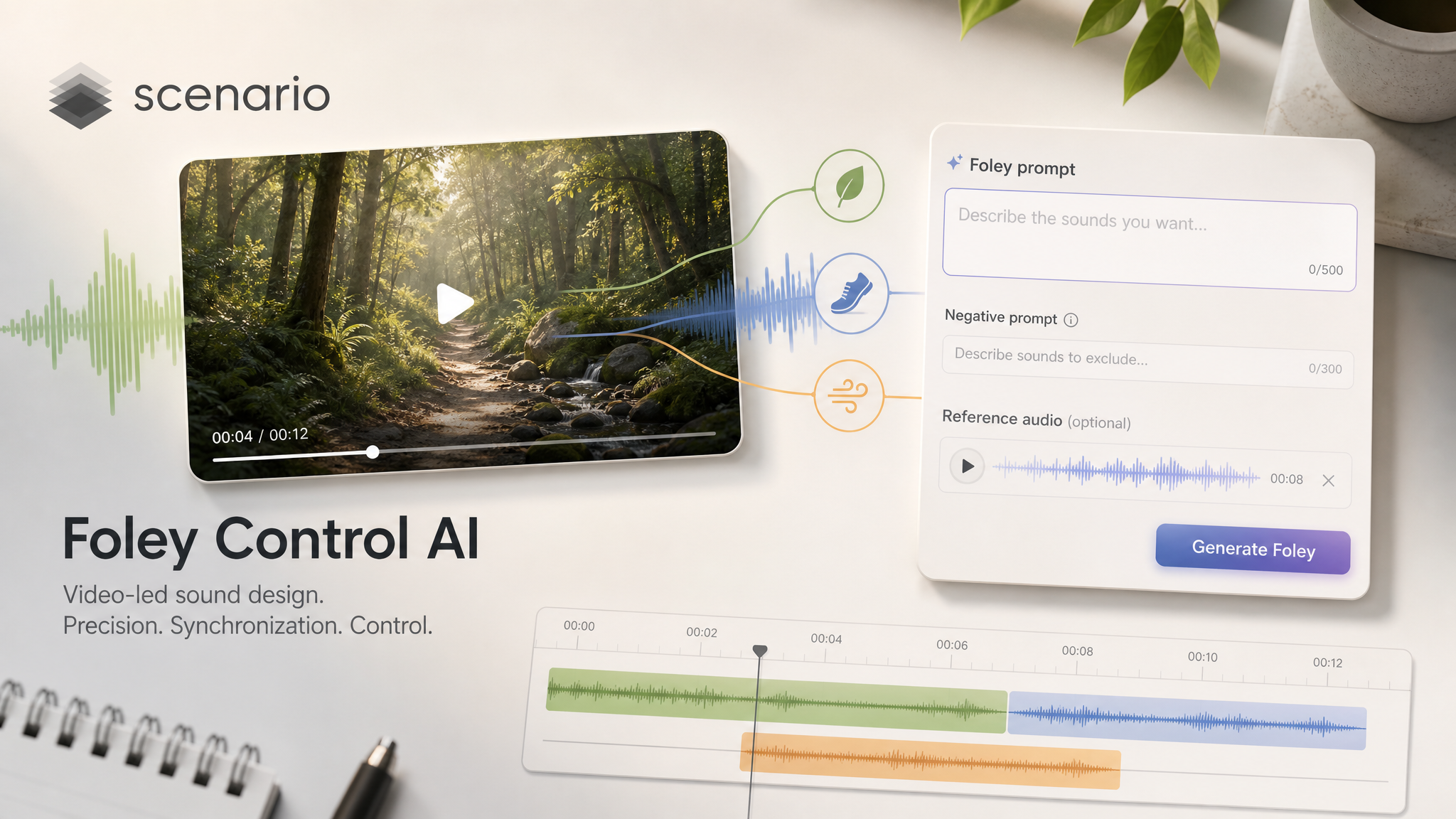
Video-led sound design on Scenario: synced ambience and effects you can steer with words, guardrails, and a tiny reference clip.
You bring a finished clip or a rough cut. Foley Control returns a new version where the soundtrack matches footsteps, impacts, weather, props, and room tone as the picture changes. That saves hours of manual sound spotting when you still need something believable for a client review, a vertical ad, or a gameplay trailer.
The model can follow the visuals alone, or you can type a short line that says what you want to hear. You can also list traits to avoid, and you can hand it a two to four second sample so the color of the sound leans toward a tone you already like.
Always start from a video you are allowed to use, and expect the usual content checks that run on uploads inside Scenario.
What you can create with it
Think of it as an automatic foley pass: doors, cloth, vehicles, nature beds, light crowds, and stylized sci-fi or cartoon layers all stay tied to the action. You stay in the driver seat because you can rewrite the prompt, tighten the negative line, or swap reference audio until the vibe matches your story.
Exports stay inside Scenario as new video and audio assets you can download, share with collaborators, or feed into the next step of your pipeline.
What you bring into the run
Upload the video you want to treat. Clear picture edits help the model feel scene changes, so give it the same cut your audience will see.
Optional text is plain language about the sound bed you want. If you leave that field empty, the model leans harder on what it sees.
Optional reference audio should be a very short clip. Scenario exposes two to four seconds for timbre guidance. Shorter clips get padded, longer ones get trimmed, so pick a tight moment that already sounds close to your goal.
How to get a strong first pass
Describe outcomes, not a spec list. Good prompts read like a line from a spotting sheet: rainy street with distant traffic, wooden floor creaks, hero cloth rustle.
Use the negative line when you keep hearing the same mistake. Examples: no music bed, no singing, no stadium crowd wash, no harsh clipping.
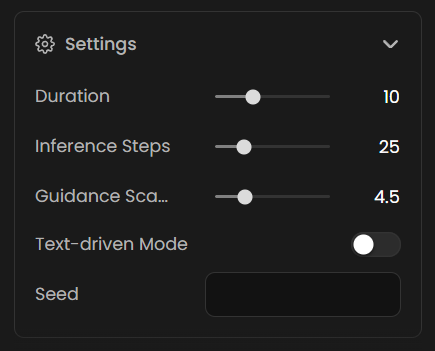
When words and picture fight each other, Scenario offers a text-driven mode that tells the system to let language lead more than the frame. Try it on stylized pieces where the visuals are abstract but the script is literal.
Duration targets how long the new audio should run, but it never stretches past your source clip. If you only need six seconds of fresh sound, set that before you spend time on a longer render.
Fine-tuning
Inference steps: lower values feel faster and lighter on usage, higher values ask for more refinement passes.
Guidance: raise it when you want the prompt to pull harder, lower it when the mix feels stiff or over-literal.
Seed: lock one when you like a take and only want small tweaks around it.
Use Cases
Game capture: Layer believable combat foley and world beds before you book a mix engineer.
Marketing spots: Add punchy sound design to hero moments in product or lifestyle footage.
Film school cuts: Temp a scene for critique night when library sfx searches would eat the schedule.
E-learning: Give software walkthroughs subtle office or classroom realism without re-recording room tone.
Travel and documentary selects: Fill missing ambience on b-roll that was shot on a tight set.
Prototype audio for interactive pitches: Ship a vertical slice with synced sound before you commit to a full audio pipeline.
Tips for Better Results
Start with one clear sentence. Describe the sound field in everyday language, then iterate if a second pass needs sharper contrast.
Pair prompt and negative. When you ban music, say so explicitly so vocals do not sneak back in as a pad.
Trim reference audio before upload. Give the model a clean two to four second loop so timbre guidance stays on target.
Match duration to the beat you are selling. Shorter renders iterate faster when you are still exploring tone.
Move guidance in small steps. Large jumps can swing the mix from too literal to too loose in one hop.
Reserve text-driven mode for stylized conflict. Use it when narration or on-screen text should outweigh ambiguous visuals.