Scenario for Enterprise
Last updated: October 5, 2026
Introduction
Scenario is built to scale — whether your team has 50 creatives or 500. Our Enterprise Plans adapt to your needs, providing the flexibility and customization required to support your creative workflows as you grow. Every key element can be tailored to your organization, including:
Plan flexibility
Enterprise plans are customized to your organization. Typical elements include:
Seats: add users as the team grows.
Credit allowances: monthly compute aligned with production volume.
Concurrent generation limits: throughput during peak demand.
Inference performance: optimized queues for faster turnaround.
Storage: capacity for projects, assets, and trained models.
Compute scale: resources for intensive video, 3D, and training workloads.
Pay-as-you-go: optional overage billing beyond included CUs (see Pricing & Plans).
Enterprise plans also include a 30% compute discount on platform generation versus standard paid tiers.
Benefits
Enterprise customers receive more than just enhanced capacity — you gain a strategic partner. Benefits can include:
Dedicated (isolated) infrastructure – Private servers for enhanced security and performance.
Bria integration – Access fully licensed, IP-friendly content generation.
Priority feature requests – Help shape Scenario’s product roadmap.
Early access to new features – Be first to test and adopt innovations.
Enterprise-level support – SLA response times up to 24/7, a dedicated Customer Success Manager, a private Slack channel, tailored onboarding, hands-on model training, and the option to purchase custom training sessions or workshops for your team.
Data Protection: No Data Reuse
Enterprise customer data is not reused for training shared models. Uploaded datasets and generated outputs remain fully isolated. This ensures that proprietary material and workflows stay within your environment.
Analytics and monitoring
Organization admins use Analytics to track Compute Unit consumption by date, user, model, project and category, and the Compute planner to estimate costs. Activity Trail provides a searchable audit log of platform actions (Enterprise). Reports support internal chargeback, adoption tracking, and compliance reviews.
Governance and cost control
Activity Trail (Settings > Organization > Activity Trail) logs generations, uploads, model changes, deletions, and workflow runs with user attribution, timestamps, and inline previews. Filter by date range, user, project, event and API key, and click Export CSV. Export or pull the same data via API for SIEM, BI, or internal dashboards.
Bring Your Own Keys (BYOK) routes supported third-party models (OpenAI, Google, Anthropic) through your organization's own provider API keys, added in Settings > Organization > External Keys. Provider usage bills to your account; Scenario applies a small post-processing fee per asset. Platform features such as training, storage, and workflow infrastructure remain on Scenario billing. See BYOK (Bring Your Own Keys).
Model access (Settings > Organization > Models) lets admins turn each model on or off, and choose whether to Automatically enable new models. Members only see enabled models. Use for cost control, compliance, or BYOK-only policies.
Enterprise model access includes premium upscalers and tools not on lower tiers. See What models are available on my current plan? (Enterprise section).
Data Lineage and Audit Trail
Enterprise environments include lineage tracking and audit logs. Each output can be traced to its source input, with a record of user actions. This supports compliance requirements, internal governance, and intellectual property verification.
Hands-On Support
Beyond standard support, Enterprise clients have access to direct assistance for configuration, workflow setup, and training. Dedicated sessions can be arranged for prompt design, custom model usage, or integration planning.
Custom Integrations
Scenario can be integrated into existing enterprise systems. Options include connecting to digital asset management (DAM) tools, integrating proprietary ML models, or linking Scenario workflows to internal APIs. This allows teams to keep established processes while extending them with Scenario’s generation capabilities.
Bria Integration
Intellectual property matters. Through our integration with Bria, Enterprise clients can choose to generate with a model trained exclusively on 100% licensed datasets. This provides an extra layer of protection for copyrighted and trademarked materials, making it ideal for IP-sensitive projects.
Security
Security is central to Scenario Enterprise. Measures include:
SSO via SAML 2.0 for centralized authentication (Okta, Azure Entra ID, Google Workspace, and other SAML providers). Setup is coordinated with your account manager. See SSO and SAML Setup.
SOC 2 compliance and access to security reports.
Role-based access control, advanced permissions, and project isolation.
Audit logs and lineage tracking for governance and IP verification.
Data isolation: custom training data and outputs are not reused to train shared models.
Full security documentation: trust.scenario.com.
Already Trusted by Industry
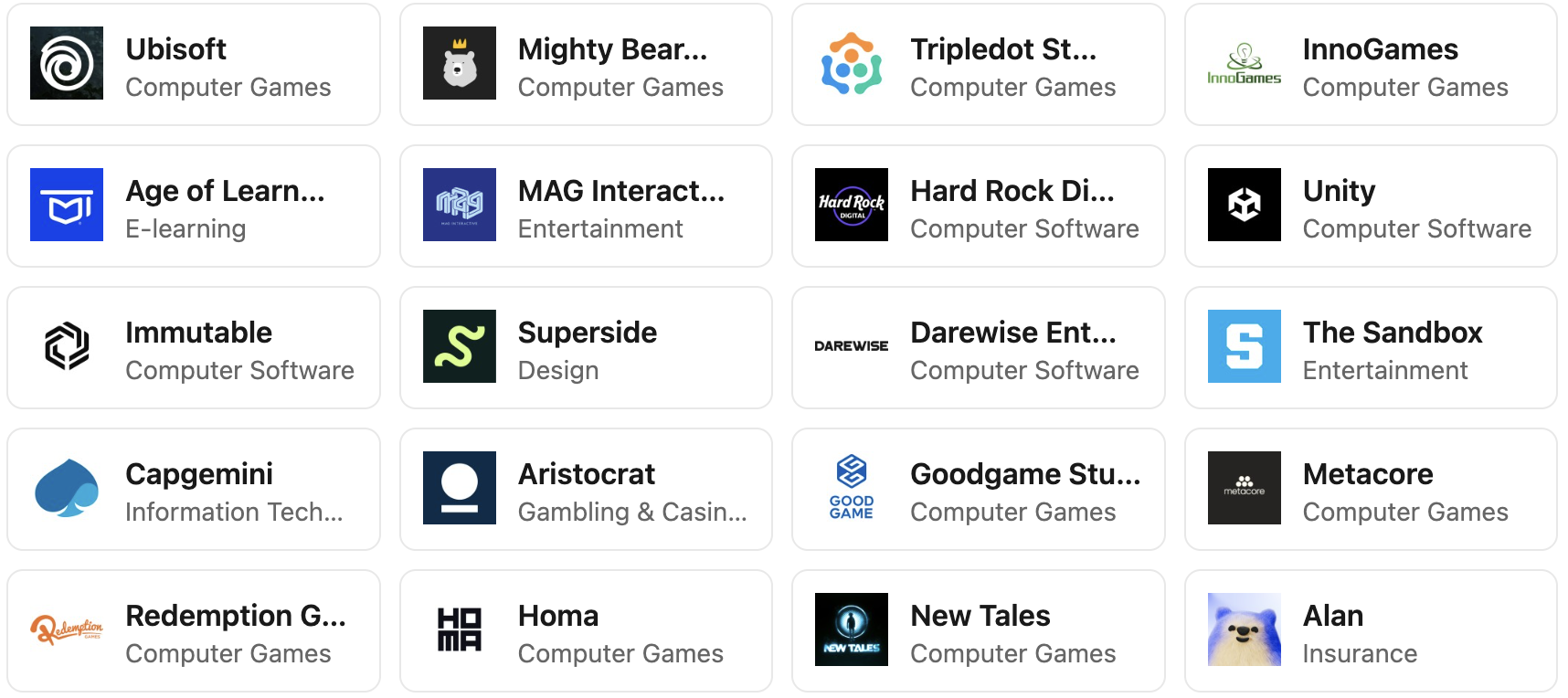
Scenario supports production workflows for studios such as Scopely, Tripledot Studios, Metacore, Unity, Innogames, Ubisoft, Age of Learning, and Superside. These teams rely on Scenario for consistent, large-scale creative output.
Related articles: Pricing & Plans · BYOK (Bring Your Own Keys) · What models are available on my current plan? · Model Costs for Asset Generation · Introduction to Scenario