Manage Your "Max“ Plan's Seats
Last updated: October 13, 2026
Easily manage the number of seats in your organization with our Max plans, ensuring your team size aligns perfectly with your project needs.
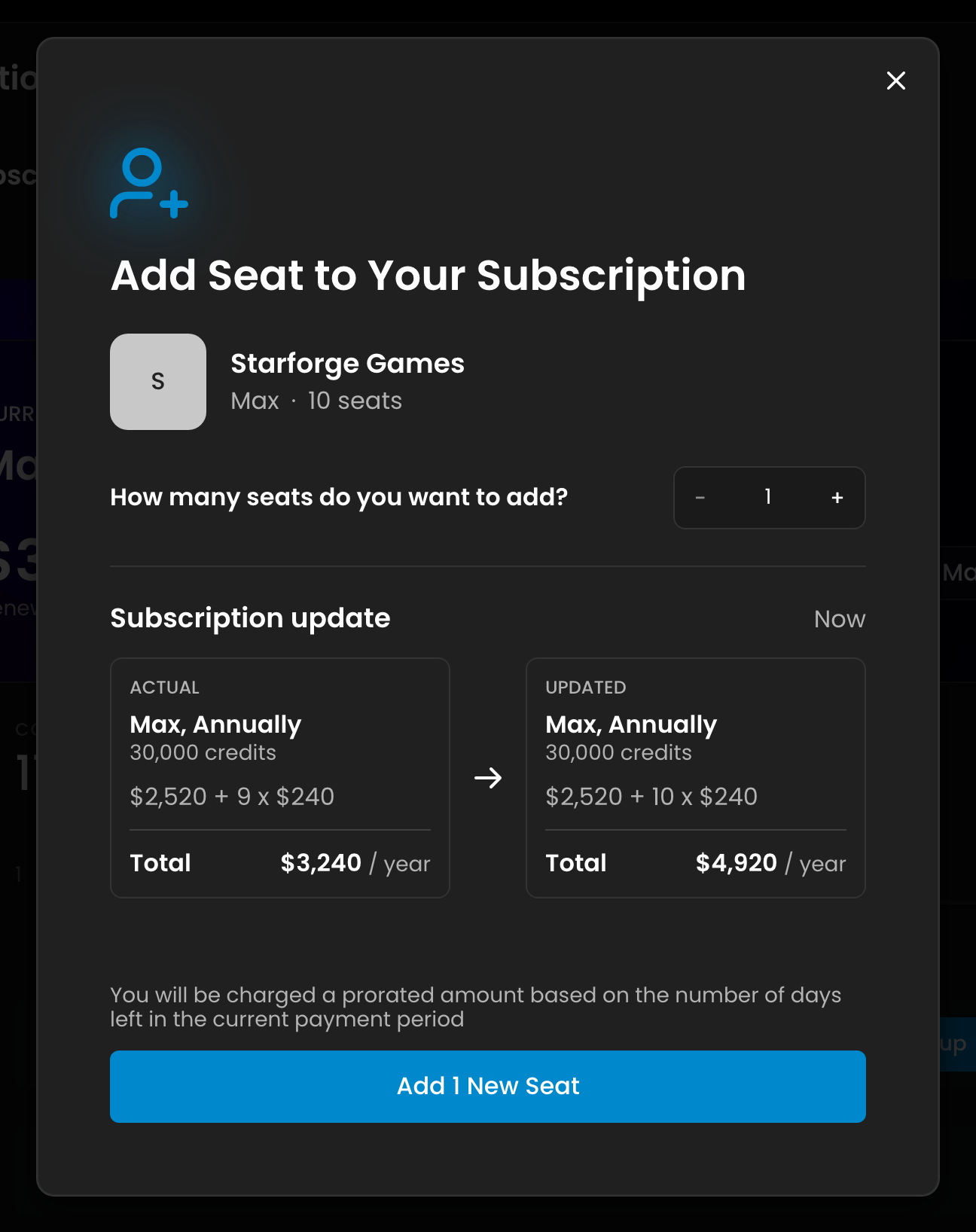
What Max includes: one seat, and a workspace for up to 25 users in total. Every user beyond the first needs an additional seat, at $30 per seat per month ($240 per seat per year on annual billing). Each additional seat also adds 1 TB of storage. Scenario shows the exact amount in the Manage Seats window before you confirm.
If you're using a Max plan, managing the number of seats in your organization is a straightforward process that allows you to adjust the capacity of your team as needed. Here's how to do it:
1. Access Organization Settings
To begin, navigate to your organization settings. You can do this by clicking the context switcher at the top left, then the Organization settings gear icon next to your organization. More info on Organization settings on our dedicated article.
2. Go to the Billing Section
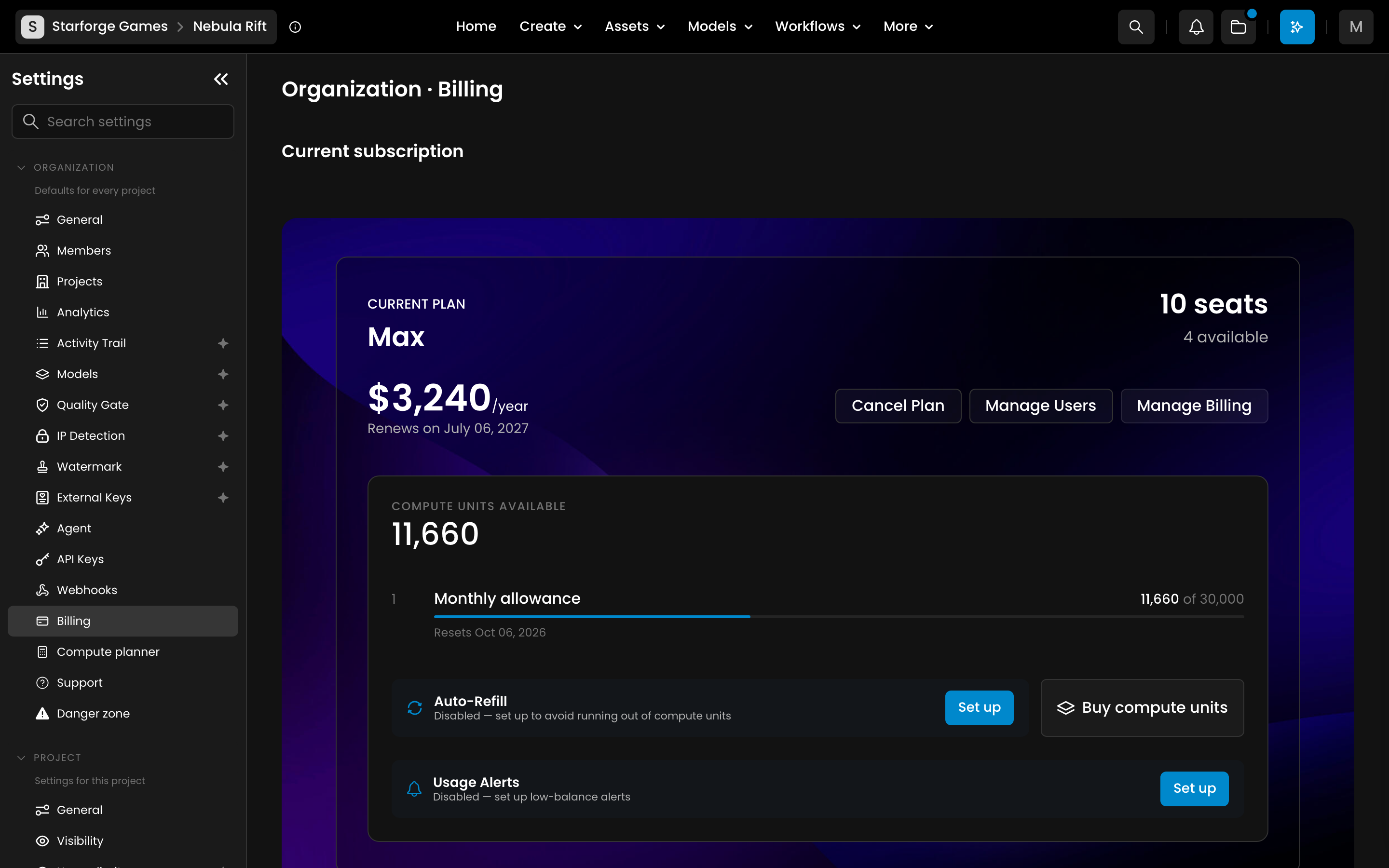
Once in the organization settings, open the Billing section (Settings > Organization > Billing). This is where you can view your current plan details, including the number of seats you have and the cost associated with them.
3. Manage Seats
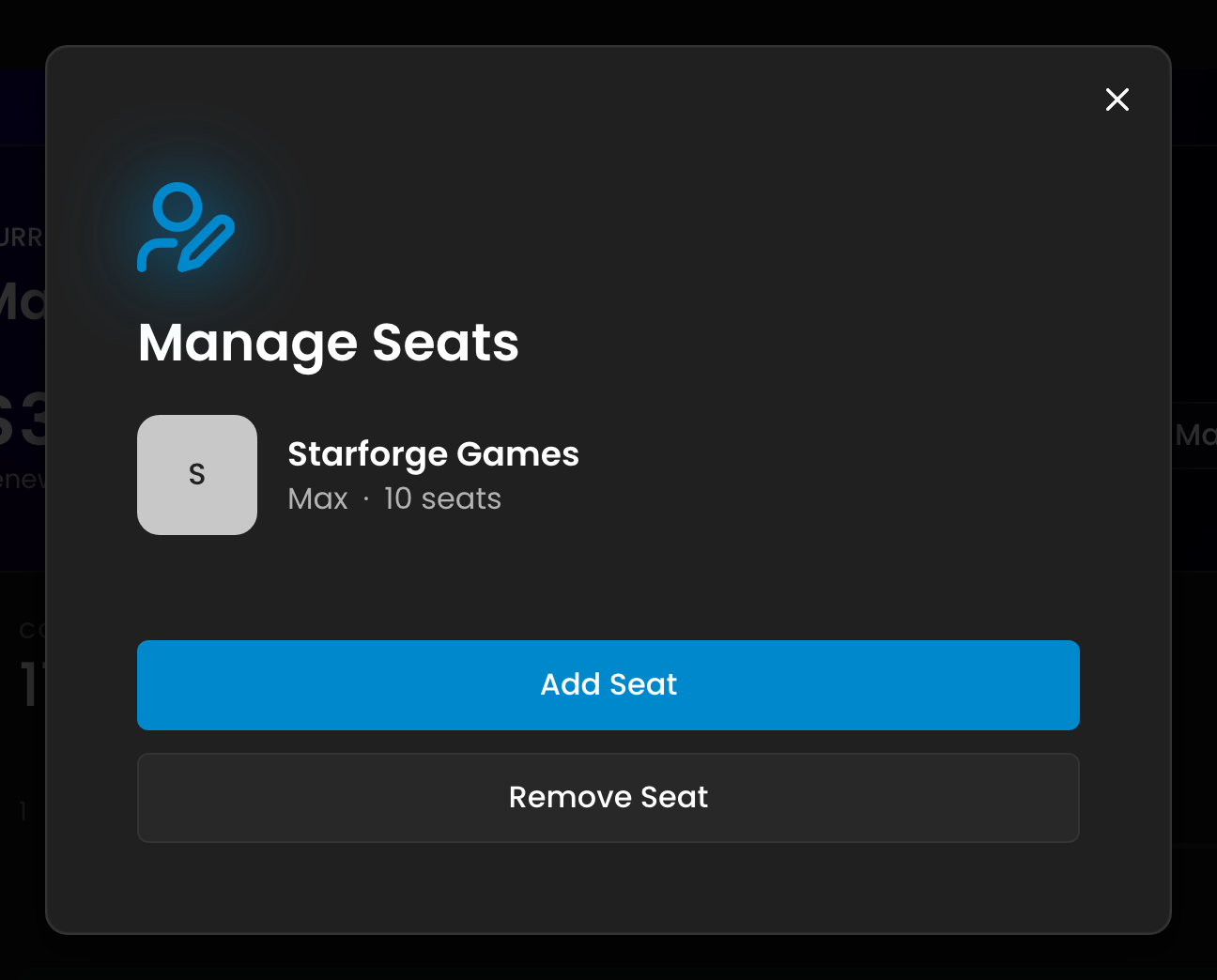
In the Billing section, click Add More Users (or Manage Users if you already have extra seats) to open Manage Seats, then choose Add Seat or Remove Seat.
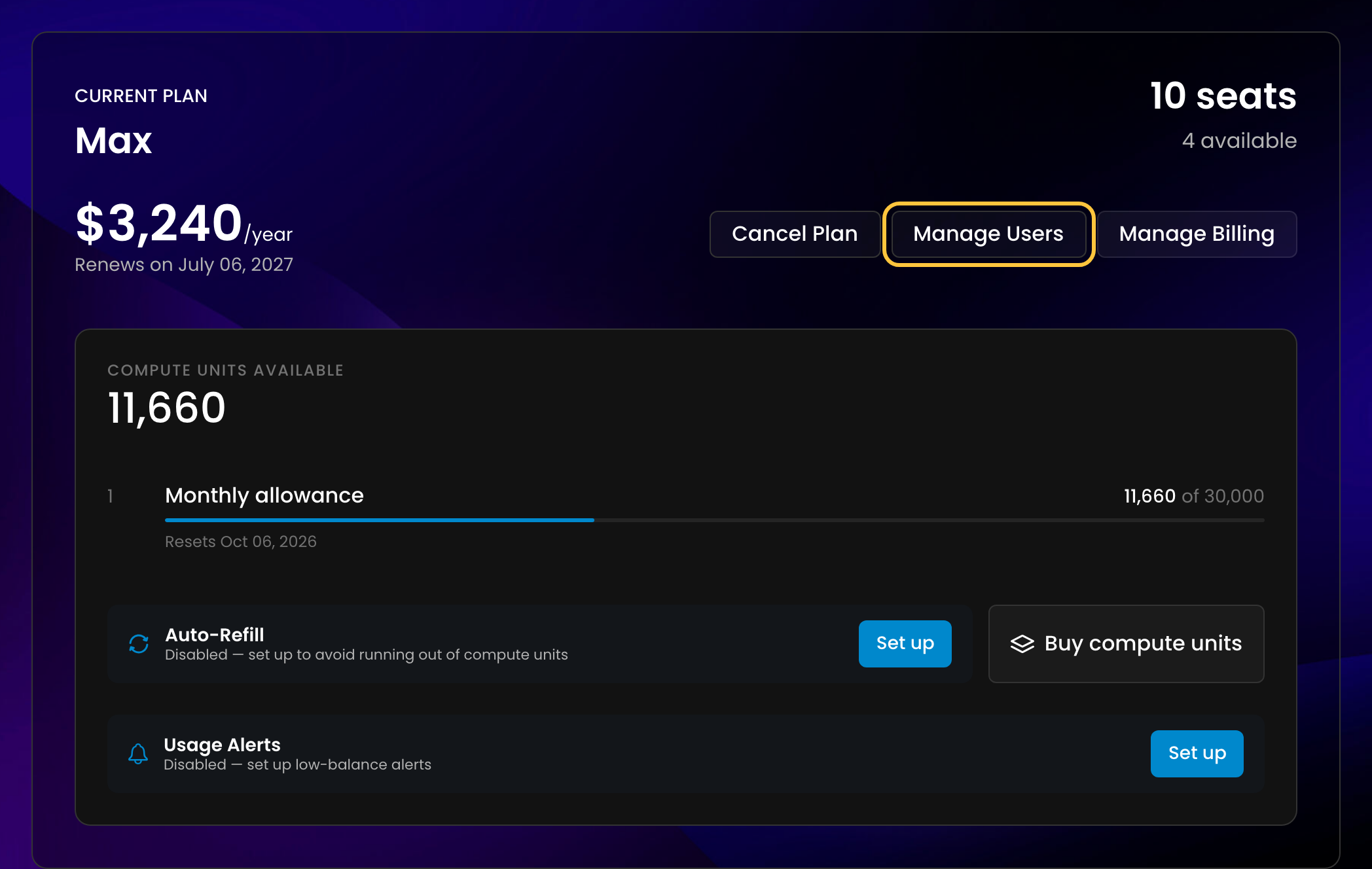
This option allows you to add or remove seats based on your current needs.
Adding Seats: If you need to add more seats to your organization, simply specify the number of additional seats you require. The new seats will be added immediately, and the cost will be applied prorated according to your billing cycle. This means you'll only be charged for the remainder of the billing period for those seats.
Removing Seats: If you want to reduce the number of seats, you can do so by choosing how many unassigned seats to remove. Only unassigned seats can be removed: remove a member first if no seat is free. The reduction will take effect in the next billing cycle, ensuring that your team has sufficient time to adjust.
4. Understand the Costs
When you add seats, the prorated charge will reflect the remaining portion of the billing cycle. If you remove seats, the adjustment will be scheduled for the following billing period.